Food Delivery Route Optimization: How to Keep Every Order Hot and On Time

Food Delivery Route Optimization

Food Delivery Route Optimization: How to Keep Every Order Hot and On Time

user profile

Ruchita Purohit

July 17, 2026

Table Of Content

Here’s something most delivery advice skips right past: a hot meal is a depreciating asset. The second that lid clicks shut, a countdown starts, and every minute it spends in a bag on a back seat pulls it further from what left the kitchen. A parcel doesn’t care if it arrives at 1pm or 3pm. A biryani does. Fries do. That soup absolutely does.

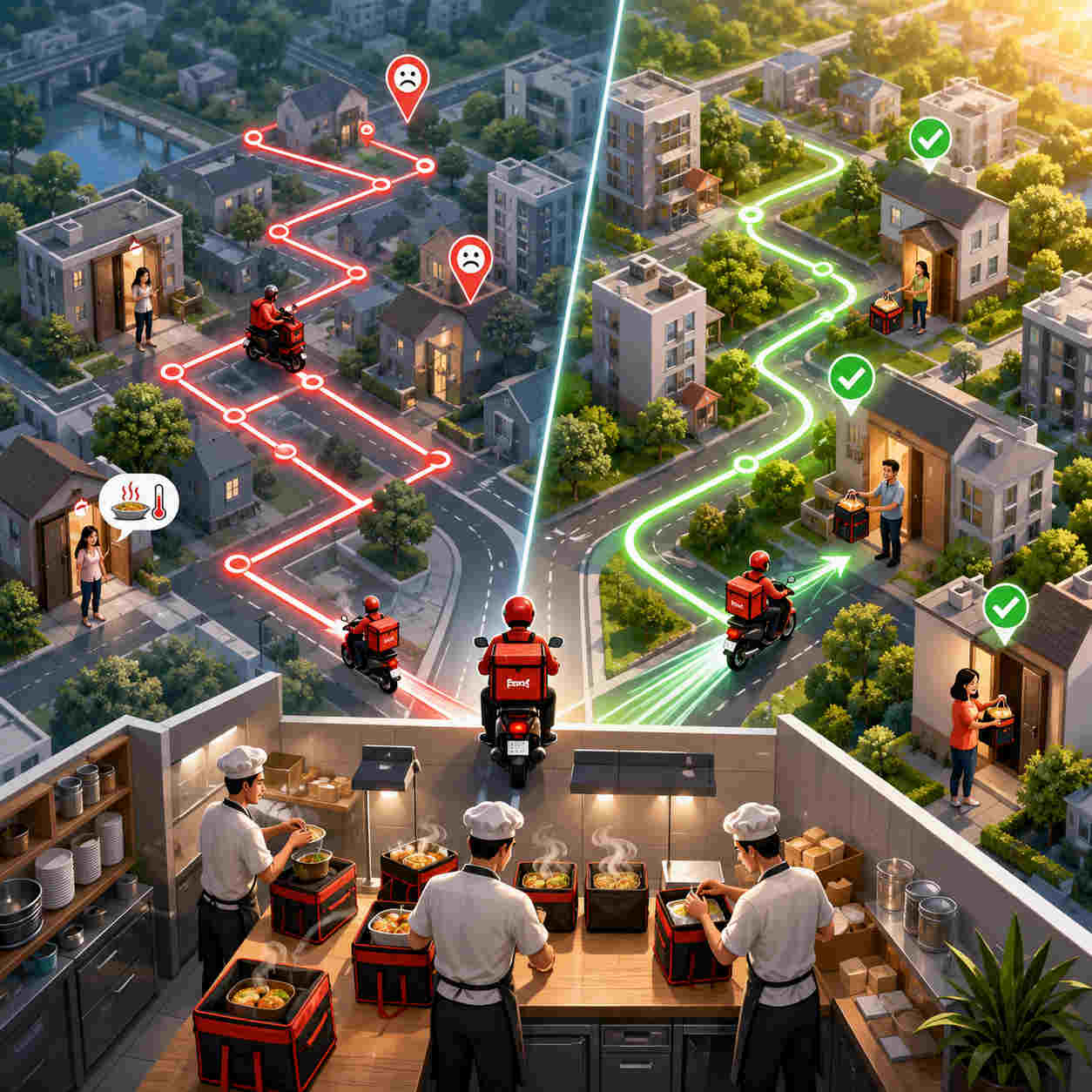
So food delivery isn’t really a delivery problem. It’s a race against cooling, and the finish line is a customer who either becomes a regular or never orders again. That’s the whole game, and it’s exactly the game food delivery route optimization software is built to win, by sequencing every stop around real drive time and order readiness so meals reach the door in the state they left the pass.

This guide takes a slightly different route than most. Before any features or feature lists, we’ll settle an honest question a lot of vendors won’t ask you: do you even need this? Then we’ll get into which food businesses it genuinely helps, where your minutes leak away, and how the right food delivery route optimization software buys them back. Let’s start the clock.

The Clock Starts the Moment the Lid Closes

Picture the last order of a busy lunch rush. It’s bagged, it’s sitting on the counter, and it’s perfect. Now it waits four minutes for a driver. Then it rides along while that driver drops two other orders that happened to get bagged first. By the time it lands, it’s twenty-five minutes older and a good bit colder, and the customer has no idea it was ever perfect. They just know their lunch was lukewarm.

Nothing in that story was a cooking failure. It was a routing failure. The food was fine; the sequence was wrong. And that’s the quiet truth about this whole category: the biggest lever on food quality at the door isn’t the kitchen, it’s the order in which drivers hit their stops and how long each meal waits before it’s even picked up.

Food delivery route optimization software is the tool that takes that decision away from guesswork. Instead of a dispatcher dragging pins around a maps app, or a driver deciding on the fly, it works out the fastest, most sensible order to run a batch of stops, weighing drive time, delivery windows, and how fresh each order is. Think of it as a heat-management system that happens to look like a route planner. Keep the total time-in-bag low and you keep the food hot. It really is that simple, and that hard.

An Honest Question: Do You Even Need This?

Now the part most articles won’t tell you, because it doesn’t sell software to everyone. Not every food business needs route optimization. If you run a restaurant doing on-demand delivery, where an order comes in and one driver runs it straight to a single address, there’s nothing to optimize. A route with one stop is just a trip. Dropping money on a multi-stop food delivery app for that is like buying a forklift to carry a sandwich.

Route optimization earns its keep at one specific moment: when a single driver leaves with a batch of stops, roughly five, ten, or more, that all have to be sequenced. That’s when the number of possible routes explodes and no human orders them perfectly by hand. One driver, one drop, back to base? Skip it. One driver, twelve drops across a zone, all cooling by the minute? Now food delivery route optimization software is the difference between hot and sorry.

So here’s the simple test, and it’s worth putting on the wall: if your driver leaves the kitchen with a list, you need routing. If orders trickle out one at a time, you don’t. The businesses in the next section are the ones that leave with a list every single day. If you see yourself there, keep reading. If you don’t, you just saved yourself a subscription.

Who This Is Really For

The sweet spot for food delivery route optimization software isn’t the on-demand crowd. It’s planned, recurring, high-density delivery. Same drivers, batches of stops, tight windows, and product that won’t wait. Here’s where it genuinely pays off. See if one of these is you.

  • Subscription tiffin & meal-prep. Fixed daily or weekly subscriber lists, the same customers every cycle, and dense routes packed into a lunch or dinner window. About as close to a textbook fit as it gets, since every driver rolls out with a full, known list.
  • Milk & dairy rounds. The original recurring route. Same doorsteps, same order, every morning, with product that has to land before the day warms up. A classic case for a multi-stop food delivery app built for routine drops.
  • Grocery delivery. Batches of orders assigned per driver against tight afternoon and evening windows, with chilled and frozen items that punish any backtracking. High-density routing is the whole ballgame here.
  • Bakery supply. Pre-dawn drops to cafés, shops, restaurants, and hotels that all need their bread and pastries before they open. Miss the window and you didn’t just deliver late, you missed the entire selling day for that account.
  • Beverage & bottled-water delivery. Recurring runs to homes, offices, and retail: water coolers, soft drinks, the office coffee supply. Often with a return leg for empties, which makes clean sequencing even more valuable.
  • Produce, CSA & farm-box delivery. Weekly box subscribers strung across a region on one route. Freshness is the promise, so time-in-transit is the number that matters most.
  • Meal-kit delivery. Scheduled batches going out to a subscriber base, where the whole brand rests on boxes arriving cold-chain intact and on the right day.
  • Multi-drop catering. Not the single big wedding, but the runs that hit several offices, venues, or events in one go. The moment a catering driver has more than a couple of drops, a restaurant delivery route planner starts saving real time.
  • Coffee & office-pantry supply. Recurring restocking across dozens of business accounts, where reliability and a predictable arrival window keep the contract renewed.

One more you might be wondering about: full B2B food distribution, meaning wholesale produce, dairy, frozen, restaurant and grocery supply, the 30-to-50-stops-a-run operations. That’s a bigger, more specialized beast with cold-chain compliance layered on top, so we gave it its own deep-dive rather than cramming it in here. If that’s your world, read our guide to route optimization software for food distributors instead, since it’s written for exactly that scale.

Notice the thread running through all of these: recurring customers, batched stops, and food that’s fighting the clock. That’s the profile. If it’s yours, the rest of this guide is for you.

What About Restaurants and Cloud Kitchens?

Fair question, since the words “food delivery” make almost everyone picture a restaurant. Here’s the nuance. A single-location restaurant running the occasional on-demand order still doesn’t need a restaurant delivery route planner: one order, one driver, one address, nothing to sequence. But plenty of restaurants have quietly turned into batched-delivery operations without ever calling it that, and those absolutely do.

The moment a restaurant runs its own drivers and sends them out with several orders at once, whether that’s a lunch push to nearby offices or a dinner cluster spread across a few neighborhoods, it’s playing the exact same game as everyone else on this list. A restaurant delivery route planner sequences those batched orders so the food stays hot and the driver stops doubling back across town. That’s real food delivery route optimization software work, restaurant badge or not.

Cloud kitchens are the sharpest version of this. One kitchen, often several brands, firing dozens of orders into the same rush from a single address. That’s not on-demand. That’s high-volume batched delivery, and cloud kitchen delivery routing is what makes it survivable. Without smart cloud kitchen delivery routing, a busy hour becomes a pile of cold, late orders and a wave of refunds. With it, a lean fleet clears the volume and the food still arrives worth eating. So the honest rule holds: on-demand restaurant, probably not; a restaurant or cloud kitchen running batched runs, definitely. The same last mile food delivery software logic applies either way.

Where the Minutes Disappear

If time-in-bag is the enemy of hot food, it helps to know exactly where those minutes vanish, because that leak map is precisely what food delivery route optimization software is built to read. And they rarely disappear in one dramatic chunk. They leak, a few at a time, in places nobody’s watching. Here’s where a delivery day quietly bleeds time.

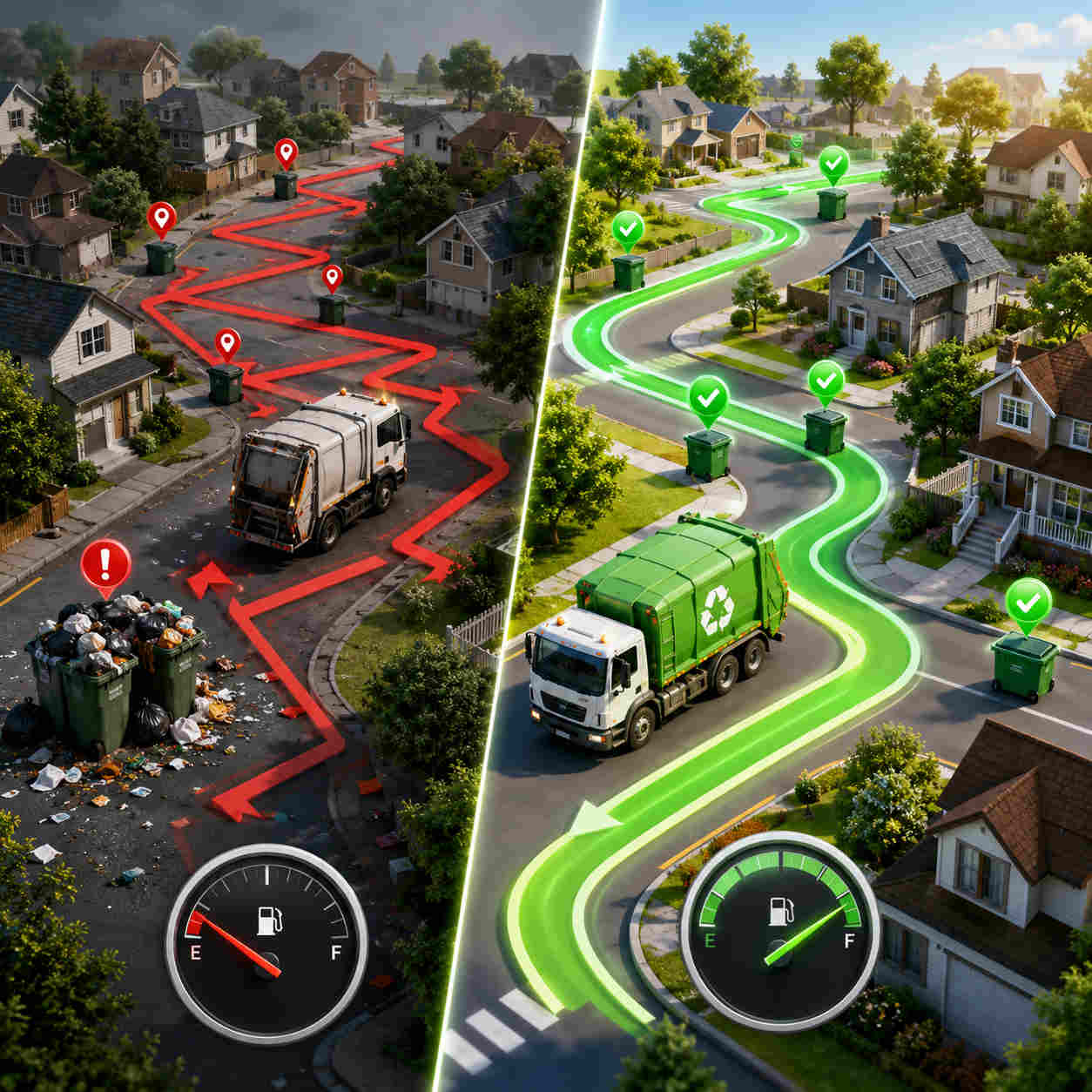
The zig-zag route. A driver sent across a zone and back again because the stops were never properly ordered. It looks like driving. It’s actually just cooling food in motion. This single problem is the one food delivery route optimization software was invented to kill.

Dispatching before the food’s ready. A driver arrives to collect an order that isn’t up yet, so they stand around, or worse, they leave with what’s ready and the late order waits for the next run. Either way, minutes gone. Good planning stages pickups around when orders are actually ready, not just when a driver’s free.

One driver drowning while another idles. Without something balancing the load, one driver ends up with fifteen stops and a cold sweat while another finishes early and scrolls their phone. Uneven routes mean some customers always wait too long. A proper last mile food delivery software spreads the work so no single route becomes the slow one.

The customer with no idea where their food is. No live ETA means the customer starts calling, the office starts chasing the driver, and everyone’s stressed before the food’s even close. The information gap doesn’t cool the food, but it torches the experience just as badly.

No proof it ever arrived. “It never came.” Without a timestamp and a photo, that’s your word against theirs, and you usually eat the cost, literally and figuratively. Disputes are their own kind of leak, costing you money, time, and trust.

Add these up across a full service and you’re not losing one minute, you’re losing dozens, spread invisibly across every route. The fix isn’t making drivers hurry. It’s closing the leaks so the minutes never escape in the first place.

How Route Optimization Buys the Minutes Back

So how does food delivery route optimization software actually claw back all that lost time? Not with one trick, but with a handful of them working together, each one plugging a leak from the section above.

It sequences around drive time and readiness. The core move: instead of running orders in the sequence they came in, the software orders stops by real road drive time, so drivers stop zig-zagging and start flowing neighborhood to neighborhood. Bodha’s route optimization plans on actual road speeds, not straight lines, so the plan holds up on the street. Factor in your prep and service times and a driver isn’t sent to grab a meal that’s still on the pass.

It batches smartly, then assigns the right driver. Good last mile food delivery software groups nearby stops into sensible runs and hands each batch to the driver who can clear it fastest from where they already are. That’s how you get more stops per driver without any single order sitting too long.

It re-plans when the rush shifts. Orders don’t stop coming just because the routes are built. A capable multi-stop food delivery app re-optimizes as new orders land mid-service, folding them into the nearest active route instead of forcing a rebuild. The route stays a living thing, not a list you’re locked into.

It puts the route on the driver’s phone. An optimized sequence is useless on a dispatcher’s screen. A real driver app delivers turn-by-turn navigation, the stop order, and delivery notes, so drivers move without calling in.

It keeps the customer in the loop automatically. Live tracking plus automatic ETA texts and a tracking link mean the customer watches their food approach instead of phoning to ask. For a restaurant delivery route planner, that’s the feature that quietly kills the “where’s my order?” calls. Bodha customers routinely see those drop by around 70% in the first month.

It captures proof at the door. A timestamped, photo-backed proof of delivery at each stop ends the “it never arrived” arguments in seconds. One lookup, dispute settled.

Put those together and food delivery route optimization software stops being a planning chore and becomes the thing that keeps your food hot, your drivers efficient, and your customers off the phone.

The Batching Decision: More Stops Without Colder Food

Here’s the tension at the heart of food delivery, and it deserves its own moment. Batching more stops onto one driver saves you money: fewer trips, less fuel, better use of the people you’ve got. But batch carelessly and you get exactly what you were trying to avoid, cold food, because the first order sat in the bag while the driver ran four more.

This is the real skill, and it’s where cheap tools and serious food delivery route optimization software part ways. A good one doesn’t just cram stops together to look efficient. It weighs the trade-off: how many orders can share a run before the earliest one crosses the line from hot to sad? It groups by proximity, respects each order’s freshness window, and can push the most heat-sensitive drops to the front of the sequence. You get the cost savings of batching and keep the food acceptable at every door.

For a cloud kitchen delivery routing setup especially, where one location might pump out dozens of orders across several brands in a single rush, getting this balance right is the entire operation. Batch well and a cloud kitchen scales beautifully on a handful of drivers. Batch badly and every extra order just means more lukewarm complaints. Smart cloud kitchen delivery routing is what lets you say yes to volume without saying goodbye to quality, and it’s a big part of why a purpose-built multi-stop food delivery app beats a generic maps app the moment your order count climbs.

What to Look For (and What to Ignore)

When you go shopping for food delivery route optimization software, the feature lists all start to blur together. So here’s a shorter way to think about it: judge everything by whether it keeps food hot, drivers efficient, and customers informed. These are the things that actually do that.

True multi-stop optimization across your fleet. Not single-route planning that just hands the balancing act back to your dispatcher. You want the whole batch sequenced and shared across drivers in one pass. This is the beating heart of any real restaurant delivery route planner.

Real road drive times. Straight-line estimates produce routes that look tidy and drive terribly. Insist on live, road-aware timing.

Fast mid-service re-optimization. Rushes are chaos. Adding an order and reslotting the route should take seconds, or the tool has failed at the one moment that counts.

A driver app people actually use. Navigation, stop order, notes, one-tap status. If your drivers fight the app, none of the routing matters.

Live tracking, ETAs, and proof of delivery. The trio that handles the customer side: visibility going out, and a clean record coming back.

Easy import and recurring routes. If you run the same subscribers weekly, you shouldn’t re-type them. Look for spreadsheet import and a customer CRM that remembers your regulars, plus route analytics so you can tighten things over time.

And now for the part nobody says out loud. What to ignore: if you’re a batched-delivery food business, you probably don’t need a heavyweight platform bolted onto full POS, accounting, and inventory just to route drivers. That’s a different, pricier tool for a different job. A focused last mile food delivery software that nails routing, tracking, and proof, and plays nicely alongside the ordering system you already use, is usually the faster, cheaper, better fit. In other words, the right multi-stop food delivery app solves the one problem that actually cools your food; it doesn’t try to run your entire business. Don’t pay enterprise prices to solve a routing problem.

Getting Hot Food Out the Door With Bodha

If your operation looks like the ones earlier in this guide (batches of stops, recurring customers, food racing the clock), this is where Bodha fits. It’s software-first, so there’s no hardware and no drawn-out setup. Most teams import their stops and customers from a spreadsheet, optimize their first routes, and dispatch to drivers inside an hour.

From there, the day runs itself more than you’d expect. Drivers follow optimized routes on the Bodha app and capture proof at each door. Dispatch watches the whole fleet live and reslots on the fly when the rush spikes. Customers get automatic ETAs and a tracking link. And every route feeds analytics you can use to keep tightening. Food businesses that switch from manual planning typically see up to 30% lower fuel costs, around 25% more deliveries per driver, and that 70% drop in “where’s my order?” calls, all of which, not coincidentally, add up to hotter food landing on time.

The honest framing: Bodha is a food delivery route planner, not an all-in-one restaurant OS. It doesn’t run your menu, your billing, or your kitchen. It runs your routes, and it slots in alongside the ordering tools you already have. That focus is the point. You get serious food delivery route optimization software, real-time tracking, notifications, and proof of delivery, without paying for a bloated platform you’d half-use. You can see exactly what it costs on the pricing page before spending a rupee or a dollar. Whether you’re running subscription tiffin, a grocery round, or cloud kitchen delivery routing across several brands, the same food delivery route optimization software does the heavy lifting. If your meals are showing up a little colder and a little later than they should, tightening your routes is the most direct fix there is, and you could be running a hotter, faster operation by tomorrow’s rush.

Frequently asked questions

It's a tool that sequences a batch of delivery stops into the fastest, most sensible order across your drivers, weighing real road drive times, delivery windows, and how fresh each order is. The goal is simple: keep total time-in-bag low so meals arrive hot and on time. It's most useful when a driver leaves with many stops to run, not for one-at-a-time on-demand drops.

Usually not. If an order comes in and one driver takes it straight to a single address, there's no route to optimize. It's just a trip. Route optimization starts paying off when a driver carries a batch of five, ten, or more stops that have to be sequenced. That's why it fits subscription, grocery, bakery, and similar batched operations far better than one-off restaurant delivery.

By attacking the one thing that cools food: time in transit. It orders stops to cut backtracking, batches nearby deliveries sensibly, can push the most heat-sensitive orders to the front, and stages pickups around when food is ready. Less time bouncing around a zone means less time for the meal to go cold before it reaches the door.

Yes. Good food delivery route optimization software re-optimizes mid-service, folding new orders into the nearest active route instead of making you rebuild the whole plan. Dispatch can add or reassign a stop and the affected route recalculates on the spot, which is exactly what you need when volume spikes without warning.

No, and it shouldn't try to. A focused restaurant delivery route planner like Bodha handles routing, tracking, and proof of delivery, and works alongside the ordering system you already use rather than replacing it. You keep your menu, billing, and order intake where they are, and simply add the last mile food delivery software layer that gets orders to the door efficiently.

The batched, recurring ones: subscription tiffin and meal-prep, milk and dairy rounds, grocery delivery, bakery supply, beverage and bottled-water delivery, produce and CSA boxes, meal-kit services, multi-drop catering, and office-pantry restocking. Anywhere a driver leaves with a full list of stops and the product is fighting the clock, a multi-stop food delivery app earns its keep quickly.

Ready to keep every order hot and on time?

Start a free trial of Bodha's food delivery route planning.

Subscribe to Our Blog

    Related blogs

    How to Plan Delivery Routes: A Practical Guide for Operators

    How to Plan Delivery Routes: A Practical Guide for Operators

    Back Table Of Content Something every experienced dispatcher knows: the difference between a good day and a chaotic…

    Reduce Delivery Costs: 10 Proven Strategies That Actually Work

    Reduce Delivery Costs: 10 Proven Strategies That Actually Work

    Back Table Of Content Last-mile delivery is the most expensive part of the logistics chain. It accounts for…

    Best Route Optimization Software for Food Distributors in 2026: Features, Pricing & Top Picks

    Best Route Optimization Software for Food Distributors in 2026: Features,…

    Back Table Of Content In food distribution, the clock runs everything. You’re moving perishable stock through narrow receiving…

    Emergency Dispatch for HVAC and Plumbing: How to Route Urgent Calls to the Right Tech

    Emergency Dispatch for HVAC and Plumbing

    Emergency Dispatch for HVAC and Plumbing: How to Route Urgent Calls to the Right Tech

    user profile

    Ruchita Purohit

    July 16, 2026

    Table Of Content

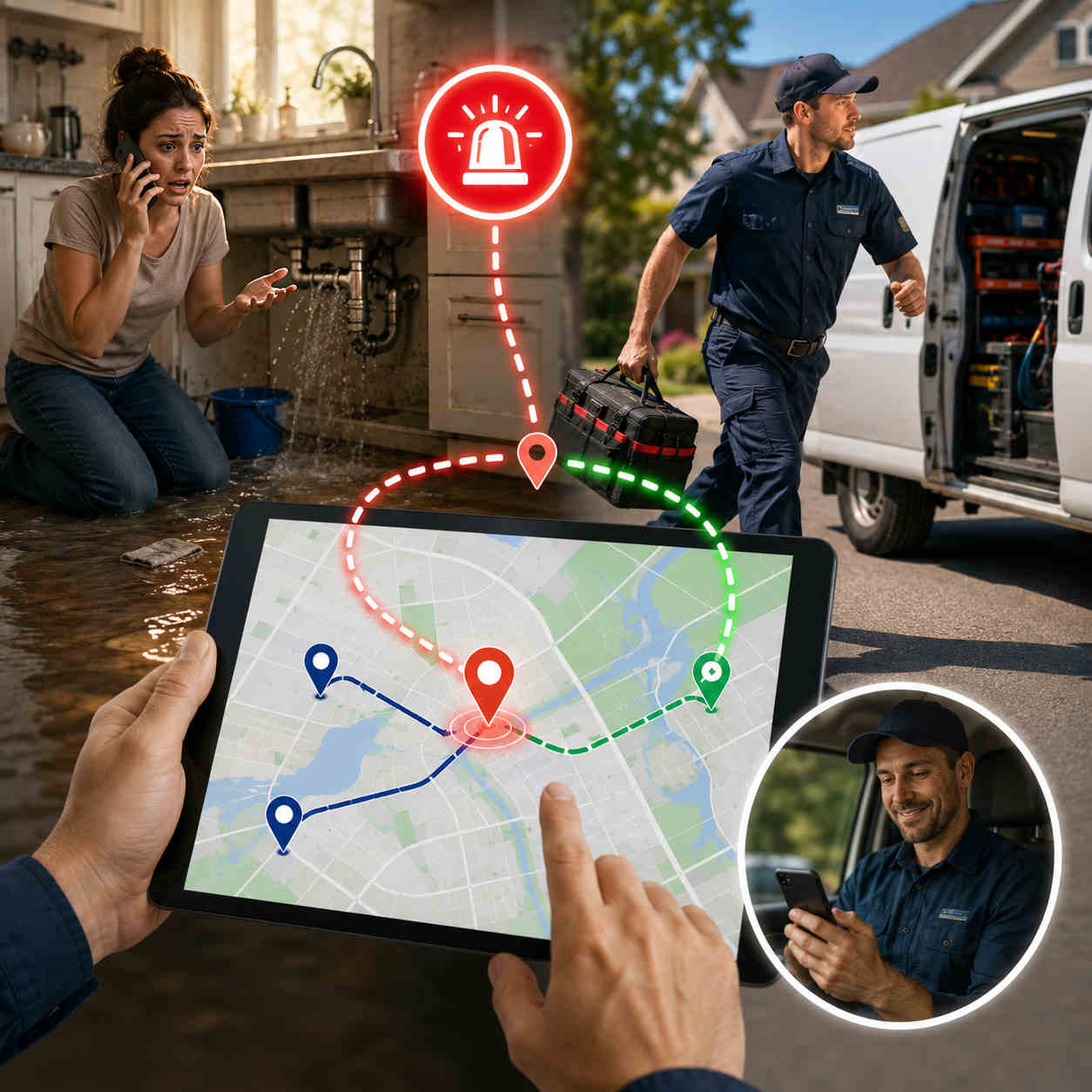
    Three o’clock. Hottest day of the year. The phone rings and it’s a family whose AC just quit, there’s a baby in the house, and they need somebody now. Your dispatcher’s face does that little thing it does, and then the scramble starts. Who’s closest? Nobody’s totally sure. One tech gets pinged, turns out he’s halfway across town. Another’s elbow-deep in a job and can’t leave. Twenty minutes go by. The customer’s still sweating. And somewhere in the back of their mind, a one-star review is already writing itself.

    You know that scene. Every shop does. But look closely and it isn’t really a people problem. Your dispatcher is good. The problem is that they’re flying blind, because you can’t route what you can’t see. When the whereabouts of your crew live in someone’s head instead of on a screen, every urgent call becomes a guess. That’s the whole reason HVAC emergency dispatch software exists. It tells you who’s genuinely closest and free, drops the urgent job into the day without knocking everything else over, and gets the right person moving in minutes, not twenty.

    So let’s get into it. What HVAC emergency dispatch software actually does, why the manual way falls apart at the exact moment you need it most, how the urgent call routing HVAC and plumbing crews depend on really works under the hood, and what to look for so your next 3pm disaster is a two-tap reassignment instead of a fire drill. Burst pipe or dead furnace, the job’s the same: get the right person there fast, and don’t torch the rest of the day doing it.

    What Is HVAC Emergency Dispatch Software?

    Plainly put, it’s the tool that gets the right tech to an urgent job fast, on its own, instead of your dispatcher working three phones at once. A same-day call comes in. The software shows you every tech’s live location and what they’re in the middle of, helps you send the nearest one who can actually break away, reshuffles that tech’s route to fit the new job, and drops the change onto their phone. The customer gets an ETA without anyone lifting a receiver. And your office quits firefighting.

    Worth drawing a clear line here, because the trades software aisle is a confusing place. A full field service platform runs the paperwork: job records, invoicing, parts, memberships. An answering service makes sure somebody picks up at 2am. HVAC emergency dispatch software is the bit in between, the part that turns a logged panic call into a truck actually pointed at the problem. Same story for plumbing emergency dispatch, by the way. A pipe letting go at 4pm is the same puzzle as a furnace dying at midnight: someone needs help this minute, and you need your closest capable person there without wrecking five other appointments.

    Here’s what trips people up, though. You don’t have to throw out what you’ve already got. Decent same-day service dispatch software doesn’t fight your stack, it slides in next to it. Already running an FSM or an answering service? Emergency dispatch adds the live eyes and the instant rerouting those tools usually don’t have. Still working off a whiteboard and a cell phone? Then honestly, this is the one upgrade that’ll change your ugliest days the most. Either way the pitch is the same: quicker urgent call routing HVAC and plumbing operators can lean on, minus the chaos.

    Why Manual Emergency Dispatch Falls Apart Under Pressure

    On a slow day, a sharp dispatcher with a whiteboard and a phone looks like a wizard. Problem is, emergencies don’t book themselves for slow days. They land on the days you’re already slammed, and that’s precisely when the manual way buckles. Here’s where the cracks show.

    You’re guessing who’s closest. No live tracking means “who can grab this?” gets answered from memory, off a mental map that went stale an hour ago. That tech you pictured nearby? He wrapped up and drove clear across town twenty minutes back. Guess wrong on an emergency and a fifteen-minute response becomes forty. This, right here, is the daily headache behind urgent call routing HVAC teams keep losing sleep over.

    Double-books and dropped balls. Mid-scramble, two techs get aimed at the same job while a third request slips off the whiteboard entirely. One move, and you’ve burned a truck and lost a customer. Manual plumbing emergency dispatch punishes this hardest, because water doesn’t wait around politely while you untangle the mix-up. It’s soaking the drywall the whole time.

    One emergency, whole day gone. Wedge an urgent call onto a tech by hand and watch his next three appointments wobble, then slide, then collapse. Those customers ring in irritated. The afternoon dominoes. You spend the back half of the day saying sorry. Without same-day service dispatch software to reslot things cleanly, a single emergency taxes everything downstream of it.

    It all lives in one head. When “who’s where and what’s on fire” exists only in your dispatcher’s memory, the whole operation stops the second they take lunch. That’s a shaky way to run the part of the business your reputation hangs on.

    And the reputation hit keeps on giving. A slow emergency isn’t one bad afternoon and done. It’s a one-star review parked on your profile for years, quietly waving the next customer toward the competition. In this trade, how you handle the emergency is the story people tell, at the cookout, in the neighborhood Facebook group, in the review that pops up when somebody Googles you at midnight with a flooded basement. Get it right and it sells for you for years. Get it wrong and it costs you just as long. Field service dispatch software is how you make sure it’s the good version.

    Tally it up and manual emergency handling isn’t just stressful, it’s a slow bleed. Every laggy response, every double-book, every blown schedule leaks money and goodwill out the same hole. HVAC emergency dispatch software patches it by swapping the guesswork for a live picture you can actually act on.

    How Emergency Dispatch Software Routes Urgent Calls to the Right Tech

    Cut through the sales speak and good HVAC emergency dispatch software really does five plain things the instant an urgent call hits. Each one lifts a task off your dispatcher’s plate at the worst possible moment. Here’s the sequence, front to back.

    First, it shows you who’s actually closest. Live GPS tracking puts the whole crew on one map, updating in real time, so “who’s nearest?” stops being a hunch. You see where everyone is and what they’re doing, and you pick the tech who can truly get there quickest, not the one you half-remember being in that zip code. That’s the bedrock of any real urgent call routing HVAC and plumbing shops can trust.

    Then it slots the job in and re-optimizes on the spot. Adding an emergency shouldn’t mean rebuilding the whole day from zero. Solid route planning reshuffles that tech’s remaining stops around the new urgent job in seconds, and lets you grab it and drag it yourself when you’d rather override the machine. This is the line between same-day service dispatch software and a glorified calendar: the day flexes to swallow the emergency instead of snapping under it.

    Next, the new route lands on the tech’s phone. The updated stop shows up in the technician’s mobile app right away, navigation, notes, gate codes and all. No phone call, no “okay so from where you are, head back toward Elm.” He just sees it and goes.

    Meanwhile, the customer gets a heads-up automatically. The second a tech is assigned and rolling, an ETA text and a tracking link go out on their own. For a panicked homeowner watching their kitchen flood, “help is 15 minutes out” is the whole difference between a grateful review and a furious one. Just as true for plumbing emergency dispatch as for a no-cool call in August.

    And finally, it captures proof. Timestamped, photo-backed proof of service logs exactly when the truck showed and what got done. Anybody ever argues the response time or the work, you’ve got the receipt. Quiet insurance a paper job sheet could never give you.

    String those five together and the urgent call routing HVAC and plumbing teams used to dread stops being a scramble. Call comes in, you spot who’s closest, the job drops in, the tech rolls, the customer’s already been texted, all in less time than it used to take just to find somebody.

    Balancing Emergencies With the Planned Day

    Here’s what makes trades dispatch genuinely tricky, and it’s worth sitting with. Your day is never all emergencies or all planned work. It’s both, braided together. A tech’s got a tidy morning of tune-ups, and then 2pm rolls around and a no-cool call lands that flat-out can’t wait. The whole craft of dispatch is soaking up the urgent without ditching the planned, and protecting that balance is really what HVAC emergency dispatch software is for.

    It comes down to the re-optimization. Add an emergency and the software doesn’t just staple it to the end of somebody’s day and let the rest topple. It weighs the whole board: who can take the urgent job with the least damage, whose leftover stops can shift, how to keep the most appointments on time. Good same-day service dispatch software treats the emergency as one more thing to solve around, not a grenade rolled under the schedule.

    That balancing act guards your recurring money, too. The maintenance agreements and seasonal tune-ups that actually pay your rent don’t get sacrificed every single time an urgent call jumps the line, because the system reslots with some sense instead of bumping whatever’s easiest to bump. Tie that to a client CRM holding every site’s history and access notes, and even a last-minute fill-in tech rolls up knowing where the shutoff is and which dog bites. That’s where field service dispatch software quietly pays for itself, not on the dramatic rescue, but on keeping the ordinary day whole while it pulls off the dramatic one.

    What to Look For in HVAC & Plumbing Emergency Dispatch Software

    Plenty of tools wear the “dispatch software” label without being built for the speed a real emergency demands. So when you’re weighing up HVAC emergency dispatch software, these are the things that actually earn their money at 3pm on the worst afternoon of the summer.

    Live GPS, not “last check-in.” You need every tech’s true, current spot on one map, or you can’t send the genuinely closest person. Any field service dispatch software worth a dime treats this as the whole point, not a bolt-on.

    Re-optimization that’s actually instant. Dropping in an urgent job and resequencing the affected route should take seconds. If it’s twenty minutes of manual dragging, the tool just failed the one exam that counted. This is the beating heart of same-day service dispatch software.

    An app your techs won’t hate. The slickest reassignment on earth is useless if it never reaches the truck cleanly. You want a fast app, real navigation, job notes, and one-tap status updates flowing back to dispatch.

    Customer texts that fire on their own. An ETA and a tracking link the moment a tech’s en route. For plumbing emergency dispatch especially, that little bit of reassurance flips a frightened caller into a loyal customer.

    Proof of service. Timestamped, photo-backed, arrival to sign-off, so response times and finished work are never a “well, he said he showed up” situation.

    It plays nice with what you already run. The best HVAC emergency dispatch software rides alongside your FSM, your scheduler, your answering service, instead of demanding you rip everything out. Import the jobs, dispatch, reroute, keep the invoicing and booking you already trust.

    Setup measured in minutes. Emergencies won’t hold for a three-month rollout. Look for something you can load from a spreadsheet and run inside an hour.

    Reports you’ll actually open. Analytics on response times and completed jobs tell you whether your urgent call routing HVAC and plumbing process is getting better or just feels like it is, and where to aim next.

    Check most of those boxes and you’ve got emergency dispatch that holds up when the pressure’s on, not one more screen to glare at while the phone won’t stop.

    What Faster Emergency Response Actually Delivers

    Easy to talk about all this in the abstract, so let’s put it in dollars and reviews. The obvious win is speed. Shaving an emergency from forty minutes to fifteen is the kind of thing customers don’t forget, and not forgetting is exactly what turns a one-time panic call into a regular and a glowing review. Your emergency response is your reputation, and your reputation fills next month’s calendar.

    Then there’s the leak you plug. Fewer double-books means fewer wasted truck rolls. Cleaner rerouting means the planned jobs you’d otherwise bump stay on the books, so you protect the day’s revenue instead of robbing one job to pay another. And because good field service dispatch software banks proof of every response, the callback squabbles that used to swallow an afternoon get settled in about ten seconds. There’s a softer payoff too: your dispatcher climbs out of permanent fight-or-flight. When the map does the finding and the software does the reslotting, the person running your board gets to manage the day instead of just surviving it. Calmer office, faster trucks, better reviews. That’s the quiet compounding you get from nailing the urgent call routing HVAC and plumbing teams live or die by.

    Where Emergency Dispatch Fits: Software vs. FSM vs. Answering Service

    People tie themselves in knots here, so let’s untangle it. These tools overlap, but they fix different things, and knowing which you actually need keeps you from overpaying for the rest.

    An answering service makes sure the call gets caught, day or night. Necessary, but it taps out at “we’ve logged your emergency.” A field service management platform runs the back office, records, invoices, parts, memberships. Also worth having, but heavy, and not built for split-second rerouting. HVAC emergency dispatch software is the connective tissue between them, the thing that turns a logged urgent call into a truck physically closing in on the problem, and keeps the rest of the day standing while it happens.

    So the real answer is they work best shoulder to shoulder, not instead of each other. Answering service catches the call. Your same-day service dispatch software finds the nearest tech, reslots the route, gets them moving. Your FSM cuts the invoice after. Loads of shops run good field service dispatch software right next to the tools they already own and let each one do the job it’s actually good at. That’s exactly how Bodha’s built, tight routing, dispatch, tracking, and proof that tucks into your setup instead of bulldozing it.

    Getting Started With Bodha

    Best part for anyone drowning in emergency chaos? How fast this flips. Because Bodha is software-first and runs off the tech’s app, most shops are dispatching live inside an hour. Pull your jobs and customer list in from a spreadsheet, get the crew on the app, and you’re ready before the next urgent call even rings. No hardware, no drawn-out onboarding.

    After that, emergencies get almost boring, which is the whole idea. Call lands, you glance at the live map in Bodha Fleet, spot who’s closest, drop the job in, and the route re-optimizes and pushes itself to the tech’s phone. Customer gets an ETA. Proof of service closes it out. Shops that switch usually see quicker response times, fewer blown schedules, and a real dent in the “where’s my technician?” calls that used to eat the front desk alive, on top of the up-to-30% fuel savings that come with tighter routing across the board.

    Bodha’s HVAC and plumbing route planner keeps its focus narrow on purpose: live tracking, instant re-optimization, proof of service, automatic customer texts, all riding alongside the FSM and answering service you already run. Poke around the pricing page before you spend a nickel. If urgent calls keep turning your afternoons into fire drills, HVAC emergency dispatch software is the shortest path out, and you could be handling the next one calmly by this afternoon. (Want the wider picture on tightening every route, not just the 3pm scrambles? Start with our guide to HVAC and plumbing route planning software.)

    Frequently asked questions

    It's the system that gets the right tech to an urgent job fast, automatically, instead of a dispatcher working the phones. When a same-day call lands, HVAC emergency dispatch software shows every tech's live location, helps you send the nearest one who can break away, reshuffles their route to fit the emergency, and pushes the change to their phone, while the customer gets an automatic ETA.


    It starts with live GPS, so you see who's genuinely closest instead of guessing from memory. You assign that tech, the software re-optimizes their remaining stops around the new job, and the updated route lands on their phone with navigation and notes. That's what turns the urgent call routing HVAC and plumbing teams wrestle with into a quick, confident call.

    Yes, and that's the entire point. Rather than stapling the urgent job to the end of someone's day and letting the rest slide, good same-day service dispatch software resequences the affected route with some sense, keeping as many planned appointments on time as it can. Your recurring maintenance and scheduled work stay protected while the emergency gets handled.

    Completely. A burst pipe is the same dispatch problem as a dead AC, get the nearest capable tech there fast before the damage spreads. Plumbing emergency dispatch runs on the same live tracking, instant rerouting, and automatic ETAs, so plumbing shops get the same fast, calm response HVAC teams do.

    No, and it usually shouldn't. Bodha's field service dispatch software is meant to work beside your existing tools, your answering service catches the call, Bodha finds the nearest tech and reroutes them, your FSM handles the invoice afterward. You keep what you rely on and just add the live visibility and instant rerouting those tools tend to lack.

    Setup itself is usually under an hour, since there's no hardware, just import your jobs and get the techs on the app. After that, responding to an urgent call takes seconds: see who's closest, drop the job in, and the route re-optimizes and dispatches on its own. Most shops notice quicker response times and fewer scheduling headaches inside the first week.

    Ready to get your techs off the road and onto the job?

    Start a free trial of Bodha's routing built for HVAC and plumbing teams.

    Subscribe to Our Blog

      Related blogs

      How to Plan Delivery Routes: A Practical Guide for Operators

      How to Plan Delivery Routes: A Practical Guide for Operators

      Back Table Of Content Something every experienced dispatcher knows: the difference between a good day and a chaotic…

      Reduce Delivery Costs: 10 Proven Strategies That Actually Work

      Reduce Delivery Costs: 10 Proven Strategies That Actually Work

      Back Table Of Content Last-mile delivery is the most expensive part of the logistics chain. It accounts for…

      Best Route Optimization Software for Food Distributors in 2026: Features, Pricing & Top Picks

      Best Route Optimization Software for Food Distributors in 2026: Features,…

      Back Table Of Content In food distribution, the clock runs everything. You’re moving perishable stock through narrow receiving…

      HVAC & Plumbing Route Planning Software: Fit More Service Calls Into the Day

      HVAC & Plumbing Route Planning Software

      HVAC & Plumbing Route Planning Software: Fit More Service Calls Into the Day

      user profile

      Ruchita Purohit

      July 16, 2026

      Table Of Content

      Here’s the uncomfortable math behind most trades businesses. Your technicians are skilled, your phone is ringing, and your calendar is full. So why does the day always seem to end with jobs left undone? Nine times out of ten, the answer isn’t the work. It’s the driving. A tech who spends two hours a day crawling across town between calls is a tech who’s being paid a skilled-trade wage to sit in traffic.

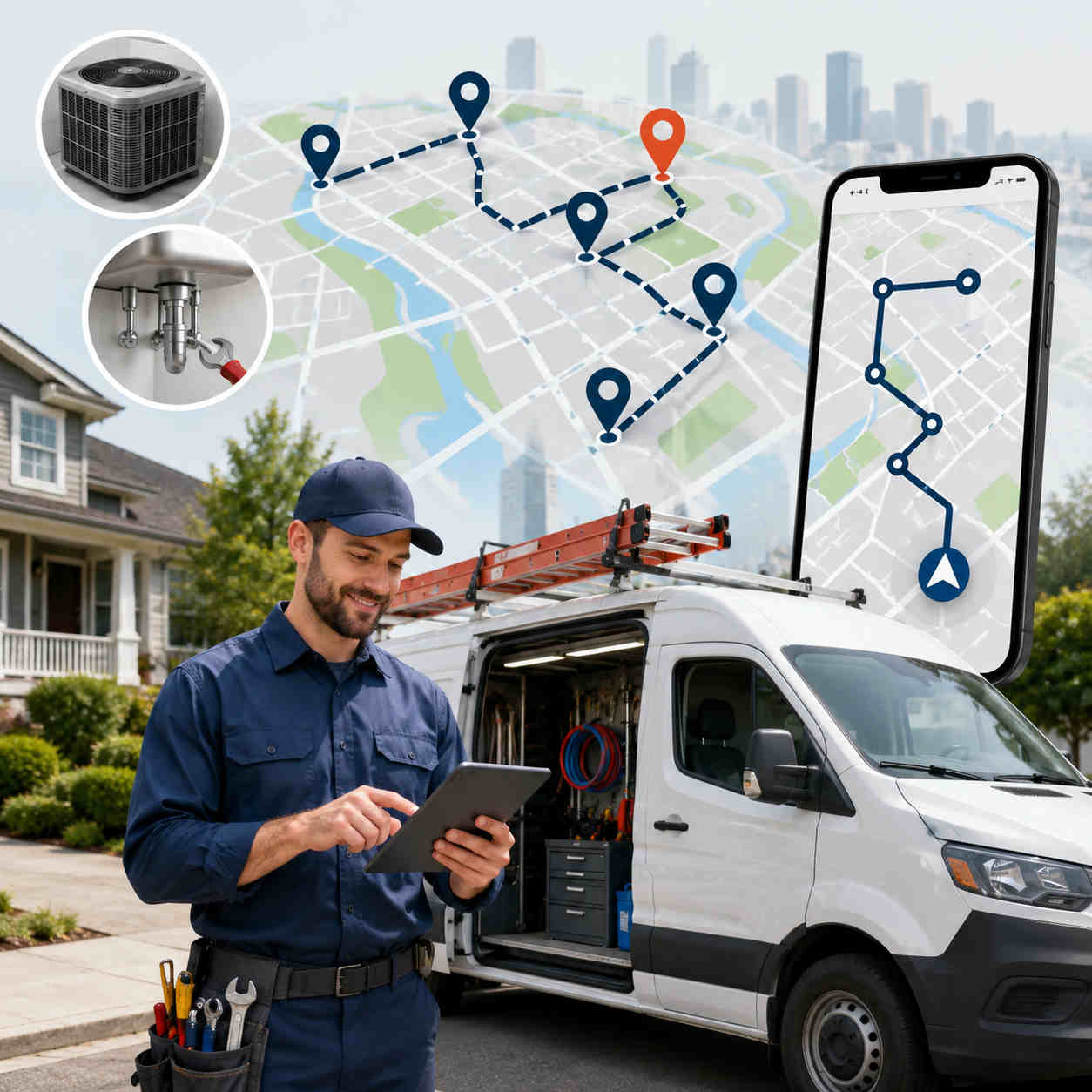
      That’s the exact problem HVAC plumbing route planning software is built to solve. It takes the jobs you already have, the techs you already employ, and the territory you already cover, and it sequences all of it into the tightest possible day, so your people spend more time turning wrenches and less time behind the windshield. Do that well and you can often fit an extra call or two into every tech’s day without hiring a single new person.

      This guide walks through what HVAC plumbing route planning software actually is, why drive time punishes the trades harder than almost any other business, what to look for before you buy, and where routing fits alongside the dispatch and field service tools you might already run. No jargon, no enterprise sales pitch. Just how to get more billable hours out of the day you already have.

      What Is HVAC & Plumbing Route Planning Software?

      At its core, HVAC plumbing route planning software is a tool that decides the smartest order and assignment for your service calls. Give it the day’s jobs and your available technicians, and it figures out who goes where, in what order, to burn the least drive time across the whole team. Then it hands each tech a clean route on their phone and lets dispatch watch it play out live.

      It helps to be precise about what this is and isn’t, because the trades software market is crowded and confusing. A full field service management (FSM) platform handles everything: job creation, invoicing, price books, parts, memberships. HVAC dispatch software handles the assignment and scheduling of work orders. And a technician route planner handles the piece those tools often do worst, the actual geography, sequencing stops so nobody criss-crosses the service area all afternoon. Good HVAC plumbing route planning software is really field service route optimization focused on that geographic layer, and it’s usually the fastest, cheapest win available to a growing shop.

      Here’s the part that trips people up. You don’t have to rip out your existing system to get it. The best technician route planner works alongside whatever you already use, pulling in the jobs and pushing back optimized routes. So if you’ve got plumbing scheduling software or an FSM you like, routing complements it rather than replacing it. If you’re still on spreadsheets and a whiteboard, HVAC plumbing route planning software is often the simplest first upgrade you can make, and the one your techs will feel on day one.

      Why Drive Time Punishes HVAC & Plumbing Teams So Hard

      Every field business deals with drive time. But a few things about the trades make it especially expensive, which is exactly why field service route optimization pays off faster here than almost anywhere else. Picture a five-tech shop where each tech loses ninety minutes a day to avoidable driving. That’s seven and a half hours of skilled labor evaporating daily, nearly a full extra tech’s worth of capacity you’re paying for and never getting. Now picture clawing back even half of it. That’s the size of the prize, and it’s why the trades are almost the textbook case for a technician route planner.

      Skilled labor is costly, and windshield time wastes it. A plumber or HVAC tech is one of your highest-paid field employees, and a typical service call runs anywhere from forty-five minutes to a couple of hours. Every half hour they spend driving is a big chunk of a billable job spent producing nothing. A technician route planner exists to claw that time back and turn it into wrench time.

      Customers hold you to appointment windows. Someone took the afternoon off work to meet your tech. When drive times slip, the window slips, the phone rings, and the rest of the day’s schedule starts to wobble. Tight routing keeps arrivals predictable, and predictable arrivals keep customers off the phone and out of your one-star reviews.

      Emergencies land on top of a full day. An AC unit dies on the hottest afternoon of the year. A pipe bursts at 2pm. These calls don’t wait, and jammed onto the end of a route by hand they wreck the day’s efficiency. This is where re-optimizing HVAC plumbing route planning software earns its keep, slotting the urgent job into the right place instead of the last place.

      The work is spread all over the map. A ten-call day across residential neighborhoods, commercial sites, one-way streets, and rush-hour traffic looks nothing like a tidy line on a map. Routes built from a dispatcher’s memory quietly pile up wasted miles, every tech, every day. Field service route optimization is what turns that mess into a clean, drivable sequence.

      Recurring maintenance stacks on top of repairs. Seasonal tune-ups, filter changes, service-agreement visits, all running alongside one-off repairs. Juggling recurring work and reactive work by hand is where plumbing scheduling software and a solid technician route planner start to look less like a luxury and more like a necessity.

      Add it up and the trades are almost the perfect case for routing software. High labor cost, tight windows, constant curveballs, and work scattered across a metro area. HVAC plumbing route planning software attacks the single biggest drain on the day, and it does it every single morning.

      How HVAC & Plumbing Route Planning Software Actually Works

      Strip away the buzzwords and a good technician route planner does a handful of concrete things, one after another, and each one removes a headache you’re currently eating by hand.

      It optimizes across every tech at once. This is the difference between real field service route optimization and a glorified map. Instead of a dispatcher balancing techs by gut feel, the software sequences the whole team in one pass, spreading the workload and cutting company-wide drive time. Import your jobs from a spreadsheet and it maps and plans the lot in seconds.

      It uses real road drive times, not straight lines. A route that looks efficient on a flat map can fall apart the second a tech hits a highway backup or a school zone. Good HVAC plumbing route planning software plans on actual road speeds, so the day holds up on the street, not just on screen. Bodha’s route optimization works exactly this way.

      It re-optimizes when the day changes. A cancellation, a job that runs long, an emergency call, none of it should mean rebuilding the schedule from scratch. The software reshuffles on the fly and pushes the update out. That’s the feature that makes emergency work manageable instead of chaotic.

      It puts the route on the tech’s phone. An optimized route is useless if it lives on a dispatcher’s screen. A proper driver and technician mobile app gives each tech turn-by-turn navigation, job notes, and access details, so they roll from stop to stop without calling the office.

      It tracks the whole team live. Dispatch sees every tech on one map through live tracking, which kills the “let me call and check” reflex and makes it easy to see who’s closest when an urgent call drops.

      It keeps customers in the loop automatically. Automatic ETA texts and a tracking link tell customers when the tech is on the way, and proof of service captured at the job settles any question about what was done. That’s the combination that quietly ends “where’s my technician?” calls.

      Stack those together and HVAC plumbing route planning software stops being a planning chore and becomes the engine that runs the day.

      What to Look For in a Technician Route Planner

      Not every tool sold to the trades is built for the trades, and the wrong one adds steps instead of removing them. When you’re comparing HVAC plumbing route planning software, these are the things that actually matter once real jobs and real traffic get involved.

      Multi-technician optimization in one pass. Some tools only optimize a single route at a time, which just moves the balancing act back onto your dispatcher. You want true field service route optimization across the whole team at once.

      Real drive-time data. Straight-line distance produces routes that look smart and drive badly. Insist on a technician route planner that uses real road times and traffic patterns.

      Fast, easy mid-day changes. Emergencies and cancellations are a daily fact of trades life. Adding an urgent job and re-optimizing should take seconds, not a schedule rebuild. This is where a lot of clunky HVAC dispatch software falls down.

      Recurring scheduling built in. For maintenance agreements and seasonal work, you want plumbing scheduling software behavior baked in: set a cadence per customer, and the system shows who’s due and drops them into the route. Bodha ties this to a built-in client CRM that keeps every site’s access notes and history in one place.

      A mobile app techs will actually use. If the route lands as a plain address list, that’s not an upgrade. Techs need navigation, notes, and one-tap status updates that sync back to dispatch.

      Live tracking and proof of service. Dispatch needs eyes on the team, and you need a timestamped, photo-backed record of each job to settle disputes and callbacks fast.

      Automatic customer notifications. ETA texts and a tracking link are what cut the inbound calls and make a small shop look polished.

      It plays nicely with your other tools. The best HVAC plumbing route planning software complements your existing FSM or plumbing scheduling software instead of forcing a rip-and-replace. You should be able to import jobs, optimize, and push routes without abandoning the invoicing and booking you already trust.

      Tick most of these and you’ve found a technician route planner worth paying for, not a generic map app in a work-truck costume.

      Route Planning vs. Dispatch vs. Full Field Service Software

      This is where a lot of buyers get stuck, so let’s make it simple. These three things overlap, but they solve different problems, and knowing which you actually need saves you money.

      Field service management is the big all-in-one: job creation, customer records, invoicing, price books, parts, memberships. Powerful, but heavy, pricey, and often overkill for a small-to-mid shop. HVAC dispatch software is the piece that assigns and schedules work orders, deciding which tech gets which job and when. And HVAC plumbing route planning software is the geographic brain, the technician route planner that sequences those jobs into the least-drive-time order and navigates techs through the day.

      Here’s the practical takeaway. If drive time is your biggest cost and your current setup doesn’t optimize geography, a dedicated technician route planner is usually the highest-return tool you can add, and you don’t need to abandon your FSM to get it. Many shops run capable field service route optimization alongside the HVAC dispatch software or plumbing scheduling software they already own, letting each tool do the part it’s best at. Routing handles the “who goes where, in what order.” Your FSM handles the paperwork. Everybody wins, and you’re not paying enterprise prices for a problem a focused tool solves better.

      That’s deliberately how Bodha is built. It’s routing, scheduling, tracking, and proof of service, designed to slot alongside the booking and invoicing tools you already use rather than replace them.

      Who HVAC & Plumbing Route Planning Software Is Right For

      You don’t need a hundred trucks to benefit from this. In fact, the sweet spot is smaller than most people assume.

      For a one- or two-tech operation where the owner knows every customer by name and builds the day from memory, manual planning is usually fine. The math changes fast around three to five techs, where building routes by hand starts eating real time every morning and the quality gets inconsistent. That’s the point where HVAC plumbing route planning software starts paying for itself almost immediately.

      It fits residential HVAC and plumbing shops running a mix of service calls and maintenance. It fits commercial contractors coordinating techs across job sites. It fits any team juggling recurring service agreements alongside reactive repairs, and any operation where emergency calls regularly blow up the schedule. If your day involves a list of stops and a lot of driving between them, a technician route planner is built for you. And because the good ones complement your existing plumbing scheduling software or FSM, adopting field service route optimization doesn’t mean tearing up the systems your office already runs on.

      What Better Routing Actually Delivers

      It’s worth being clear about where the return comes from, because “optimize your routes” can sound abstract until you see it on the P&L. The first thing you feel is more capacity: tighter sequencing frees up enough time that most shops fit an extra call or two per tech per day, which is pure added revenue with no new payroll. Then the costs drop, because fewer miles means less fuel and less wear on the trucks, and honest field service route optimization tends to trim both meaningfully.

      There’s a service-quality dividend too. When routes hold up and customers get an automatic heads-up, arrival windows stop slipping and the office phone goes quiet. When an emergency lands, re-optimizing HVAC plumbing route planning software absorbs it instead of letting it torch the afternoon. And when a customer questions whether a job got done, proof of service settles it in seconds. Add the accountability that comes from live tracking and clean analytics, and a good technician route planner doesn’t just shave drive time, it makes the whole operation calmer, more predictable, and easier to grow. That’s the real reason the trades keep reaching for HVAC dispatch software and routing tools together: one runs the paperwork, the other runs the road.

      Getting Started With Bodha

      The best part is how little it takes to start. Because Bodha is software-first and runs through the technician app, most shops are up and optimizing within an hour. Import your customer list and jobs from a spreadsheet, set any recurring maintenance cadences, optimize the first routes, and dispatch to your techs the same day. No installers, no long onboarding.

      From there it runs. Techs follow their optimized routes and capture proof at each job. Dispatch watches the whole team live through Bodha Fleet and reshuffles instantly when an emergency drops. Customers get automatic ETAs. And every route feeds analytics you can use to tighten things further. Shops that switch from manual planning typically see up to 30% less fuel, around 25% more jobs handled, and a full extra hour back in the day, which is how you fit those extra service calls in without extending anyone’s shift.

      Bodha’s HVAC and plumbing route planner is deliberately focused: real routing, real-time tracking, proof of service, recurring scheduling, and customer notifications, working alongside the tools you already have rather than replacing them. You can see exactly what it costs on the pricing page before committing a dollar. If drive time is quietly capping how many calls your team can run, HVAC plumbing route planning software is the most direct lever you can pull, and you could be running a tighter day by this afternoon. (Emergencies eating your schedule in particular? Our guide to emergency dispatch for HVAC and plumbing digs into that specifically.)

      Frequently asked questions

      It's a tool that sequences and assigns your service calls across your technicians to minimize total drive time, then delivers each tech an optimized route with navigation on their phone. In practice, HVAC plumbing route planning software is field service route optimization focused on the geographic side of your day, so your team spends more time on jobs and less time driving between them.

      HVAC dispatch software assigns and schedules work orders, and full field service management handles invoicing, price books, and parts. A technician route planner focuses on the geography, the order and routing of stops to cut travel time. They complement each other, which is why many shops run routing alongside the dispatch or plumbing scheduling software they already own rather than replacing it.

      Yes, and this is one of the biggest wins. When an urgent job lands, good HVAC plumbing route planning software lets you drop it in and re-optimize instantly, slotting it to the nearest available tech instead of tacking it onto the end of a route. Live tracking makes it easy to see who's closest, so emergencies stop derailing the whole afternoon.

      Yes. Strong plumbing scheduling software behavior is built in: set a cadence for each maintenance agreement or seasonal tune-up, and the system flags who's due and builds them into the route automatically. Paired with a client CRM that stores each site's access notes and history, recurring work stops slipping through the cracks.

      It doesn't have to, and usually it shouldn't. Bodha's technician route planner is designed to work alongside your existing FSM or scheduling tools, importing jobs and pushing back optimized routes, so you keep the invoicing and booking you already use and simply add the field service route optimization those tools often lack.

      For one or two techs, manual routing is often manageable. The payoff usually becomes obvious around three to five techs, where hand-building routes eats real time daily. Setup is quick, most shops import their jobs, optimize, and dispatch within an hour, and many see tighter routes and fewer calls in the first week.

      Ready to get your techs off the road and onto the job?

      Start a free trial of Bodha's routing built for HVAC and plumbing teams.

      Subscribe to Our Blog

        Related blogs

        How to Plan Delivery Routes: A Practical Guide for Operators

        How to Plan Delivery Routes: A Practical Guide for Operators

        Back Table Of Content Something every experienced dispatcher knows: the difference between a good day and a chaotic…

        Reduce Delivery Costs: 10 Proven Strategies That Actually Work

        Reduce Delivery Costs: 10 Proven Strategies That Actually Work

        Back Table Of Content Last-mile delivery is the most expensive part of the logistics chain. It accounts for…

        Best Route Optimization Software for Food Distributors in 2026: Features, Pricing & Top Picks

        Best Route Optimization Software for Food Distributors in 2026: Features,…

        Back Table Of Content In food distribution, the clock runs everything. You’re moving perishable stock through narrow receiving…

        Waste Collection Fleet Tracking: How to Get Real-Time Visibility

        Waste Collection Fleet Tracking

        Waste Collection Fleet Tracking: How to Get Real-Time Visibility

        user profile

        Ruchita Purohit

        July 16, 2026

        Table Of Content

        Here’s a question that tells you almost everything about how a hauling operation is run. If a customer rings right now, this minute, asking why their bin wasn’t emptied, can you actually answer them? Or do you have to call the driver, wait for him to think back through forty stops, and then more or less guess?

        If it’s the second one, you’re running blind. And running blind gets expensive in ways that never show up cleanly on a P&L: the callback truck you didn’t need to send, the billing argument you couldn’t win, the customer who quietly moved to a competitor. That’s the exact gap waste collection fleet tracking software is built to close. It puts eyes on every truck, every route, and every pickup as it happens, so you stop guessing and start knowing.

        This guide breaks down what waste collection fleet tracking software really is, how garbage truck GPS tracking works once you strip out the jargon, what to look for before you pay for anything, and how real-time visibility turns a chaotic collection day into something you can watch, prove, and control. No fluff, no hardware sales pitch. Just what actually moves the needle for a hauler.

        What Is Waste Collection Fleet Tracking Software?

        At its simplest, waste collection fleet tracking software is a system that shows you where your trucks are and what they’re doing, live, on one screen. Not last night’s route sheet. Not a driver’s best recollection at 5pm. Right now. Where each truck is, which stops are done, which are still pending, and whether anything has gone sideways.

        That’s the headline, but the good platforms go further. Modern garbage truck GPS tracking ties location to actual work: it knows a stop was serviced because the driver marked it and captured proof, not just because a truck drove past. It feeds that data to a dispatcher’s map, to automatic customer updates, and to reports you can pull in seconds. In other words, waste management fleet software turns raw dots-on-a-map into answers you can act on.

        Here’s the part a lot of vendors won’t tell you plainly. There are two very different things being sold under the same banner. One is heavy hardware telematics: OBD boxes wired into the engine, RFID tags on every bin, sensors on the lift arm. Powerful, sure, but pricey, slow to roll out, and honestly overkill for most private haulers. The other is software-based waste collection fleet tracking software that runs through the driver’s phone and a dispatch dashboard, no black box to install, live the same day. For a private or commercial hauler who just needs to see the fleet, prove the pickups, and keep customers off the phone, the second kind does the job without the second mortgage.

        Bodha sits firmly in that second camp. The live tracking runs off the driver app, so refuse truck tracking works from the moment your crew logs in, with nothing bolted to the truck. That’s the flavor of waste collection fleet tracking software this guide is really about: fast, software-first, and built for haulers who want visibility without a hardware project.

        The Real Cost of Running a Collection Route Blind

        Nobody wakes up deciding to run their fleet on guesswork. It creeps in. You start small, everyone knows the routes, and then you add trucks and accounts until one day the office genuinely can’t say where half the fleet is. That blindness has a price, and it’s bigger than most owners think. Here’s where it bleeds out.

        The callback you didn’t need to send. A customer swears their bin wasn’t touched. You’ve got no record either way, so you send a truck back to be safe. That trip costs you fuel, labor, and wear, and nine times out of ten the bin was already empty. Without garbage truck GPS tracking, you’re paying to settle arguments you should have already won.

        The “where’s my truck?” tax. Every call asking when the truck is coming pulls a dispatcher off real work to radio a driver and relay a guess. Multiply that by a busy morning and you’ve burned hours on questions a live map answers instantly. Bodha customers routinely see support calls fall by around 70% once automatic updates and real-time visibility are in place, and that’s time handed straight back to the office.

        The missed stop that snowballs. One skipped address isn’t a catastrophe. But you don’t catch it until the complaint lands, by which point it’s a week of trash on the curb and a customer who now doesn’t trust you. Good waste collection dispatch software flags the miss the same shift, while there’s still time to swing a truck back.

        The fuel you can’t see leaking. Idling at the transfer station, engines running through long breaks, a driver taking a scenic detour. None of it shows up unless something is watching. Refuse truck tracking surfaces the patterns, and trimming them is often where the first real savings appear. It’s the same lever that lets Bodha customers cut fuel spend by up to 30%.

        The accountability gap. When nobody can see how a truck is being driven, small problems go unnoticed until they’re big ones: hard braking on a residential street, speeding between stops, a fender-bender with no record of who was where. Waste management fleet software that logs driving behavior and location gives you a defensible history when a claim lands, and a way to coach drivers before an incident instead of after. Blindness isn’t just a service problem; it’s a liability one.

        Add it up and the cost of poor visibility isn’t one big number. It’s a hundred small leaks a week, every week. Waste collection fleet tracking software plugs them not by working your team harder, but by finally letting you see what’s already happening.

        How Waste Collection Fleet Tracking Actually Works

        Strip away the acronyms and garbage truck GPS tracking is refreshingly simple. It works in layers, and each layer answers a different question your day throws at you.

        Layer one: where is every truck, right now. Location updates stream from the driver app to a live dispatch map every few seconds. You see position, speed, heading, and route progress for the whole fleet at a glance. This is the backbone of any waste management fleet software, and on its own it kills the “let me call the driver and find out” reflex stone dead.

        Layer two: what’s been done, and what hasn’t. Location without work status is just dots moving around. The layer that matters is service status: which stops are complete, which are pending, which got skipped and why. This is where waste collection dispatch software earns its keep, turning a moving truck into a running tally of the day’s actual progress.

        Layer three: proof it happened. At each stop, the driver captures proof of service, a timestamp, GPS coordinates, and usually a photo. That record is the difference between “we’re pretty sure we serviced it” and “here’s the photo, taken at 8:42am at that exact address.” For refuse truck tracking, this is the single feature that ends disputes fastest.

        Layer four: keeping the customer in the loop. The best systems don’t make the customer chase you. Automatic text and email updates tell them roughly when the truck’s coming and confirm the second the pickup’s done. A branded tracking link lets them watch the truck approach. This is the layer that quietly makes the phone stop ringing.

        Layer five: learning from the data. Every route leaves a trail. Route analytics and history playback let you replay any day, spot the stops that always run long, and see where the fleet drags. Over a few weeks, waste management fleet software stops being a live map and becomes a planning tool.

        Stack those five layers and you’ve got true real-time visibility. Not a gadget bolted to a bumper, just waste collection fleet tracking software doing the watching so your people don’t have to.

        What Garbage Truck GPS Tracking Replaces

        To see why this matters, picture how most haulers still run without it. There’s a whiteboard with truck numbers and driver names. There’s a stack of paper route sheets. And there’s a phone that rings all day with customers, drivers, and dispatchers all trying to figure out the same thing: what’s actually going on out there.

        That setup tells you who’s working and which truck they took. Almost nothing else. Want to know if a specific stop got serviced? Call the driver. Want to prove it to an angry customer? You can’t. Want to know why the fuel bill jumped? Guess. Every answer lives in someone’s head or on a piece of paper in a moving truck, which is to say, nowhere you can reach it when you need it.

        Garbage truck GPS tracking replaces all of that with a single source of truth. The whiteboard becomes a live map. The paper sheet becomes a running service log. The phone tag becomes an automatic notification. And the guesswork becomes a record you can pull up in seconds. That’s the real upgrade waste collection dispatch software delivers: not a fancier version of what you had, but the end of flying blind altogether.

        There’s a knock-on benefit too. When drivers know the refuse truck tracking is honest and automatic, not a stick to beat them with, the whole operation gets calmer. Dispatch stops nagging. Drivers stop having to defend themselves. And everyone works off the same picture instead of arguing about whose version of the day is right.

        What to Look For in Waste Collection Fleet Tracking Software

        Not everything sold as fleet tracking is built for waste, and not everything built for waste is worth your money. When you’re comparing waste collection fleet tracking software, these are the things that actually matter on a truck and in a dispatch office. Skip the demo theatrics and check for these.

        A genuinely live fleet map. Location should refresh every few seconds, not every few minutes, and cover every truck on one screen. If the map lags, your real-time visibility isn’t real. This is the non-negotiable core of any garbage truck GPS tracking system.

        Stop-level service status. You want to see, live, which stops are done, pending, or skipped, with a reason attached. A miss should flag itself the same shift. Waste collection dispatch software that only shows location and not service status is doing half the job.

        Proof of service on every stop. Timestamp, GPS coordinates, and a photo, captured automatically and stored where you can find it. This is what turns a dispute from an afternoon into a thirty-second lookup.

        Automatic customer notifications. Text and email updates with rough arrival windows and done-confirmations, plus a branded tracking page. This is the feature that cuts the “where’s my truck” calls, so treat it as essential, not a nice-to-have.

        Predictive ETAs and history playback. Good waste management fleet software tells customers when the truck will realistically arrive, and lets you replay any past route to settle questions or tighten planning.

        Dispatch and re-routing built in. When a truck breaks down or a stop gets added, you should be able to react from the same screen. Refuse truck tracking is far more useful when it’s tied to the dispatch that acts on it.

        No hardware, fast setup. If getting live means wiring boxes into every truck and waiting weeks, that’s a project, not a purchase. The best software-based systems run through the driver app and go live the same day.

        Painless onboarding. You should be able to import your routes and customer list from a spreadsheet and be tracking trucks within the hour, not the month.

        Tick most of those and you’ve found real waste collection fleet tracking software, not a generic vehicle tracker wearing a garbage-truck sticker.

        Refuse Truck Tracking for Different Kinds of Operations

        A good platform flexes to whatever mix of work you run, because refuse truck tracking looks a little different depending on what’s in the truck.

        Residential. Hundreds of curbside stops a day on fixed weekly or biweekly cycles. Here the win from waste collection fleet tracking software is coverage and proof, seeing every stop cleared and having a photo ready the instant a resident claims otherwise.

        Commercial. Front-load and container work with tighter windows and fussier accounts. Garbage truck GPS tracking keeps commercial clients honest and happy, with live status and automatic updates that make you look organized and easy to work with.

        Roll-off. Long hauls, on-demand swaps, and containers scattered across job sites. The value of waste collection dispatch software here is knowing exactly where trucks are so you can slot in an urgent swap without derailing the day.

        Recycling and organics. Separate cadences and separate destinations, often with contamination to document. Waste management fleet software lets a driver log a contaminated load with a photo on the spot, so it’s on record instead of up for debate later.

        The point is that one system should cover all of it. When residential, commercial, roll-off, and recycling all live inside the same waste collection fleet tracking software, your dispatchers stop hopping between tools and finally see the entire operation on a single screen.

        The Payoff: What Real-Time Visibility Actually Delivers

        Line it all up and the benefits stack fast. The first thing most haulers feel is quiet. Automatic notifications and a branded tracking page answer “where’s my truck?” before anyone dials, which is how Bodha customers see support calls drop by around 70% in the first month. That alone changes what a morning in the office feels like.

        Then the money shows up. Better visibility means less idling, fewer scenic detours, and tighter routes, and that’s where the up-to-30% fuel savings come from. Missed pickups fall because a skip flags the same shift instead of a week later. Disputes evaporate because proof of service turns an argument into a lookup. And drivers get more done, because the same platform that tracks them also hands them a cleaner route, which is how operations fit 20-plus extra stops into a day without extending it.

        There’s a trust dividend, too, and it’s easy to underrate. A waste customer of Bodha’s, a collection outfit called Grubswift, put it well: the automatic morning heads-up plus a photo-and-timestamp confirmation the moment a pickup is marked done meant they could finally prove service when a customer pushed back, and their support calls fell off a cliff. That’s the real prize of waste collection fleet tracking software. Not just knowing where your trucks are, but being able to prove what they did and keep customers confident enough to stay.

        And because it scales, growth stops being scary. Adding trucks or accounts is a data update, not a retraining project. The visibility that made ten trucks manageable makes thirty manageable too. That’s the quiet strategic case for waste management fleet software: it doesn’t just fix today’s chaos, it removes the ceiling on how big you can get before the wheels come off. The haulers who win contracts and hold onto them are increasingly the ones who can show up to a renewal meeting with data instead of apologies, and real-time visibility is what puts that data in your hands.

        Getting Started With Waste Collection Fleet Tracking

        Here’s the good news for anyone dreading a big rollout: with software-based tracking, there isn’t one. Because Bodha’s garbage truck GPS tracking runs through the driver app instead of hardware, most haulers are watching their fleet on a live map within an hour of signing up. Import your routes and customer list from a spreadsheet, get your drivers to install the app, and you’re live the same day. No boxes, no installers, no waiting.

        From there it just runs. Drivers follow their stops and capture proof as they go. Dispatch watches the whole fleet on one screen through Bodha Fleet, reacting to breakdowns and add-ons in real time. Customers get their updates automatically. And every route feeds reports you can actually use.

        The thing worth repeating is who this is for. Bodha’s waste collection tools are built for private and commercial haulers, not municipal public-works fleets that need street-network GIS and bin sensors. That focus is deliberate: you get the refuse truck tracking, proof of service, and waste collection dispatch software that actually matter day to day, tied to a client CRM that keeps every account’s history in one place, and you skip the cost and complexity of an enterprise platform you’d never fully use. You can see exactly what that looks like on the pricing page before you commit a dollar.

        If you’ve read this far, you already feel the cost of running blind. Waste collection fleet tracking software is the most direct fix there is, and with a software-first setup, you could be watching your whole fleet in real time before the end of the day. (If you haven’t sorted your routes yet, start with our guide to waste collection route planning software, then come back and switch the tracking on.)

        Frequently asked questions

        It's a system that shows you where every truck is and what it's doing, live, on one screen, then ties that location to real work: which stops are done, which are pending, and proof that each pickup happened. Good waste management fleet software also sends customers automatic updates and stores reports you can pull in seconds, so the whole operation runs on facts instead of guesswork.

        Not with a software-based platform. Older telematics systems wire an OBD box into each engine and can take weeks to roll out, but app-based garbage truck GPS tracking, like Bodha's, runs off the driver's phone. There's nothing to bolt on, which is why most haulers are live the same day rather than waiting on an install crew.

        Every stop is logged with a timestamp, GPS coordinates, and usually a photo. So when a customer claims their bin wasn't emptied, you don't argue, you pull the record and settle it in under a minute. That proof of service is the feature haulers say ends the most disputes, and it protects you from paying for callback trucks you never actually needed.

        Yes. That's the point of it. A dispatcher sees every truck on a single live map, with each vehicle's location, route progress, and stop status updating in real time. When something goes wrong, a breakdown, a road closure, an urgent add-on, you can re-route from the same screen instead of calling around to figure out who's closest.

        Bodha's waste collection fleet tracking software is built for private and commercial haulers, covering residential subscription routes, commercial bin pickup, roll-off, and recycling. It isn't designed for municipal public-works operations that need full street-network GIS coverage, bin-fill sensors, and government districting, so haulers get exactly the refuse truck tracking they need without paying for enterprise features they don't.

        Fast, because there's no hardware in the way. You import your routes and customer list from a spreadsheet, have your drivers install the app, and you're tracking the fleet on a live map within about an hour. Setup takes less time than a single morning route, and you'll usually notice fewer support calls and tighter routes inside the first week.

        Ready to see your whole fleet in real time?

        Start a free trial of Bodha's waste collection tracking and dispatch.

        Subscribe to Our Blog

          Related blogs

          How to Plan Delivery Routes: A Practical Guide for Operators

          How to Plan Delivery Routes: A Practical Guide for Operators

          Back Table Of Content Something every experienced dispatcher knows: the difference between a good day and a chaotic…

          Reduce Delivery Costs: 10 Proven Strategies That Actually Work

          Reduce Delivery Costs: 10 Proven Strategies That Actually Work

          Back Table Of Content Last-mile delivery is the most expensive part of the logistics chain. It accounts for…

          Best Route Optimization Software for Food Distributors in 2026: Features, Pricing & Top Picks

          Best Route Optimization Software for Food Distributors in 2026: Features,…

          Back Table Of Content In food distribution, the clock runs everything. You’re moving perishable stock through narrow receiving…

          Waste Collection Route Planning Software: How to Cut Missed Pickups and Fuel Costs

          Waste Collection Route Planning Software

          Waste Collection Route Planning Software: How to Cut Missed Pickups and Fuel Costs

          user profile

          Ruchita Purohit

          July 15, 2026

          Table Of Content

          Ask any hauler about their worst days and you’ll hear about two things. There’s the bin that never got emptied, the one a customer is now calling about for the second time. And there’s the fuel bill, which somehow keeps creeping up even though the routes haven’t changed in years.

          Neither of those is bad luck. They’re symptoms of the same thing: routes that got drawn up once, a long time ago, and have run on muscle memory ever since. That’s exactly the problem waste collection route planning software was built to fix. This guide walks through how. What the software actually does, why collection routing is so much harder than it looks from the curb, what to look for before you buy, and how the right tool turns missed pickups and fuel spend into numbers you can shrink.

          What Is Waste Collection Route Planning Software?

          At the simplest level, it’s a system that decides the order your truck should hit its stops. Not a rough guess. The genuinely best order, worked out around the stuff that makes waste different from parcel delivery: capacity limits, disposal runs, collection days, and the awkward reality of which side of the street a bin sits on.

          Think about what a dispatcher is really being asked to do. Here are two hundred addresses, here are three trucks, here are the rules, now find the shortest safe way to service every one of them before the shift ends. Do that by hand and you’ll get something workable. A garbage route planner does it in seconds, and it does it better, because it’s weighing every variable at once instead of eyeballing a map.

          What separates real waste management routing software from a plain mapping app is that it knows the job. It knows a truck fills up and has to break for the transfer station partway through. It knows a U-turn with a loaded packer is something you avoid, not something you shrug at. It knows recycling doesn’t run on the same day as refuse. That’s why haulers reach for purpose-built refuse truck route planning tools instead of trying to bend a consumer navigation app to do a commercial job.

          Why Waste Collection Routing Is a Harder Problem Than It Looks

          From the outside it looks dead simple. Drive down the street, empty the bins, move to the next one. Anyone could do it. Except the person planning it is untangling one of the nastiest routing problems in logistics, and they’re doing it every single week with no room to skip an address. Here’s what’s actually going on under the hood.

          Volumes never sit still. The tonnage on a route changes constantly. A holiday, a warm weekend that fills everyone’s yard-waste bins, a move-out season, a new commercial account. A route that was perfectly balanced in March is overflowing by June, and a static plan has no way to feel that coming.

          The truck fills up. Every packer has a ceiling, and hitting it mid-route with no plan means either an ugly detour to the landfill or a chunk of the route left undone. Deciding when to break for disposal isn’t a footnote. It’s part of the puzzle, and getting it wrong wrecks the back half of the shift.

          Streets fight back. Collection often happens at the worst hours, on tight residential roads, in alleys, down cul-de-sacs that were clearly not designed with a garbage truck in mind. One closed road or one parked car in the wrong spot and last night’s tidy plan starts falling apart.

          The schedule is rigid, and people notice. Somebody signed up for Tuesday pickup, so they expect Tuesday. Every time. Add a customer here, drop one there, and the math quietly shifts underneath you. Manage all that from memory and, sooner or later, missed pickups are born.

          Too much lives in one person’s head. Plenty of operations lean on that one veteran driver who just knows the route. Works great, right up until he retires, calls in sick, or leaves for the competition, and whoever replaces him is staring at a territory blind. That’s a real risk, and most owners don’t feel it until the day it bites.

          Rules box you in. Noise ordinances, weight-restricted bridges, time-of-day limits, hazardous-material handling. Each one quietly crosses options off the list of routes you’re even allowed to drive.

          You can juggle all of this by hand when you’re small. Then you add trucks, and stops, and accounts, and one day the spreadsheet just can’t hold it anymore. That’s the moment waste collection route planning software stops being a nice idea and starts being the thing holding your operation together.

          How Route Planning Software Solves These Problems

          None of this gets fixed by one clever feature. It gets fixed by a handful of them working together, and here’s how each pulls its weight.

          The optimization engine does the heavy thinking. This is the core of any garbage route planner, the algorithm that sequences stops around distance, drive time, capacity, and service windows all at once. It’s the single biggest win on this list, and it’s also the exact task most operations are still doing by hand every night. Hand it over and you free up hours.

          Live tracking turns the phone calls off. Dispatch can see where every truck is and which stops are already done. Bolt on automatic text and email updates plus a live tracking link, and the “when’s my pickup coming?” calls mostly just stop arriving. Quiet office, happy customers.

          Real road times keep the plan honest. Good trash route optimization software sequences on actual road drive times, not straight-line distance, so the route matches how a truck really moves through a neighborhood. And when a truck breaks down or a stop gets added at 9am, it re-optimizes on the spot instead of leaving you to patch it by hand.

          Capacity-aware routing plans the dump run for you. Rather than letting a driver guess when he’s full, capable waste management routing software drops the transfer-station trip into the sequence at the right moment. No more running out of room three streets from the end.

          The driver app carries it all to the cab. A perfect route is useless if the driver can’t follow it. In-cab apps give turn-by-turn navigation, bin notes, and live updates, and they let a driver flag a blocked or contaminated bin the second he sees it.

          Proof of service ends the arguments. A timestamped, geo-tagged confirmation at each stop, usually with a photo, means you can prove a bin was serviced, or prove it was never set out. That one feature settles disputes in seconds that used to eat an afternoon.

          Put them together and refuse truck route planning stops being a nightly guessing game. It becomes something you actually control.

          Key Features to Look For in Waste Collection Route Planning Software

          Not everything sold to haulers is built for haulers. When you’re weighing up a garbage route planner, these are the things that earn their keep on the truck. Skip the demo fluff and check for these.

          Serviced-and-missed visibility. You want to see, live, which stops are done and which aren’t, with a flag on any account slipping its cycle. Catch a skipped bin the same afternoon, not a week later when the customer’s already furious.

          Capacity-aware disposal planning. The software should know your truck’s real limits and schedule the landfill trip itself, so a route never stalls out mid-shift.

          Recurring schedules that manage themselves. Weekly, biweekly, whatever cadence each account runs on, it should live in the system and rebuild routes automatically as customers come and go. Nobody should be redrawing maps by hand every week.

          Same-side, safety-first sequencing. The best waste management routing software keeps crews on one side of the street and cuts out the U-turns and needless crossings. Safer for the crew, faster on the clock.

          Real-time tracking and re-routing. When a truck goes down or a road’s blocked, dispatch needs to react that day, not tomorrow.

          Proof of service and clean reporting. Timestamps, exception logs, and reports you can actually read let you close disputes fast and spot the weak points in your refuse truck route planning before they snowball.

          Painless data import. Getting started shouldn’t take a month. You should be able to import your customer list and pickup schedules from a spreadsheet and get moving the same day.

          Tick most of those boxes and you’ve found real trash route optimization software, not a glorified pin-dropping tool wearing a nice logo.

          How Route Optimization Cuts Missed Pickups and Fuel Costs

          Fuel and labor are the two biggest costs you can actually do something about, and both live or die on route quality. A route that doubles back on itself, or two trucks grinding through the same streets, burns diesel and driver hours you’re never getting back. Haulers who switch from hand-built routes to real optimization tend to report cuts of twenty to thirty percent in miles driven. That’s not a rounding error. That comes straight off your fuel line and your maintenance bill.

          Missed pickups run on the same logic. A route built from memory, a driver hustling to beat the clock before he’s full, and stops start slipping through. And a skipped stop isn’t a small thing. It’s someone’s trash sitting out for another seven days, then a call to your office, and if it happens twice, maybe a call to your competitor instead. Waste collection route planning software cuts this off at the root. It tracks every stop as serviced or missed in real time and grabs proof at each one, so a skipped bin gets caught the same day rather than discovered by an angry customer.

          There’s a knock-on effect worth saying out loud, too. A customer who gets skipped once is primed to complain the next time anything goes slightly wrong. And when you start seeing clusters of missed pickups on a route, that’s usually the clearest sign you’ve outgrown doing this by hand. Tighten the sequences, spread the load evenly across the fleet, build the dump runs into the plan, and a solid garbage route planner quietly removes the conditions that were creating those misses in the first place. Same tool, two problems solved: your fuel spend drops and your phone stops ringing.

          Expert Tips for Getting the Most From Your Route Planner

          Buying the software is the easy bit. Actually getting your money’s worth is where operations split into the ones that win and the ones that let a good tool gather dust. A few things that make the difference.

          Feed it clean data. Optimization is only as smart as what you give it. Get your addresses, collection days, and account details right up front, and your routes are solid from day one. Garbage in, garbage out, as the saying almost literally goes here.

          Tell it the truth about your constraints. Real truck capacities, real transfer-station locations, real shift lengths and breaks. The more honest the inputs, the more drivable what your trash route optimization software hands back.

          Work in zones. Give specific trucks defined territories. It cuts overlap, shortens the driving, and lets drivers actually get to know their patch. It’s the sweet spot between letting the algorithm run and keeping the human knowledge that makes a route hum.

          Read your route analytics. Look at stops per route, completion rates, time on site, cost per drive. The stops that always run long and the zones that always drag will jump out, and then you rebalance.

          Re-optimize on a schedule. Routing isn’t set-and-forget. Customers churn, streets change, seasons turn. Revisit the plan regularly or watch your hard-won efficiency quietly erode.

          Actually listen to your drivers. They see what the office never will, blocked access, a bin never put out, a gate that’s always locked. Give them a fast way to report it and feed that back into your waste management routing software.

          Watch the numbers that matter. Miles per route, stops per hour, missed-pickup count, idle time. Those tell you whether your refuse truck route planning is genuinely getting better or just feeling like it is.

          Types of Waste Collection the Software Handles

          A good platform isn’t a one-trick pony. Decent waste collection route planning software flexes to cover whatever mix of work you run.

          Residential. Dense curbside routes, hundreds of stops a truck, running weekly or biweekly for trash, recycling, and organics. This is where a garbage route planner shows off most, because the density is where the wasted miles hide.

          Commercial. Front-load and container work for businesses, usually with tighter time windows and account-specific quirks that need careful sequencing.

          Roll-off. On-demand and scheduled hauling of big containers, where the routing is more about long hauls, container availability, and job-site status than a neat neighborhood grid.

          Recycling and organics. Their own cadence, their own drop-off points, with a contaminated bin logged as a note and photo right at the stop so it’s on record instead of up for debate later.

          A mix of recurring and one-off. Most haulers run steady subscription routes and random one-off requests side by side. The right trash route optimization software slots those extras into the day’s plan without making a dispatcher rebuild the whole route from scratch.

          One system covering all of it means your dispatchers stop hopping between tools and finally get a single clear view of the day.

          The Benefits of Route Optimization for Waste Collection

          Add it all up and the payoff shows up everywhere. Fuel and labor drop, because trucks cover fewer miles, idle less, and quit doubling back. Missed pickups fall, because every stop is tracked live and backed by proof the moment it’s done. Your fleet works harder in a good way, with the load spread so no truck is buried while another rolls half-empty.

          Then there are the quieter wins. Fewer office calls, because automatic notifications and a branded tracking page answer “why wasn’t my trash collected?” before anyone picks up the phone. A smaller carbon footprint, which follows naturally once the miles come down. Customers who stick around, because service is consistent and a dispute gets settled in seconds with a photo and a timestamp. And an operation that actually scales, where adding stops is a quick update instead of a week retraining someone’s memory. This isn’t shaving a dollar here and there. Waste management routing software changes the economics of the whole route.

          Getting Started With Waste Collection Route Planning

          Honestly, it’s less of a project than most owners expect. For most haulers the whole setup takes under an hour. Import your customer list and pickup schedules from a spreadsheet, set your truck capacities, run the optimizer, and give the routes a look before you dispatch. From there they land on each driver’s app with bin details and access notes, customers get their updates automatically, dispatch watches it unfold live, and the reports flag any account drifting off its cycle. Most haulers feel the difference in fuel and complaints inside the first couple of weeks.

          Bodha is built specifically for private and commercial haulers, not municipal public-works departments, and that focus is the whole point. You get the features that matter on a truck: same-side-of-street sequencing that kills the pointless crossings and U-turns, capacity-aware routes that won’t overload a packer, and re-optimization the moment a truck drops out or a stop gets added. It ties routing to a built-in client CRM, so recurring schedules and every account’s history sit in one place instead of two. Proof of service on every stop turns a dispute into a ten-second lookup, the automatic updates take the inbound calls off your plate, and you get the lot without paying for an enterprise municipal platform you’ll never fully use. If missed pickups and fuel are quietly eating your margins, a purpose-built garbage route planner is the most direct lever you’ve got. And the sooner it’s running, the sooner those savings start stacking up.

          Frequently asked questions

          It's a system that sequences a truck's stops around street layout, capacity, and collection-day schedules, so a hauler covers the whole service area with the least backtracking and the fewest missed pickups. Instead of routes built from memory, you get routes an algorithm has actually optimized.

          By cutting total miles, killing the overlap where two trucks cover the same streets, and trimming idle time. In practice that tends to pull fleet mileage down by twenty to thirty percent, and that saving lands straight on your fuel and maintenance bills.

          Yes. Capacity-aware waste management routing software knows your truck's real limits and schedules the transfer-station or landfill trip at the right point in the route, instead of leaving a driver to figure it out once he's already full.

          It tracks every stop as serviced or missed in real time and captures a timestamped photo and note at each one, so a skipped bin gets flagged the same day and any argument is settled with a quick lookup rather than a customer complaint.

          Bodha is designed for private and commercial haulers, including residential subscription routes, commercial bin pickup, and roll-off. It isn't built for municipal public-works operations that need full street-network GIS coverage, bin-fill sensors, and government districting.

          Yes. Routes are sequenced so a truck works one side of the street and skips the unnecessary U-turns and crossings. It's one of the biggest differences between routing built for waste and generic delivery routing, and it makes routes both safer and tighter.

          For anyone running more than a few trucks or several hundred stops, the fuel savings and the drop in missed-pickup complaints usually cover the cost within the first few weeks, and setup is typically under an hour.

          Yes. Good trash route optimization software handles residential, commercial, roll-off, and recycling routes from one platform, each with its own schedule and destination logic.

          Ready to end missed pickups for good?

          Start a free trial of Bodha's waste collection routing and scheduling.

          Subscribe to Our Blog

            Related blogs

            How to Plan Delivery Routes: A Practical Guide for Operators

            How to Plan Delivery Routes: A Practical Guide for Operators

            Back Table Of Content Something every experienced dispatcher knows: the difference between a good day and a chaotic…

            Reduce Delivery Costs: 10 Proven Strategies That Actually Work

            Reduce Delivery Costs: 10 Proven Strategies That Actually Work

            Back Table Of Content Last-mile delivery is the most expensive part of the logistics chain. It accounts for…

            Best Route Optimization Software for Food Distributors in 2026: Features, Pricing & Top Picks

            Best Route Optimization Software for Food Distributors in 2026: Features,…

            Back Table Of Content In food distribution, the clock runs everything. You’re moving perishable stock through narrow receiving…

            Truck Route Optimization vs Google Maps

            Truck Route Optimization vs Google Maps

            Truck Route Optimization vs Google Maps

            user profile

            Ruchita Purohit

            July 13, 2026

            Table Of Content

            Let’s start by giving Google Maps its due, because most articles on this topic skip straight to the beating.

            Google Maps is a genuinely extraordinary piece of engineering. The live traffic data is superb. The map coverage is close to universal. Street View has saved more drivers from a bad loading dock than any piece of trucking software ever will. And it costs nothing. If you’re driving one truck to one place, it is a perfectly good tool and you should keep using it.

            The problem isn’t that Google Maps is bad. The problem is that it was built for a person driving a car to a destination, and you are running a fleet of trucks through a day. Those are different jobs. And there’s a specific, identifiable line where the free tool stops helping and quietly starts costing you money.

            This article is about finding that line. Where Google Maps genuinely earns its place in a trucking operation, where it hits a wall, and what truck route optimization software actually does differently once you cross it. Five walls, in the order most fleets hit them.

            What Google Maps Is Actually Good At

            Be honest about this, because knowing what to keep matters as much as knowing what to replace.

            Live traffic and rerouting. Few tools match it. Google sees congestion forming in near real time and reacts.

            Street View for scouting. This is the one experienced dispatchers never give up. Before you send a truck to an unfamiliar address, you can drop into Street View and actually look at the entrance, the dock, the turn-in, the overhead clearance at the gate. That’s real, practical value and no route optimizer replaces it.

            The final approach. Even fleets running dedicated software often hand off the last leg to a familiar navigation app. That’s fine. It’s what drivers know.

            So the answer isn’t “delete Google Maps.” It’s understanding that navigation and optimization are two separate problems. Google solves the first one brilliantly and doesn’t attempt the second at all, which is the entire reason truck route optimization software exists as a category.

            Wall One: The Ten-Stop Ceiling

            Here’s the first hard wall, and it’s the one most fleets hit before any other.

            Google Maps caps you at around ten stops per route. That’s it. If your driver has 22 drops today, you cannot put that day into Google Maps. You have to split it into three separate routes and stitch them together by hand, which means the “route” your driver follows was never planned as one route at all. It’s three fragments with seams in the middle, and the seams are where the wasted miles hide.

            And here’s the part people miss. Even within those ten stops, Google Maps does not optimize. It plots the stops in the order you typed them. If you enter your manifest in the order the orders came in, that is exactly the order your driver will drive them, no matter how much backtracking it creates.

            That’s the fundamental difference, and it’s worth sitting with. Google Maps answers “how do I get from here to there.” Truck route optimization software answers a much harder question: “what is the smartest possible order to visit all 22 of these places, given the traffic, the time windows, and what this truck can carry.” One is navigation. The other is optimization. A fleet needs both, and only one of them comes free.

            Wall Two: It Doesn't Know Your Truck Exists

            The second wall is the dangerous one.

            Google Maps has no truck mode. It doesn’t know your vehicle’s height, weight, length, or width, and it has no way for you to tell it. So it plans your 13-foot-6 box truck exactly the way it plans a Honda Civic, which means it will route you under low bridges, down weight-restricted roads, and onto parkways that ban commercial vehicles outright, with total confidence and no warning whatsoever.

            A bridge strike is not a small mistake. It’s a five-figure repair, a wrecked load, a driver whose license is suddenly in question, and an insurance claim that follows you for years. Weight violations mean fines. And there’s no version of Google Maps where you can enter your dimensions and have it plan around them, because that capability simply is not in the product.

            This is the single clearest reason fleets need a proper google maps alternative for trucking. It takes your vehicle’s real dimensions as an input and builds the route around them from the start, avoiding low clearances, weight limits, and restricted roads by design rather than flagging them after your driver is already committed to the road.

            And it isn’t only bridges. Truck-safe routing also keeps rigs off roads that are legal but miserable: tight residential turns, streets with no room to reverse, entrances a trailer physically cannot swing into. Every one of those costs a driver twenty minutes and a bit of paint, and Google Maps will send him down all of them without a flicker of hesitation.

            Wall Three: No Load, No Capacity, No Constraints

            Even a perfectly safe, perfectly sequenced route can be useless if the truck physically cannot carry what you’ve assigned it.

            Google Maps has no concept of capacity. It doesn’t know your truck holds 40 pallets, or that the load for stop 18 won’t fit alongside the load for stop 4. It doesn’t know your driver’s shift ends at four, or that the receiving dock at stop 9 closes at noon and stop 14 only accepts deliveries after 2 p.m.

            Real truck route optimization software treats every one of those as a constraint the route must respect, and good fleet route optimization software does it across every vehicle at once. Vehicle capacity. Delivery time windows. Driver shift length and breaks. The route it produces isn’t just short, it’s actually executable, which is a completely different standard. A route that’s twelve miles shorter but arrives at a closed dock has cost you a redelivery, not saved you fuel.

            Wall Four: Everybody Is Flying Blind

            Once your trucks leave the yard with a Google Maps route, you have no idea what’s happening.

            You can’t see where the trucks are. You can’t tell which driver is running ahead and which is two hours behind. When a customer calls to ask where their delivery is, you call the driver, who is driving, and either he doesn’t pick up or he pulls over to answer, and either way you now have a slower day and an annoyed customer.

            There’s no proof of delivery either. When someone insists a drop never arrived, you have a driver’s memory against a customer’s invoice, and you will usually just eat the cost to keep the peace.

            A multi-stop route planner for trucks closes every one of those gaps. Every truck sits on one live map. Customers get automatic ETAs and a tracking link, which deletes an entire category of phone call from your office. And drivers capture a photo, a signature, and a timestamp at each drop, so a disputed delivery ends in ten seconds instead of a week of arguing.

            Wall Five: The Dispatcher's Morning

            This is the cost nobody puts on a spreadsheet, and it might be the biggest.

            Because Google Maps won’t optimize, and won’t take more than ten stops, the actual optimization work still has to happen. It just happens in a human brain, at 6 a.m., under time pressure. Someone opens the manifest, eyeballs the addresses, guesses a sensible order, splits the day into chunks Google will accept, divides the stops across the trucks, and sends the lists out.

            That’s an hour of skilled labor, every single morning. Longer if a truck’s down or a rush order lands. And the output is a route built on intuition, which is perfectly adequate at six stops and completely hopeless at twenty-six, because the number of possible stop orders explodes past anything a person can hold in their head.

            Then you add a truck and it gets worse, and not in a straight line. Now your dispatcher isn’t just sequencing stops, they’re deciding which truck gets which stops and balancing the load so one driver isn’t finished at three while another is out until seven. This is the wall growing fleets actually hit, and it’s rarely the fuel bill that forces the change. It’s the moment the morning planning session stops fitting into the morning.

            Truck route optimization software collapses that hour into seconds. Import the manifest once, and every truck’s route gets planned from that single list in one pass, sequenced, capacity-aware, and truck-safe. Your dispatcher gets their morning back for the work that genuinely needs a human being.

            So What Does the Free Route Really Cost?

            Add the walls up and the arithmetic gets uncomfortable.

            Every unnecessary mile is diesel you bought and burned for nothing. Every hour a driver spends backtracking is paid labor generating zero revenue. Every drop that didn’t fit into the day is capacity you already own and simply failed to use. Every disputed delivery you can’t prove is revenue you hand back. And every morning your dispatcher spends hand-building routes is an expensive person doing a job software finishes before they’ve finished their coffee.

            For contrast, here’s what fleets running Bodha’s truck route optimization software report: fuel costs down 20 to 30%, route planning 3 times faster than by hand, and 20 or more additional stops fitted into the same day. That works out to roughly an hour less driving and over $1,000 saved monthly for a typical operation, with on-time delivery landing around 98%, for the simple reason that when a route is realistic, the ETA you promised the customer is realistic too.

            Google Maps isn’t free. It just sends the invoice somewhere you’re not looking.

            What Actually Makes a Good Google Maps Alternative for Trucking

            If you’re shopping for a replacement, the marketing all sounds identical. Here’s what genuinely separates the real tools, and what each one means once you’re using it daily.

            It plans around your actual vehicle. You enter height, width, length, and weight once, and every route from then on respects them. The test to run in a demo: hand it a route with a known low bridge on the fast path and watch whether it plans around the bridge or merely warns you about it. Those are very different products.

            It optimizes, it doesn’t just sequence. Real truck route optimization software takes 25 stops and returns the order that covers them in the fewest miles, in seconds. If it simply plots the stops in the order you entered them, you’ve bought a prettier Google Maps.

            It respects real-world constraints. Capacity, delivery windows, driver shifts and breaks. A route that ignores these isn’t a plan, it’s a wish.

            It plans your whole fleet from one list. Import a manifest, and a proper fleet route optimization software builds every truck’s route in a single session, balanced across the fleet. The tell: if adding one more truck lengthens your dispatcher’s morning, the tool isn’t doing its job.

            It shows you the day as it happens. Live tracking, automatic customer ETAs, and the ability to see which route is slipping while there’s still time to do something about it.

            It proves the work. Photo, signature, timestamp on every drop, captured offline and synced when signal returns.

            Miss the first two and it isn’t truck route optimization software. It’s navigation with a truck sticker on it.

            Picking the Best Truck GPS App for Multiple Stops

            One useful distinction before you buy, because it trips people up constantly.

            A truck GPS app is built for the driver. One truck, one person, turn-by-turn guidance, truck-safe roads, maybe weigh stations and truck stops along the way. If you’re an owner-operator running a single long haul, that’s genuinely all you need.

            Truck route optimization software is built for the operation. It’s what a dispatcher uses to take a full manifest and decide which truck goes where and in what order, before anyone turns a key.

            So when you’re evaluating the best truck gps app for multiple stops, be clear about which problem is actually hurting you. If your drivers keep ending up on roads their trucks can’t handle, a truck-safe navigation app fixes that. If your real pain is that nobody knows the right order to visit 22 addresses, and your dispatcher is losing an hour a day guessing, no navigation app on earth will help. That’s a sequencing problem, and it needs a multi-stop route planner for trucks.

            Most growing fleets eventually need both, and the good news is the better tools now do both in one place. The best truck gps app for multiple stops, in other words, is usually the one that’s also a real optimizer underneath.

            Where Bodha Fits

            Bodha is built for exactly the gap this article describes. It’s truck route optimization software that handles the truck-safe part and the multi-stop part together, which is precisely what Google Maps cannot do.

            Enter your truck’s height, width, length, and weight, and Bodha plans around them, avoiding low bridges, weight limits, and restricted roads, while sequencing a full manifest of 20, 30, or more drops into the fewest legal miles. Routes are capacity-aware and respect delivery windows and driver shifts. Drivers get truck-safe turn-by-turn navigation with curbside arrival, and every drop is logged with proof of delivery. Live tracking puts every truck on one screen with automatic customer ETAs, so nobody has to call a driver to find out where he is.

            There’s more on the Trucking Route Planner page and the route planning feature page, and if you want the deeper dive on choosing a planner, start with our guide to trucking route planners. Running a larger operation? Bodha Fleet handles multi-truck dispatch and live management.

            The honest boundaries, same as we’d tell anyone: Bodha doesn’t do hazardous-material road routing, and it isn’t an IFTA fuel-tax reporting system or an ELD for hours-of-service logging. You can set driving-hour limits, shift length, and breaks as route constraints, but fleets needing true hazmat routing or IFTA filing should pair Bodha with a dedicated compliance system. What it does, keeping trucks on safe roads and manifests sequenced tight, it does well, and it’s free to start.

            The Honest Verdict

            Keep Google Maps. Use it for Street View, use it to eyeball a tricky dock before you send a truck, let your drivers navigate the last mile with whatever they’re comfortable with.

            But stop asking it to run your fleet. It was never built for that, it doesn’t know your truck exists, it caps out at ten stops, it won’t optimize the ten it takes, and it leaves your dispatcher doing by hand the exact job that software does in seconds.

            The moment your day involves more than ten stops, or a vehicle that won’t fit under every bridge, or more than one truck, you’ve crossed the line into territory that needs truck route optimization software. Everything past that line is being paid for somewhere: in fuel, in overtime, in disputed deliveries you can’t prove, and in the drops you simply never got to.

            Frequently asked questions

            Google Maps has no truck mode. It doesn't account for bridge heights, weight limits, or commercial vehicle restrictions, so it will route a truck onto roads it can't legally or physically use. It also caps out around ten stops and doesn't optimize their order.

            Around ten per route, and it plots them in the order you enter them rather than optimizing the sequence. Truck route optimization software handles far larger manifests and works out the most efficient order automatically, which is the core difference between navigating a route and planning one.

            The right choice depends on your bottleneck. If drivers are ending up on unsuitable roads, you need truck-safe routing. If your dispatcher is losing an hour a day sequencing stops by hand, you need a multi-stop route planner for trucks. Growing fleets usually need both in one tool.

            By cutting unnecessary miles and keeping trucks on suitable roads, fleets see meaningful fuel and time savings. Bodha fleets report fuel costs down 20 to 30%, planning 3 times faster, and 20 or more extra stops a day, with most seeing a return within the first few months.

            No. It remains excellent for live traffic, for Street View scouting of unfamiliar docks and entrances, and for final-leg navigation. Use it for what it's good at, and use fleet route optimization software for planning, sequencing, tracking, and proof of delivery.
            Ready to move past free navigation?

            Start a free trial of Bodha's truck route optimization software and see what your routes look like when they're actually optimized.

            Subscribe to Our Blog

              Related blogs

              How to Plan Delivery Routes: A Practical Guide for Operators

              How to Plan Delivery Routes: A Practical Guide for Operators

              Back Table Of Content Something every experienced dispatcher knows: the difference between a good day and a chaotic…

              Reduce Delivery Costs: 10 Proven Strategies That Actually Work

              Reduce Delivery Costs: 10 Proven Strategies That Actually Work

              Back Table Of Content Last-mile delivery is the most expensive part of the logistics chain. It accounts for…

              Best Route Optimization Software for Food Distributors in 2026: Features, Pricing & Top Picks

              Best Route Optimization Software for Food Distributors in 2026: Features,…

              Back Table Of Content In food distribution, the clock runs everything. You’re moving perishable stock through narrow receiving…

              Add Your Heading Text Here

              Trucking Route Planner: Plan Smarter Routes and Cut Fuel Costs

              Trucking Route Planner

              Trucking Route Planner: Plan Smarter Routes and Cut Fuel Costs

              user profile

              Ruchita Purohit

              July 13, 2026

              Table Of Content

              There are two ways a truck route goes wrong, and most fleets only worry about one of them.

              The first is the one everybody talks about. The route sends a 13-foot-6 box truck under a 12-foot bridge, and suddenly you’ve got a damaged trailer and a very bad phone call. Scary, obvious, easy to understand.

              The second is quieter, and over a year it costs more. The route is perfectly legal. It’s also terrible. The stops sit in whatever order the orders came in, which has nothing to do with geography, and your driver spends the day zigzagging across town burning an extra 60 to 100 miles nobody asked for and nobody notices.

              A real trucking route planner has to solve both. Keep the truck on roads it can legally and physically use, and sequence every drop into the fewest miles. Most tools do one or the other and call it a day. Here’s how to tell them apart, what each mistake actually costs you, and how to pick the right planner for the kind of trucking you actually do.

              Problem One: Car Routes Get Trucks in Trouble

              Consumer map apps route your truck like it’s a sedan. They don’t know your height. They don’t know your weight. And they have no idea your trailer can’t make that turn.

              The consequences aren’t theoretical. Low bridges. Weight-restricted roads. Parkways that ban commercial vehicles outright. A bridge strike is a five-figure repair on a good day, plus a wrecked load, a driver’s license on the line, and an insurance conversation nobody enjoys. Weight violations mean fines. And every wrong turn a truck has to reverse out of is time you can’t bill anyone for.

              That’s the gap truck-safe routing fills, and it’s the first thing to check in any trucking route planner. The software needs your truck’s real dimensions, height, width, length, and weight, and it needs to plan around them: avoiding low bridges, weight limits, and roads unsuitable for a vehicle your size. Crucially, it has to do that as an input to the route, not a warning slapped on top of a car route after the fact.

              One honest note. If your fleet hauls hazardous materials, or needs IFTA fuel-tax reporting or ELD hours-of-service logging, those are specialist compliance jobs needing a dedicated compliance system. Truck-safe routing and regulatory reporting are two different purchases, and knowing which you’re shopping for saves a stack of pointless demos.

              Problem Two: A Legal Route Can Still Be a Terrible Route

              Now the expensive one.

              Picture a driver with 20 drops. The manifest was built in the order the orders landed, so stop 3 is clear across town from stop 2, and stop 11 sits two streets from stop 4 but he won’t reach it for another four hours. Nothing about this route is illegal. It’s just quietly bleeding money all day.

              A badly sequenced manifest can pile 60 to 100 unnecessary miles onto a single shift. Multiply that by your fleet, then by a working year. That’s a fuel bill you paid for nothing, wear on trucks for nothing, and drops you couldn’t fit because the clock ran out.

              This is what truck route optimization actually means. Not “give me directions.” It means taking a full manifest and working out the exact order that clears every drop in the fewest miles, while respecting time windows, what the truck can carry, and how long the driver can legally work. Doing that well by hand across several trucks is effectively impossible, because the number of possible stop orders explodes once you’re past a handful of drops. A human being cannot brute-force that. Software can, in seconds.

              What Bad Routing Actually Costs

              “Inefficient routing” sounds abstract until you put a price on it, so let’s do that.

              Every unnecessary mile is diesel you bought and set on fire. Every hour a driver spends backtracking is paid labor producing zero revenue. Every drop that didn’t fit is capacity you own and failed to use. And every morning your dispatcher spends hand-building routes is an expensive person doing a job software finishes in seconds.

              The flip side is what makes this worth doing. Fleets using Bodha’s trucking route planner report cutting fuel costs by 20 to 30%, planning routes 3 times faster than by hand, and squeezing in 20 or more additional stops per day. That works out to roughly an hour less driving time and north of $1,000 saved every month for a typical operation. On-time delivery lands around 98%, for the simple reason that when a route is realistic, the ETA you promised the customer is realistic too.

              None of that is magic. It’s just what a trucking route planner does once you stop making the two mistakes above.

              The Six Things a Trucking Route Planner Must Do

              Plenty of tools call themselves a trucking route planner. Far fewer earn it. Here’s the checklist I’d walk into any demo with, and what each item really means once you’re using it daily.

              1. Truck-safe routing built on your actual vehicle. You enter height, width, length, and weight once, and from then on every route respects them. The test to run in a demo: give the tool a route with a known low bridge on the fast path and see whether it plans around it, or just flashes a warning after the fact. Those are very different products.

              2. True multi-stop optimization. Real truck route planning software sequences 15, 20, 30 drops into the fewest legal miles in seconds. A lot of “truck” apps are point-to-point navigation with a vehicle profile bolted on. That’s a driver tool, not a dispatcher tool, and it won’t touch your sequencing problem.

              3. Capacity awareness. The route respects what the truck can physically carry, or you build a flawless plan that overloads the vehicle by stop 12 and find out at the dock.

              4. Multi-truck planning from one list. Import a manifest and a proper fleet route planner builds every truck’s route in one session, balanced across the fleet. The tell: if adding a truck lengthens your dispatcher’s morning, the tool isn’t doing its job.

              5. Live tracking and automatic customer ETAs. Every truck’s progress on one screen, and customers get a tracking link instead of calling you. Owners consistently undervalue this before buying and rave about it after, because it quietly deletes an entire category of phone call from the office.

              6. Proof of delivery on every drop. Photo, signature, timestamp, captured offline. The first time a customer insists a delivery never arrived and you settle it in ten seconds with a timestamped photo, this pays for the software.

              Miss the first two and you don’t have a trucking route planner. You have a map with a truck sticker on it.

              Why Google Maps Falls Apart for a Truck Fleet

              It’s worth spelling out why the free option isn’t the option, because a lot of fleets try to make it work for far too long.

              A consumer map app has no concept of your vehicle. It won’t route around a low bridge, it doesn’t know your weight limit, and it will happily send you down a commercial-vehicle-restricted road with total confidence. That alone disqualifies it for trucking.

              Even setting safety aside, it can’t do the job. Most consumer apps cap out around ten stops, and even then they don’t truly optimize, they just plot stops in the order you typed them. No capacity awareness, so nothing stops you overloading a truck. No way to plan several trucks off one manifest, so the dispatcher builds each route by hand anyway. No automatic ETAs, so the office phone rings all afternoon. No proof of delivery, so a disputed drop becomes your driver’s word against the customer’s.

              That’s the honest comparison. A tool that can’t route your vehicle safely, can’t sequence your day, and can’t prove you showed up isn’t cheap. It’s just billing you somewhere else.

              Choosing the Best Route Planner for Trucking: Match the Tool to the Job

              Here’s where buying decisions go sideways. People shop for “trucking software” as if it’s one category. It’s at least three, solving genuinely different problems.

              Compliance and mileage platforms, the PC*Miler tier, are built around regulatory accuracy: hazmat routing, IFTA reporting, freight billing, driver-pay auditing. If you’re long-haul with hazardous loads and heavy state-mileage reporting, this is your category, and no multi-stop tool will replace it. Don’t try.

              Driver navigation apps are built for one truck, one driver, turn by turn. Excellent for an owner-operator on a long haul. Useless to a dispatcher sequencing a manifest across six vehicles.

              Truck-safe multi-stop planners are for fleets whose day is defined by drops. Local and regional distribution, box trucks and straight trucks, fifteen to thirty stops a shift, where the question isn’t “how do I get to Ohio legally” but “what order do I hit these 22 addresses in without putting the truck somewhere it can’t go.” Most local and regional fleets live squarely here, and it’s where a multi-stop trucking route planner pays for itself fastest.

              So the best route planner for trucking is simply the trucking route planner that matches the shape of your day. Ask yourself one question: is my biggest risk regulatory, navigational, or sequencing? Buy for that answer. Don’t pay for a compliance suite whose reporting modules you will never once open.

              The Dispatcher Cost Nobody Prices In

              There’s a cost buried in most fleets that never appears on a fuel report: the hour your dispatcher burns every single morning building routes by hand.

              Someone opens the manifest, squints at the addresses, guesses a sensible order, splits the stops across trucks, and sends the lists out. An hour on a good day, longer when a truck’s down. And the output is a route built on intuition, which is fine at six stops and hopeless at twenty-six.

              Then you add a truck, and it doesn’t get harder in a straight line, it gets harder fast. Now the dispatcher is deciding which truck gets which stops and balancing the load so one driver isn’t done at three while another is out until seven. This is the wall growing fleets hit. The work outgrows the person doing it.

              A real fleet route planner collapses that. Import the manifest once and every truck’s route is planned from that single list in one session, balanced, truck-safe, sequenced. What ate an hour takes seconds, and you hand a skilled person their morning back.

              Recurring Runs: The Part Everyone Forgets

              A lot of trucking work repeats. The same distribution route, the same weekly commercial accounts, the same Tuesday run to the same six sites. A good fleet route planner holds those cadences, daily, weekly, or custom, shows who’s due, and turns that list into an optimized route without anyone rebuilding it every cycle.

              Pair that with customer records carrying dock notes and history, and your driver rolls up already knowing which entrance to use and who to ask for. It sounds minor. It’s the difference between a 12-minute stop and a 30-minute one, repeated across every drop, every week.

              Four Mistakes That Quietly Drain Trucking Fleets

              Even experienced operations leave money on the table in the same predictable ways.

              Sequencing the manifest in the order the orders arrived. The most common and most expensive habit in local trucking. The order your customers happened to place their orders has precisely nothing to do with geography.

              Treating truck-safe routing as a warning rather than an input. Some tools plan a car route and then flag a low bridge along the way. That’s backwards, and it puts the decision on a driver who’s already committed to the road.

              Ignoring capacity until the truck is loaded. A route that’s geographically perfect and overloads the vehicle at stop 12 isn’t a plan, it’s a problem waiting at the dock.

              Buying for a business you don’t have. Fleets routinely overbuy compliance and telematics modules they never open, while completely under-solving the sequencing problem that’s costing them money daily. Diagnose the real bottleneck first, then buy.

              Getting Started

              Switching is faster than most fleet owners expect. Most teams are running real routes the same day.

              You start by setting your trucks, entering each vehicle’s dimensions and capacity once so every future route is planned around them. Then you import your manifest from Excel or CSV, and good truck route planning software geocodes and de-duplicates the addresses as it goes. You hit optimize, and it builds a truck-safe, capacity-aware route in the fewest miles, across one truck or the whole fleet. Routes go out to drivers’ phones with navigation, dock notes, and access details on every stop. Automatic ETAs keep customers off the phone, drivers capture proof of delivery at each drop, and the reports afterwards show miles, drive time, and adherence.

              The real adjustment isn’t technical, it’s habit. Dispatchers who’ve planned by hand for years need a week to trust the optimizer. The time savings tend to settle that argument on their own.

              Where Bodha Fits

              Bodha is built for that middle category: a trucking route planner that gets the truck-safe part and the multi-stop part right in one tool. Enter your truck’s height, width, length, and weight, and Bodha plans around them, avoiding low bridges, weight limits, and restricted roads, while sequencing a full manifest of 15, 20, or more drops into the fewest legal miles. Routes are capacity-aware, drivers get truck-safe turn-by-turn navigation with curbside arrival, and every drop is logged with proof of delivery.

              Live tracking puts every truck on one screen with automatic customer ETAs, and recurring schedules with a built-in CRM keep repeat runs on cycle. There’s more on the Trucking Route Planner page and the route planning feature page. Running a larger operation? Bodha Fleet handles multi-truck dispatch.

              The honest boundaries, the same ones we’d give anyone: Bodha doesn’t do hazardous-material road routing, it isn’t an IFTA fuel-tax or state-mileage reporting system, and it isn’t an ELD for hours-of-service logging. You can set driving-hour limits, shift length, and breaks as route constraints, but fleets needing true hazmat routing or IFTA filing should pair Bodha with a dedicated compliance system. What it does, keeping your trucks on safe roads and your manifests sequenced tight, it does well, and it’s free to start.

              Frequently asked questions
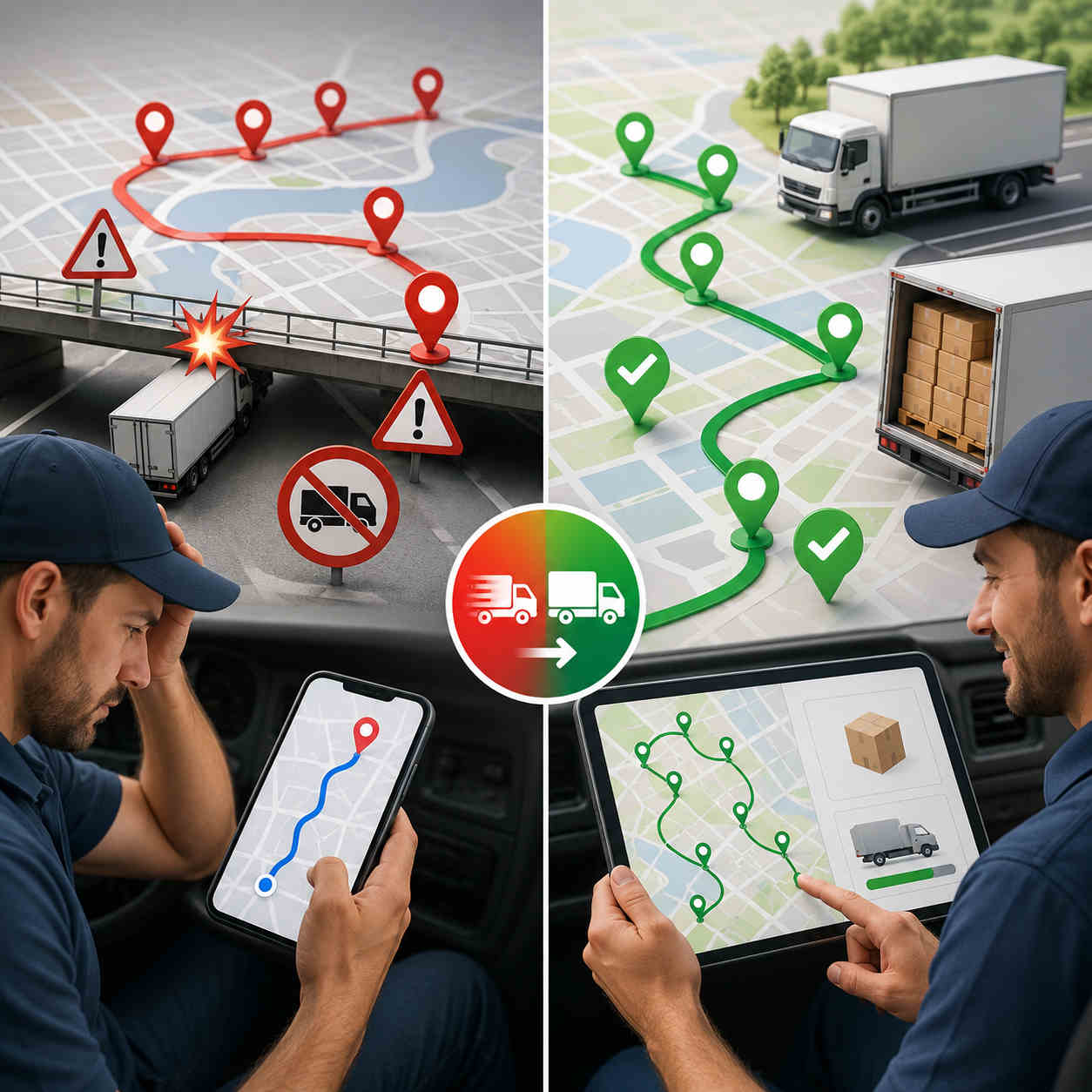
              A trucking route planner is software that plans routes around a truck's size and sequences its stops into the most efficient order. It takes your truck's height, width, length, and weight, avoids low bridges and restricted roads, and optimizes the full multi-stop run, so fleets drive fewer miles on truck-safe roads.

              Truck route optimization sequences your manifest into the shortest practical run while keeping the truck on roads it can legally and physically use. It plans around vehicle dimensions, capacity, and shift limits, and re-optimizes when a stop is added or a truck goes down.

              Consumer map apps route trucks like cars. They ignore bridge heights, weight limits, and truck-restricted roads, and they typically cap out around ten stops with no real optimization. For a fleet running 20 drops a day, that's both a safety risk and an expensive one.

              By cutting unnecessary miles and keeping trucks on suitable roads, fleets see real fuel and time savings. Bodha fleets report 20 to 30% lower fuel costs, planning that's 3 times faster, and 20 or more extra stops a day, with most seeing a return within the first few months.

              For multi-drop work, look for a planner that combines truck-safe routing with genuine multi-stop optimization across a full manifest, plus capacity awareness and multi-truck planning from a single list. That combination is what a local or regional distribution fleet actually needs day to day.
              Ready to plan smarter, truck-safe routes?

              Start a free trial of Bodha's trucking route planner and keep every truck on safe roads and the shortest miles.

              Subscribe to Our Blog

                Related blogs

                How to Plan Delivery Routes: A Practical Guide for Operators

                How to Plan Delivery Routes: A Practical Guide for Operators

                Back Table Of Content Something every experienced dispatcher knows: the difference between a good day and a chaotic…

                Reduce Delivery Costs: 10 Proven Strategies That Actually Work

                Reduce Delivery Costs: 10 Proven Strategies That Actually Work

                Back Table Of Content Last-mile delivery is the most expensive part of the logistics chain. It accounts for…

                Best Route Optimization Software for Food Distributors in 2026: Features, Pricing & Top Picks

                Best Route Optimization Software for Food Distributors in 2026: Features,…

                Back Table Of Content In food distribution, the clock runs everything. You’re moving perishable stock through narrow receiving…

                Snow Plow Dispatch Software: How to Coordinate Multiple Trucks During a Storm | Bodha Route Planner

                Snow Plow Dispatch Software: How to Coordinate Multiple Trucks During a Storm

                Snow Plow Dispatch Software: How to Coordinate Multiple Trucks During a Storm | Bodha Route Planner

                user profile

                Ruchita Purohit

                July 9, 2026

                Table Of Content

                It’s 2 a.m., eight inches are coming down, and you’ve got ten trucks somewhere out there in the dark. One driver just called to say he’s finished his list. Another isn’t answering the radio. A property manager is on the other line asking why her lot, which opens at six, still hasn’t been touched. You can’t see the whole board at once, so you’re piecing the picture together one phone call at a time, and the snow keeps falling while you do.

                That’s the exact moment snow plow dispatch software is built for. Running one truck is a routing problem. Running ten during a live storm is a coordination problem, and coordination is where most snow operations quietly bleed time, money, and contracts. This guide walks through where manual dispatch falls apart, gap by gap, and how the right software closes each one.

                Why Coordinating Multiple Trucks Is Snow's Hardest Problem

                Plenty of trades run multiple vehicles. What makes snow different is that the coordination happens all at once, under a deadline, in the dark, while conditions change by the hour.

                Think about the moving parts. Every truck is at a different point in its list. Some zones got hit harder than others. Priority accounts, hospitals, fire lanes, lots that open early, carry contractual clearing deadlines that don’t care how busy you are. Plowing crews and salting crews are working the same properties on different passes. And every fifteen minutes something changes: a truck goes down, a new emergency call lands, a zone that was fine an hour ago is buried again.

                Running one truck, you hold all of that in your head. Running ten, you can’t. Multi-truck snow dispatch is a fundamentally different job, less about any single route and more about seeing the whole operation at once and moving resources to wherever they’re needed next. That’s snow removal crew coordination, and it’s the part that separates a storm that goes smoothly from one that turns into a long night of phone tag and angry property managers. This is the coordination problem snow plow dispatch software is built to solve, and the tools that handle it well share one trait: they give the dispatcher a single, live view of everything, so decisions come from data instead of guesswork.

                The Phone-and-Radio Trap

                Most snow operations still coordinate by phone and radio, and it works fine right up until it doesn’t. Calling each driver to check status doesn’t scale past a handful of trucks, and it gets slowest at exactly the wrong moment, the peak hours of an active storm, when you’re trying to talk to ten people at once.

                The real problem isn’t the talking, it’s the blindness. A dispatcher working the phones has no way to see the full picture at once, so rebalancing the workload across crews becomes guesswork. Two trucks end up working the same neighborhood without realizing it. A priority account gets reached late, not because nobody cared, but because nobody could see which truck was closest.

                Snow plow dispatch software exists to kill that blindness. It swaps the phone-and-radio scramble for a live map of every truck’s location, status, and remaining workload. From there, each gap in manual dispatch has a clear fix.

                Gap 1: You Can’t See Where Your Trucks Are

                The first and biggest gap is simple: during a storm, you often don’t actually know where your trucks are. You know where they were when they last checked in, which by 2 a.m. is not the same thing.

                This is what live GPS tracking fixes, and it’s the foundation everything else is built on. Good snow plow tracking software puts every truck on one map in real time, so a dispatcher can see, at a glance, who’s where and how far along each route is. No calling around to ask.

                That visibility does two things. First, it turns the dispatcher’s screen into a single source of truth for the whole operation, which is what makes fast decisions possible. Second, it quietly builds a record: the software logs exactly when each truck reached each property, which matters later when a client asks why their lot wasn’t done by six, or an insurer wants proof of when a surface was cleared.

                Without solid snow plow tracking software, every other part of coordination is a guess. That’s why snow plow dispatch software leads with the map. You can’t rebalance what you can’t see.

                Gap 2: The Work Isn’t Balanced Across Trucks

                Storms don’t fall evenly. One zone gets eight inches while another gets three. One driver flies through a list of small residential drives while another is stuck on a sprawling commercial lot. The result, on a manual operation, is predictable: some trucks finish early and sit idle while others fall hours behind, and nobody has the full picture to fix it.

                This is the heart of multi-truck snow dispatch, and it’s where the payoff is biggest. When snow plow dispatch software shows real-time completion status for every truck, a dispatcher can spot the imbalance instantly and act on it: pull that idle truck off its finished route and send it to a zone that’s drowning. Instead of a finished driver heading home while a neighbor’s route stays buried, the whole fleet stays productive until the last property is clear.

                That rebalancing is nearly impossible to do well by phone, because it requires seeing everyone’s progress at the same moment. It’s the difference between finishing the storm at 7 a.m. and finishing at 9, and in snow, those two hours are the gap between beating the morning commute and eating a stack of angry calls. For multi-truck operations, that balancing act is the single biggest reason to run snow plow dispatch software. Balanced crews clear more properties in less time, full stop.

                Gap 3: Reassigning Crews Is Too Slow When Conditions Change

                Even when a dispatcher knows a change is needed, manual reassignment is painfully slow. Moving three stops from an overloaded truck to a free one means calling both drivers, reading out addresses, confirming they’ve got it, and hoping nothing gets lost over a bad radio connection. By the time it’s done, conditions have shifted again.

                Snow plow dispatch software collapses that into a few taps. A dispatcher drags stops from one truck’s route to another’s, and the change pushes to both drivers’ phones instantly, updated sequence, addresses, and notes included. No phone call, no confusion, no rewriting anyone’s night by hand.

                This speed matters most for the curveballs. A property manager calls mid-storm begging for an unscheduled clearing. Instead of blowing up the plan, the dispatcher drops the new stop onto the nearest crew’s route and the software re-sequences around it. A truck breaks down, and its remaining stops get absorbed across the rest of the fleet in seconds. The plan bends instead of breaking, which is exactly what a storm demands.

                Gap 4: Plowing and Salting Crews Drift Out of Sync

                Here’s a gap that costs operations quietly, every single storm. Plowing and salting are often run by separate crews making separate passes on the same properties. On a phone-and-radio setup, those are two disconnected queues, and it’s easy for a lot to get marked “done” after the plow while the salting pass never happens, or happens a day late.

                That’s not a small miss. An unsalted lot is a slip-and-fall liability, and it’s the kind of gap that surfaces as a lawyer’s letter in spring, not a complaint that night.

                Snow plow dispatch software that shows both crew types on the same map, tied to the same job, closes it. A property isn’t complete until both the plow and the salt passes are logged, and the dispatcher can see at a glance which properties have been plowed but still need ice control. Coordinating the two as connected steps on one job, rather than two unrelated dispatch lists, is one of those unglamorous features that pays for the whole tool the first time it saves you from an uncleared, unsalted lot.

                Gap 5: Crew Communication Turns Into Chaos

                During a bad storm, a dispatcher’s phone becomes a bottleneck. Drivers calling for the next stop, property managers asking if their lot’s done, everyone needing something at once. Communication stops being a tool and becomes the problem.

                Snow plow dispatch software untangles this on both sides. On the crew side, routes, stop details, notes, and reassignments all live in the driver’s app, so drivers aren’t calling in for information they can already see, and a dispatcher can push an update or a mass message to the whole team at once. That’s snow removal crew coordination that runs on the screen instead of the phone lines.

                On the client side, automatic notifications do the heavy lifting. The moment a crew marks a property complete, the software can text or email the property manager, which answers the single question they always have, “is my lot done yet?”, before they pick up the phone. Fewer inbound calls during peak hours means the dispatcher can actually dispatch.

                Gap 6: You Have No Record of Who Cleared What

                The last gap shows up after the storm, when the invoices go out and the disputes come in. Snow removal arguments almost always land on the same question: was this property cleared, when, and how many times? On a manual operation, the answer is a driver’s memory, which is no answer at all three days later.

                Snow plow dispatch software builds the record automatically as the crews work. Timestamped proof of service, photos and notes tied to each property, means that when a client challenges an invoice, you have a photo of their cleared lot stamped 5:14 a.m., and the argument’s over. Because storms knock out signal, that capture has to work offline and sync once connectivity returns.

                The same record speeds up billing. For per-event or per-push contracts, the log of when and where each pass happened is already attached to the property, so invoicing becomes a matter of exporting what the system captured rather than reconstructing the night from memory. Proof protects both your revenue and your reputation.

                What to Look for in Snow Plow Dispatch Software

                If you’re evaluating snow plow dispatch software to run all of that, the winter-specific capabilities matter more than the generic ones. Here’s what separates the real thing from a generic scheduling app:

                • Live GPS tracking. Every truck on one map in real time. Strong snow plow tracking software is the foundation of the whole thing.
                • Real-time rebalancing. Completion status per truck, so you can move an idle crew into a zone that’s behind, the core of multi-truck snow dispatch.
                • Drag-and-drop reassignment. Move stops between trucks in taps, with instant push to drivers’ phones.
                • Priority and SLA flagging. Contractual accounts surfaced so they’re covered first, every storm.
                • Plow-and-salt coordination. Both crew types on one job, so nothing’s marked done until it truly is.
                • Automatic client notifications. Property managers updated the moment their lot is cleared.
                • Offline-capable proof of service. Timestamped photos and notes that work when signal drops and sync later.

                One more: the tool should be built for the messy reality of a storm, not a calm weekday. A dispatch tool that shines on a sunny Tuesday but chokes at 2 a.m. under a foot of snow isn’t the one you want.

                Dispatch Software, Route Planner, or Fleet Management: Sorting the Labels

                Shopping for winter tools, you’ll see three labels used almost interchangeably, and the differences matter.

                A snow removal route planner builds the routes: it sequences each truck’s stops for the most efficient path before and during a storm. Snow plow dispatch software is about coordinating the crews live once they’re rolling: seeing every truck, rebalancing, reassigning, and communicating in real time, the live side of snow removal crew coordination. The two are tightly linked, you plan the routes, then you dispatch and adjust them, which is why the best tools do both. We cover the planning side in depth in our companion guide on snow removal route planning.

                Then there’s snow removal fleet management, and this one is worth a clear-eyed distinction. Full snow removal fleet management usually means telematics: GPS hardware wired into each vehicle for engine diagnostics, fuel and maintenance data, driver-behavior scoring, and asset tracking. That’s a different category, owned by hardware-based platforms. Some snow operations want that depth. Many just need to coordinate crews and prove the work, which is dispatch, not telematics. Knowing which problem you’re actually solving keeps you from overpaying for hardware you’ll never use, and it’s why snow plow dispatch software and fleet management aren’t the same purchase.

                Getting Your Dispatch Setup Ready Before the Season

                The worst time to learn a new tool is at 2 a.m. during the first storm. The work that makes snow plow dispatch software pay off happens before the season, when it’s calm.

                A quick pre-season checklist:

                • Import your full property list, flagging which accounts carry service-level requirements.
                • Assign trucks to starting zones based on how storms have historically hit your service area.
                • Set priority flags so SLA-bound accounts jump out on the dispatcher’s screen.
                • Run a dry run. Walk your team through live tracking, reassignment, and notifications before real snow tests them.
                • Turn on property-manager notifications ahead of time, not mid-storm.
                • After each storm, review the completion reports and refine your zone assignments for the next one.

                Do this in the fall and your first storm is a system you trust, not a scramble you’re improvising through.

                Where Bodha Fits for Storm Dispatch

                Bodha is snow plow dispatch software built for exactly this. It gives snow dispatchers a live view of every truck during an active storm, priority sequencing for SLA-bound accounts, and the ability to reassign or add properties to any route without picking up a phone. Its real-time tracking works as snow plow tracking software, putting the whole fleet on one map, automatic notifications keep property managers informed as each lot is cleared, and timestamped proof of service documents every pass for billing and disputes.

                You can see the full picture on the Snow Removal Route Planner page, and if you want the routing side, start with our storm-ready route planning guide.

                Now the honest boundaries. Bodha is a dispatch and routing tool for contractor and commercial snow crews, clearing a defined list of client properties. It runs app-based tracking and coordination, not hardware telematics, so if you need engine diagnostics and deep fleet management data, you’d pair it with a telematics provider. It’s also not a municipal street-grid system. What it does, coordinate your crews through a storm and prove every pass, it does well, and it’s free to start.

                Frequently asked questions
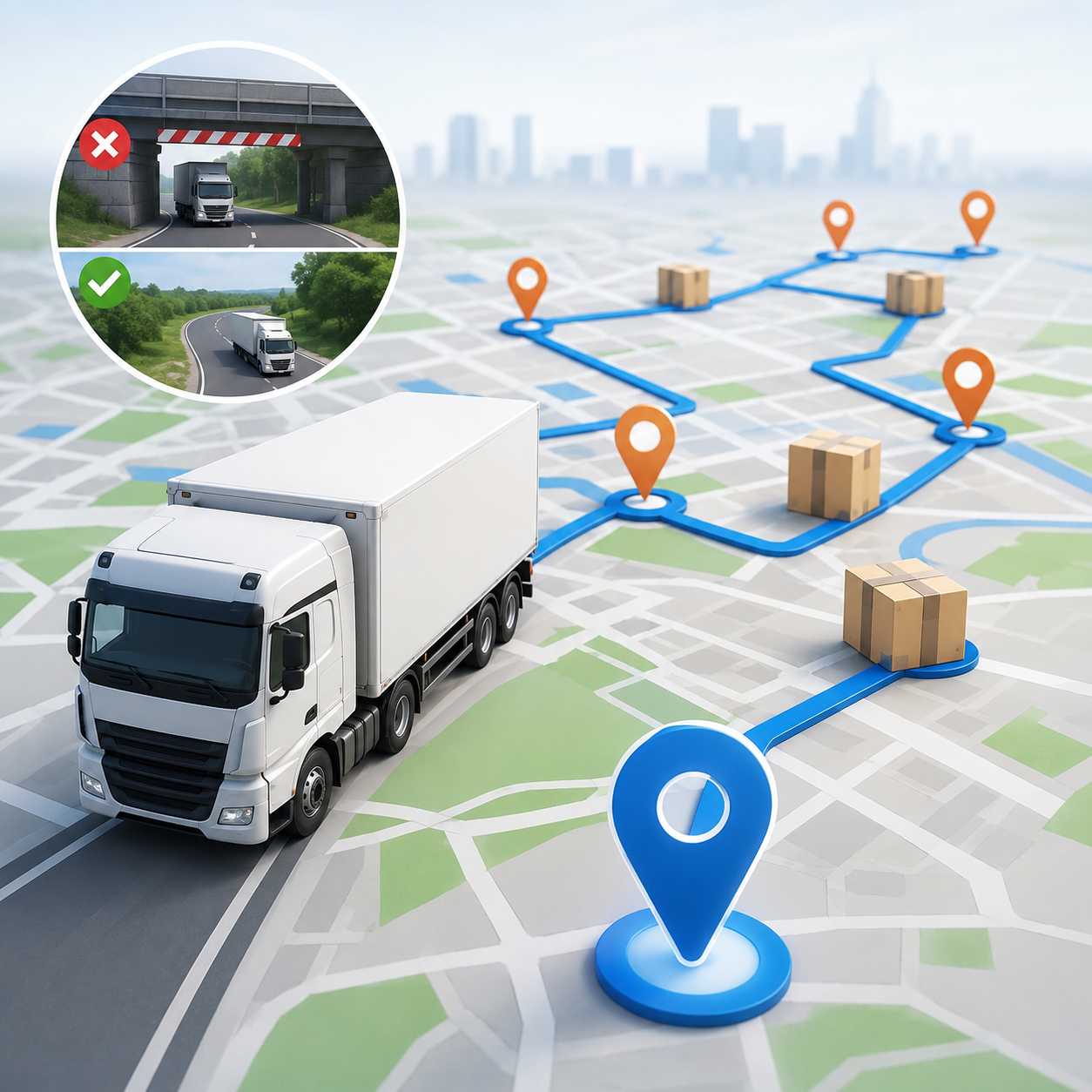
                Snow plow dispatch software gives a dispatcher a real-time view of every truck's location and job status during a storm, plus the ability to reassign properties across crews as conditions change. It replaces the phone-and-radio scramble with a single live map of the whole operation.

                It shows completion status for every truck in real time, so a dispatcher can shift an idle crew into a zone that's falling behind instead of calling around to figure out where help is needed. That live rebalancing is the core of multi-truck snow dispatch and effective snow removal crew coordination.

                Yes. When both crew types sit on the same platform, a property isn't marked complete until both the plow and salt passes are logged, which closes a gap that leaves lots unsalted on manually run operations.

                Not quite. Dispatch software focuses on coordinating crews and jobs live during a storm. Full snow removal fleet management usually adds telematics, GPS hardware for engine diagnostics, maintenance, and driver-behavior data. Some operations want both; many just need dispatch and proof of service.

                Yes. It can trigger a text or email the moment a crew marks a property complete, answering the "is my lot done?" question and cutting inbound calls during the busiest hours of the storm.
                Ready to coordinate your fleet in real time during the next storm?

                Start a free trial of Bodha’s snow plow dispatch software, or book a demo before the season starts.

                Ready to run your whole fleet from one screen this winter?

                Start a free trial of Bodha's snow plow dispatch software and coordinate every truck in real time.

                Subscribe to Our Blog

                  Related blogs

                  How to Plan Delivery Routes: A Practical Guide for Operators

                  How to Plan Delivery Routes: A Practical Guide for Operators

                  Back Table Of Content Something every experienced dispatcher knows: the difference between a good day and a chaotic…

                  Reduce Delivery Costs: 10 Proven Strategies That Actually Work

                  Reduce Delivery Costs: 10 Proven Strategies That Actually Work

                  Back Table Of Content Last-mile delivery is the most expensive part of the logistics chain. It accounts for…

                  Best Route Optimization Software for Food Distributors in 2026: Features, Pricing & Top Picks

                  Best Route Optimization Software for Food Distributors in 2026: Features,…

                  Back Table Of Content In food distribution, the clock runs everything. You’re moving perishable stock through narrow receiving…

                  Snow Removal Route Planner: Plan Storm-Ready Routing for Plowing and Salting Crews | Bodha Route Planner

                  Snow removal route planner blog image

                  Snow Removal Route Planner: Plan Storm-Ready Routing for Plowing and Salting Crews | Bodha Route Planner

                  user profile

                  Ruchita Purohit

                  July 8, 2026

                  Table Of Content

                  Snow removal is one of the few service businesses where the whole job can change between when you go to bed and when the first truck rolls out. The storm arrives two hours early. It drops eight inches instead of four. A property manager calls at 4 a.m. begging you to fit in one more lot before their tenants show up. Every one of those changes rewrites the route.

                  That’s why a snow removal route planner isn’t a nice-to-have for a serious plowing and salting operation. It’s the difference between crews that stay ahead of a storm and crews that spend the night chasing it. This guide is a storm-ready playbook: how to plan, dispatch, and adjust your routes across the whole event, from the setup you do before the season to the proof you capture after the last pass.

                  Why Snow Removal Routing Breaks the Rules Other Trades Play By

                  Most route-based businesses, couriers, pest control, lawn care, work on a schedule they can see coming. Snow doesn’t play by those rules, and that changes everything about how you route.

                  Three things make it hard. First, the clock is brutal. When a storm hits, you often have a fixed window to clear dozens of properties before a morning commute or a commercial opening, and every minute a crew spends deciding where to go next is a minute a lot stays buried. Second, the priorities aren’t equal. A hospital entrance, a fire lane, and a commercial lot that opens at six carry contractual deadlines. A back-lot residential driveway can wait. Get that order wrong and you’re not just inefficient, you’re in breach of a service-level agreement. Third, the plan won’t hold still. Storms shift timing, intensify, and stall. A route you built for six inches overnight is worthless if the storm turns into ten and a new emergency call lands at 3 a.m.

                  Put those together and you get the core truth of winter work: a route built the night before is often out of date before the first truck leaves the yard. A snow removal route planner exists for exactly this kind of compressed, high-stakes, constantly-shifting sequencing. Instead of a static plan on a clipboard, it recalculates in real time, keeps your priority accounts first, and gets a fresh plowing or salting route onto a driver’s phone within minutes of a storm call, not hours.

                  What Sloppy Snow Routing Actually Costs

                  It’s worth being blunt about the stakes, because the mistakes a snow removal route planner is meant to prevent are expensive in ways that don’t show up until later.

                  There’s the direct cost. A crew that backtracks and idles burns fuel and overtime, and labor during a storm is the most expensive labor of your year. Every wasted mile at 3 a.m. is premium time spent driving instead of clearing.

                  Then there’s the contract cost. Miss the clearing deadline on a priority account and you may owe a penalty, and you’re one slip from losing a commercial contract that took years to win. Property managers remember the storm you left them stuck.

                  And there’s the dispute cost. Without timestamped proof, a “you never cleared our lot” claim becomes your word against theirs, and you either eat the charge to keep the peace or burn hours arguing over a job you actually did. None of these is dramatic on any single night. Over a season, they’re the margin between a snow operation that prints money and one that barely breaks even.

                  The Storm-Ready Playbook, Phase by Phase

                  Most guides treat snow routing as one task. It isn’t. It’s five phases, and each one has its own job. Nail all five with the right snow removal route planner and a storm becomes a process instead of a panic. Let’s walk them in order.

                  Phase 1: Before the Season, Build Your Foundation

                  The work that saves you at 2 a.m. in January happens back in October. Before the first flake, get your whole book of business into your snow removal route planner: every property, its address, its access notes, and, most importantly, its priority level.

                  This is where you flag the accounts that carry service-level agreements, the hospitals, fire lanes, medical offices, and early-opening commercial lots that have to be cleared by a contractual time. Tag them now, while it’s calm, so the optimizer already knows to sequence them first when a storm hits. Doing it mid-storm is how mistakes happen.

                  Then build a storm-day route template. Cluster properties by geography and by crew so the software has a sensible starting sequence ready to go the moment a call comes in, rather than building from scratch under pressure. Load the access details too: which gate code, where the salt is stored, which lot needs the sidewalk crew and not just the plow. The goal of Phase 1 is simple. When the first storm lands, you want to be adjusting a plan, not creating one.

                  Phase 2: The 48 Hours Before a Storm

                  Once a storm shows up in the forecast, the pre-game begins. This is when good operations separate from the rest, and it’s mostly about readiness.

                  Pull up your storm-day template and check it against the forecast. A light dusting with a fast melt is a different route than a ten-inch dump with a hard freeze behind it, and your snow plowing route optimization should reflect which accounts need salting versus a full plow, and how many passes each is likely to take. Check crew and equipment availability against the plan, so you’re not discovering a truck is down at the exact moment you need it.

                  Reach out to priority accounts if their needs have changed, and make sure any seasonal contract additions are already in the system. Then stage your crews. The whole point of these 48 hours is that when the snow actually starts, nobody is scrambling to figure out the plan. The route is built, the priorities are set, and the only thing left is to go.

                  Phase 3: The Storm Call, Get Routes Out Fast

                  When the storm crosses your trigger depth, speed is everything. This is the moment a snow removal route planner earns its keep: it turns your prepared template into live, optimized routes and pushes them to each driver’s phone in minutes.

                  Every driver should open their app to a clear, sequenced list: which properties, in what order, with priority accounts locked to the front. Turn-by-turn navigation, access notes, and the specific service each stop needs, plow, salt, or both, all travel with the route. No paper route sheets, no long morning huddle explaining who goes where, no driver guessing at a sequence from memory of the territory.

                  The difference here is measured in minutes, and in snow, minutes compound. A crew rolling with an optimized route ten minutes after the call, priority accounts already sequenced first, is a crew that beats the commute. One still sorting out the plan on a clipboard is already behind.

                  Phase 4: Mid-Storm, Adjust on the Fly

                  No plan survives contact with a real storm, so the mid-event phase is all about adaptation, and it’s where weaker tools fall apart.

                  Storms intensify, stall, and shift. A new emergency call comes in. A truck breaks down. Each of those should be a quick adjustment, not a full rebuild. Good snow plowing route optimization re-sequences the remaining stops automatically when something changes, so a dispatcher isn’t manually re-planning everyone’s night by hand every time the situation moves. A property manager calling mid-storm for an unscheduled clearing should slot into the nearest crew’s route without blowing up everyone else’s sequence.

                  This is also where real-time visibility matters. A dispatcher watching live truck locations can see which routes are running behind, pull a couple of stops off an overloaded crew and hand them to one running ahead, and answer a client’s “is anyone coming?” with a real ETA instead of a guess. In a bad storm you’ll run multiple passes on the same accounts as snow keeps falling, and the planner has to handle that repetition cleanly, keeping each property on cycle through the event. Phase 4 is the difference between a crew that adapts smoothly and one that falls behind the moment conditions change.

                  Phase 5: After the Last Pass, Prove and Bill

                  The storm’s over, but the work isn’t. Snow removal disputes are common, and they almost always come down to the same two questions: was this lot cleared before the deadline, and how many passes did it get? The operations that win those disputes are the ones with proof.

                  That’s why capturing timestamped proof of service at every stop, photos and notes tied to each property, matters so much. When a client challenges an invoice three days later, a timestamped photo of their cleared lot at 5:14 a.m. ends the argument on the spot, no relying on a driver’s memory. Capture that works offline is essential here, because storms knock out signal exactly when you need the record most. The app should log everything locally and sync once connectivity returns.

                  That same documentation speeds up billing. For per-event or per-inch contracts, the record of when and where each pass happened is already tied to the property, so invoicing becomes a matter of exporting what the system already captured. A good snow removal route planner makes that record automatic, so Phase 5 is where a clean season turns into a paid season.

                  Salting and De-Icing Routes Aren't Plowing Routes

                  One thing operators new to software often miss: your salting and de-icing runs don’t follow the same logic as your plowing routes, and a real winter services route planner treats them differently.

                  Plowing is about clearing accumulation, so it’s tied to snowfall and often runs once or twice per storm. Salting and de-icing are about preventing ice, so they can run before a storm, between passes, and after, on their own cadence and sometimes to a different set of priority accounts. A single parking lot might get plowed twice and salted four times in one event.

                  The takeaway: don’t force your salt runs into your plow routes. A winter services route planner that lets you build and optimize salting, de-icing, and sidewalk routes separately, each with its own sequence and priorities, keeps ice off your highest-liability surfaces without wrecking your plow schedule.

                  What to Look for in Snow Plow Routing Software

                  If you’re shopping for a tool to run that playbook, the winter-specific features matter more than the generic ones. Plenty of routing tools can sequence a list of stops. Far fewer are built for a storm. Here’s what genuinely separates real snow plow routing software from a generic planner:

                  • Real-time re-optimization. The route has to recalculate remaining stops automatically as a storm develops or new calls land, without waiting on a dispatcher to rebuild it by hand.
                  • Priority and SLA sequencing. You need to flag contractual accounts so the optimizer clears them first, every single storm.
                  • An offline-capable mobile app. Storms drop signal. The route sheet and proof-of-service capture have to keep working offline and sync later.
                  • Automatic client and property-manager notifications. Dispatched, en route, and finished updates cut the flood of “is my lot done yet” calls during your busiest hours.
                  • Billing and compliance reporting. Timestamped records per property that support per-event billing and settle disputes.
                  • Multi-crew balancing. The ability to spread work across trucks and shift stops between them mid-event.


                  One more thing worth checking: whether the tool is a true winter services route planner that handles salting, de-icing, and sidewalk crews, not just plow trucks. A full winter operation runs more than plows, and your snow plowing route optimization should account for all of it.

                  Route Planner, Dispatch Software, or Full FSM: Which Do You Need?

                  Shopping for winter software, you’ll bump into three overlapping labels, and it helps to know the difference.

                  A snow removal route planner is focused on the routing itself: sequencing stops, optimizing drive time, and re-routing live during a storm. Snow removal dispatch software leans on the live-assignment side, getting the right crew to the right job and coordinating them through the event. In practice the best tools blend the two, since routing and dispatch are hard to separate in a live storm, and we cover the dispatch side in depth in a companion guide on snow plow dispatch. A full field service management suite wraps routing and dispatch together with invoicing, contracts, payroll, and a CRM.

                  Which one you need comes down to your bottleneck. If your pain is that crews drive too much, miss priority accounts, and can’t adapt mid-storm, a focused snow removal route planner fixes that fastest and cheapest. If your pain is billing, contracts, and back-office admin, you’ll want a heavier suite, or you pair a sharp router with the accounting tool you already use.

                  Where Bodha Fits for Snow and Ice Crews

                  Bodha is a routing-first snow removal route planner, built for exactly the last-minute, high-stakes sequencing winter throws at you. It handles priority accounts for SLA properties, re-optimizes in real time when a storm shifts, and runs an offline-capable mobile app so crews keep working when signal drops mid-event. Automatic notifications keep property managers informed without tying up your phone lines during the worst hours of the storm, and timestamped proof of service documents every pass for billing and disputes.

                  You can see how it maps to winter work on the Snow Removal Route Planner page.

                  Now the honest part. Bodha is built for contractor and commercial snow removal, clearing a defined list of client properties, lots, and driveways. It is not a municipal street-grid system that maps every road in a network, and it’s not a full FSM suite with built-in invoicing, contracts, and payroll. If those are your needs, you’ll want a different or additional tool. What Bodha does, get your crews through a storm efficiently with priorities intact and every pass documented, it does well, and it’s free to start.

                  Frequently asked questions
                  It's software that sequences plowing and salting stops by priority, drive time, and service-level requirements, then adjusts the route in real time as storm conditions or the call list change. The goal is to keep crews clearing properties in the smartest order instead of guessing.

                  Yes. You flag accounts like hospitals, fire lanes, and early-opening commercial lots, and the optimizer sequences those ahead of lower-priority stops, every storm, so you don't miss a contractual deadline.

                  The good ones do. A well-built tool includes an offline-capable mobile app, so a crew's route sheet and proof-of-service capture keep working during signal drops and sync once connectivity returns. That matters, because storms knock out signal exactly when you need the record.

                  A route planner focuses on sequencing and optimizing the stops themselves. Snow removal dispatch software focuses on assigning the right crew to each job and coordinating them live. Most strong tools do both, since in an active storm routing and dispatch are hard to pull apart.

                  Before the first storm, ideally in the fall. Loading your properties, flagging priority accounts, and building storm-day templates ahead of time means your first snowfall is a plan you adjust, not one you scramble to create.
                  Ready to build storm-ready routes before the next snowfall?

                  Start a free trial of Bodha’s snow removal route planner, or book a demo to plan your season.

                  Ready to stay ahead of the next storm?

                  Start a free trial of Bodha's snow removal route planner and keep every priority account cleared on time.

                  Subscribe to Our Blog

                    Related blogs

                    How to Plan Delivery Routes: A Practical Guide for Operators

                    How to Plan Delivery Routes: A Practical Guide for Operators

                    Back Table Of Content Something every experienced dispatcher knows: the difference between a good day and a chaotic…

                    Reduce Delivery Costs: 10 Proven Strategies That Actually Work

                    Reduce Delivery Costs: 10 Proven Strategies That Actually Work

                    Back Table Of Content Last-mile delivery is the most expensive part of the logistics chain. It accounts for…

                    Best Route Optimization Software for Food Distributors in 2026: Features, Pricing & Top Picks

                    Best Route Optimization Software for Food Distributors in 2026: Features,…

                    Back Table Of Content In food distribution, the clock runs everything. You’re moving perishable stock through narrow receiving…

                    Pest Control Route Planning Software: Optimize Technician Routes

                    Pest Control Route Planning Software: Optimize Technician Schedules & Recurring Service Routes

                    Pest Control Route Planning Software: Optimize Technician Routes

                    user profile

                    Ruchita Purohit

                    July 8, 2026

                    Table Of Content

                    If you run a pest control company, you already know the routing rarely goes exactly to plan. That’s the problem pest control route planning software is built to solve. It sequences each technician’s stops around drive time and territory, keeps recurring treatments on cycle, and re-shuffles the day when an emergency call throws everything off. This guide covers what the software does, how it works day to day, what to look for when you’re choosing one, and how it holds up against the spreadsheet or Google Maps you might be running now.

                    Why Pest Control Routing Is Harder Than It Looks

                    On paper, pest control routing looks easy. Same neighborhoods, same customers, a predictable weekly rhythm. Then you actually run a day.

                    A technician covers somewhere between eight and fourteen stops, most of them recurring: quarterly treatments, monthly commercial accounts, the bimonthly residential plans that pay the bills. Then a homeowner spots termites at 10 a.m. and needs someone out today. The route you built at 7 is already out of date.

                    Now picture five or ten trucks, each with its own list and territory, and a dispatcher trying to hold the whole board together across a wall of sticky notes. Miss one recurring account and it silently rolls to next week. Send two techs into the same subdivision and you’ve paid twice for the same drive. Forget a gate code and a tech burns fifteen minutes on a porch, calling the office.

                    That’s the part generic tools can’t handle. A spreadsheet or a plain GPS app will line up a handful of stops, but it has no idea which accounts are due this week, it can’t slot an emergency in without rebuilding your whole afternoon, and it doesn’t care that two trucks are about to cover the same street. Pest control route planning software is built for exactly that mess: recurring cycles, mid-day curveballs, and keeping technicians out of each other’s territory.

                    What Pest Control Route Planning Software Does

                    Underneath the feature list, a solid pest control route planning software really handles five jobs:

                    • Sequences the day. It orders each technician’s stops around location, drive time, and service windows, so the route makes sense on the road, not just on a map.
                    • Tracks recurring cycles. Quarterly, monthly, or custom, it keeps every account in rotation so nobody quietly falls off the schedule.
                    • Re-optimizes on the fly. When an emergency stop goes in mid-route, it rebuilds the rest of the day around it in seconds.
                    • Clusters by territory. It groups work geographically so crews stop poaching each other’s streets.
                    • Keeps clients in the loop. It sends updates with a live tracking link before the tech pulls up, cutting the “when are you coming” calls.

                    Get those five right and most of the daily scramble disappears. Miss one, usually recurring tracking, and you’re back to running the day by memory.

                    How Pest Control Route Planning Software Works, Step by Step

                    If you’ve never used pest control route planning software, here’s what a normal morning looks like once one is in place.

                    Everything loads onto a map. Accounts, recurring cadences, and customer details live in one place. Every stop is a pin, and the ones due today are already flagged.

                    You build routes by area, not by hand. Instead of dragging stops one at a time, you select a cluster of pins for each technician and let the software work out the order. A good pest control route planner sequences them for the shortest practical drive while respecting time windows.

                    You dispatch to phones with one tap. Each technician gets their route on a mobile app with turn-by-turn navigation, access notes, gate codes, and service history for every stop.

                    The day adjusts itself. When a customer calls in a swarm at 11, you drop the stop onto the map and the rest of that route re-optimizes around it, while dispatch watches everyone’s progress in real time.

                    Load, cluster, dispatch, adjust. What used to be an hour of morning planning becomes a few minutes, and the plan survives contact with the real world.

                    Cutting Windshield Time and Fuel Costs

                    Windshield time is the quiet killer in pest control. Every half hour a technician spends driving between badly ordered stops is a half hour they’re not treating a property, and it’s fuel out the tailpipe for nothing.

                    With eight to fourteen stops a day, small inefficiencies stack up fast. Trim a bit of drive time off each tech, multiply it across five or ten trucks and a full year, and you’ve got real recoverable capacity: more treatments finished without adding a truck. Operations that move off manual planning onto real route optimization routinely find they fit more stops into the same day. That compounding gain is the core case for pest control route planning software.

                    There’s a second saving that’s easy to miss: the dispatcher’s morning. When route building drops from an hour to a few minutes, that’s an hour a day handed back to someone who can spend it on customers instead of a task the software does better anyway.

                    Technician Route Optimization: Balancing Work Across the Crew

                    Here’s an angle most routing guides skip. It isn’t only about one technician’s route, it’s about how the work splits across the whole crew. Technician route optimization means balancing stops so one tech isn’t buried under twenty jobs while another coasts through eight, and nobody’s driving across town to a stop that sat two blocks from a teammate.

                    Good software assigns work by location and workload, not by whoever’s name was on the account last time. It clusters stops into tight territories, keeps each tech mostly inside their zone, and evens out the day so everyone finishes on time. On a five or ten truck operation, that balancing act is where a lot of the hidden savings live.

                    It matters for your people too. Lopsided routes are how good techs burn out and start eyeing the competition, so technician route optimization is a retention lever as much as a cost one.

                    Territory Management and Route Density

                    Ask an established pest control operator where the real money is and many say the same thing: route density. It’s not just how efficiently you drive a route, it’s how tightly your customers are packed into the neighborhoods you already serve.

                    A technician with fifteen accounts in one subdivision is far more profitable than one with fifteen scattered across the county, even if both routes are perfectly optimized. The drive time between dense stops is minutes. The drive time between sparse ones is your margin, evaporating.

                    Pest control route planning software helps on both sides. On execution, it sequences dense routes so techs spend time at the door, not behind the wheel. On growth, the map becomes a sales tool: you can see which neighborhoods have enough customers to justify a dedicated day, and where a few more accounts would fill a half-empty route.

                    That’s the strategic layer a spreadsheet never gives you. See your base as territories instead of a list of addresses and you start selling into streets you already cover, where every new account costs almost nothing extra to service.

                    Routing Commercial and Residential Accounts Differently

                    Most pest control companies run a mix of commercial and residential work, and the two don’t route the same way. Residential accounts tend to be dense and recurring: lots of stops packed into subdivisions, short visits, fairly flexible arrival windows. Commercial accounts are the opposite. There are fewer of them, they’re higher value, and they’re often tied to strict service windows, because a restaurant or a warehouse can only be treated before it opens or after it closes.

                    Good pest control route planning software lets you plan for both without forcing one to bend awkwardly around the other. Commercial jobs with hard time windows get locked into their slots first, then the software fills the rest of the day around them with residential stops that have more give. That way a technician isn’t racing across town to hit a 6 a.m. restaurant and then sitting idle for an hour. They’re working a tight residential cluster nearby until the next fixed appointment comes up.

                    Handling that mix by hand is exactly where manual planning falls apart. A dedicated pest control route planner treats time windows and account types as inputs, not afterthoughts, and builds a day that respects both.

                    Managing Recurring Treatment Schedules

                    Most pest control money is recurring, so the tool tracking those cycles matters as much as the routing brain behind it. A good pest control route planner holds each account’s cadence, quarterly, monthly, custom, and surfaces exactly who’s due today. Turning that list into an optimized route should take two clicks, not a morning with a spreadsheet.

                    The failure mode is subtle. A recurring account doesn’t announce when it’s been missed. It just slides a week late, then two, and by the time anyone notices, the customer already has a competitor’s flyer on the door. A clean due-today view that flags anything overdue closes that gap before it becomes a cancellation.

                    Scheduling and routing are related but separate jobs. The cadence side, reminders, recurring contracts, due-today lists, is its own subject, and it’s the focus of a companion guide on pest control scheduling software. Most operations need both working together.

                    Handling Emergency Calls Without Breaking the Day

                    A wasp nest over a front door doesn’t wait for the next scheduled visit. The operations that win that business can drop an emergency stop into an already-built route and have the rest of the day quietly re-sequence around it. No frantic rebuild, no calling three techs to rearrange their afternoon.

                    Think about what that call is worth: often a new customer, a premium same-day fee, and a five-star review if you show up fast. Fumble it and you either turn the job away or blow up a technician’s afternoon to squeeze it in.

                    This is the clearest line between real pest control routing software and a basic map app. Dedicated software treats a mid-day disruption as a normal input, you add the stop, it re-optimizes, done. A mapping app treats it as a reason to start the day over.

                    What to Look for in Pest Control Routing Software

                    Not every routing tool is built for field service, let alone pest work. When you’re comparing options, hold each against these:

                    • Recurring service management. Quarterly, monthly, and custom cadences with a clear due-today view. This is the feature that separates real pest control routing software from a generic delivery planner.
                    • Territory-based clustering. Stops grouped by zone so techs aren’t criss-crossing the same streets.
                    • Mid-day re-optimization. Add an emergency stop and let the route rebuild itself.
                    • Client communication. Automatic branded updates when a tech is booked, en route, and finished.
                    • Proof of service. Timestamped photos and notes at each stop, tied to the account.
                    • A driver app technicians will actually use. Turn-by-turn navigation, access notes, one-tap status updates. If the field experience is clunky, adoption dies.

                    If a tool can’t do the first three, it’s a delivery route planner wearing a pest control label, not the real thing.

                    Common Routing Mistakes Pest Control Companies Make

                    Even seasoned operations leave money on the table in the same predictable ways:

                    Assigning work by habit instead of geography. “That’s always been Dave’s account” is how a tech ends up crossing three zip codes while a stop two blocks from another tech goes to the wrong truck.

                    Treating recurring and emergency work as the same problem. Your recurring base needs a steady, protected cadence. Emergencies need flexible slots. Cram them into one list and both suffer.

                    Planning the whole week on Monday and never touching it. Routes age. Cancellations and new bookings pile up, and a plan optimized once is stale by Wednesday. Re-optimizing is cheap, so do it daily.

                    Skimping on the field experience. Owners buy for the dispatcher and forget the technician. If the driver app is painful, techs quietly revert to their own way and your data falls apart. Technician route optimization only works if technicians actually follow the routes.

                    Most of these trace to one root issue: managing routes as a static list instead of a living system. Pest control route planning software fixes the tooling; fixing the habits is on you.

                    Route Planning Software vs. All-in-One Pest Control Suites

                    Shop around and you’ll notice two kinds of product. On one side, dedicated routing tools that do route optimization and scheduling extremely well. On the other, big all-in-one pest control suites that bundle routing with invoicing, chemical tracking, compliance reporting, and a full CRM.

                    Neither is automatically right. The all-in-one suites are powerful but heavier and pricier, and you often pay for a lot of modules to get the routing you actually wanted. The focused route planners are lighter, cheaper, and usually sharper at getting technicians efficiently from stop to stop, but they won’t run your books or track pesticide usage.

                    The honest way to choose is to look at your bottleneck. If routing and recurring scheduling are costing you time and money, a dedicated pest control route planner fixes that faster and for less. If your real pain is compliance or billing, you may need the heavier suite, or you pair a focused router with the accounting tool you already use.

                    How to Get Started with Pest Control Route Planning Software

                    Switching over is less work than most owners expect:

                    1. Import your customers and schedules from a spreadsheet or your current CRM. A good tool geocodes addresses and flags duplicates as it goes.

                    2. Set recurring cadences, quarterly, monthly, or custom, so who’s-due-today builds itself.

                    3. Run the optimizer to sequence each technician’s day around territory and drive time.

                    4. Dispatch to phones with stop details, gate codes, and access notes attached.

                    5. Handle emergencies live, dropping in same-day calls and letting the software re-optimize what’s left.

                    6. Review weekly: completion and adherence reports to catch any slipping account, and route density to spot neighborhoods worth selling into.

                    Most teams run real routes within a day or two. The bigger adjustment is cultural, getting people to trust the tool over old habits, which the time savings usually settle within a week.

                    Why Pest Control Businesses Choose Bodha

                    Bodha puts route optimization, recurring scheduling, and a light client CRM in one place, so your dispatcher isn’t flipping between a routing tool and a separate scheduling spreadsheet. Recurring accounts land on a due-today calendar, technicians get access notes and service history on the mobile route sheet, and clients get automatic arrival updates that thin out the inbound calls.

                    There’s more on the Pest Control Route Planner page, and you can see how Real-Time Tracking keeps dispatch on top of every technician’s status.

                    One straight note: Bodha is a routing and scheduling platform, not a chemical-compliance or invoicing suite. If you need pesticide tracking or state regulatory reporting, you’ll run Bodha alongside a tool that specializes in that. What it does do, tighten routes and keep recurring treatments on cycle, it does well.

                    Bodha at a glance

                    • Best for: Pest control operations that want technician routing and recurring schedules in one place, without a heavy all-in-one suite.

                    • Standout stuff: Territory-based route optimization, recurring cadences on a due-today calendar, mid-day re-optimization for emergencies, access notes and service history in the driver app, automatic client updates, and proof of service.

                    • Pros: Routing and scheduling under one roof, a light CRM that keeps account details with the stop, and it’s free to start.

                    • Keep in mind: No built-in chemical compliance, pesticide tracking, or invoicing, so you’ll pair it with a tool that handles those.

                    Frequently asked questions
                    It works out the most efficient order for a technician's daily stops, using location, drive time, and recurring service schedules, instead of leaning on a hand-built list or a generic map app.

                    Yes. A dedicated pest control route planner tracks quarterly, monthly, or custom cadences and shows which accounts are due each day, then turns that list into an optimized route in a couple of clicks.

                    Technician route optimization is about balancing the day across your whole crew, assigning stops by location and workload so no one's overloaded, territories don't overlap, and every technician finishes on time.

                    Not quite. Route planning software focuses on the order and efficiency of each technician's stops. Pest control scheduling software focuses on cadences and recurring contracts, who's due and when. The best setups do both, but they're distinct jobs.


                    Pricing usually depends on the number of technicians or trucks and the features you need, and several tools, Bodha included, offer a free way to start. Focused route planners tend to run cheaper than heavy all-in-one suites, since you're not paying for invoicing and compliance modules you may not use.
                    Ready to tighten technician routes and keep recurring treatments on cycle?

                    Start a free trial of Bodha's pest control route planner

                    Subscribe to Our Blog

                      Related blogs

                      How to Plan Delivery Routes: A Practical Guide for Operators

                      How to Plan Delivery Routes: A Practical Guide for Operators

                      Back Table Of Content Something every experienced dispatcher knows: the difference between a good day and a chaotic…

                      Reduce Delivery Costs: 10 Proven Strategies That Actually Work

                      Reduce Delivery Costs: 10 Proven Strategies That Actually Work

                      Back Table Of Content Last-mile delivery is the most expensive part of the logistics chain. It accounts for…

                      Best Route Optimization Software for Food Distributors in 2026: Features, Pricing & Top Picks

                      Best Route Optimization Software for Food Distributors in 2026: Features,…

                      Back Table Of Content In food distribution, the clock runs everything. You’re moving perishable stock through narrow receiving…