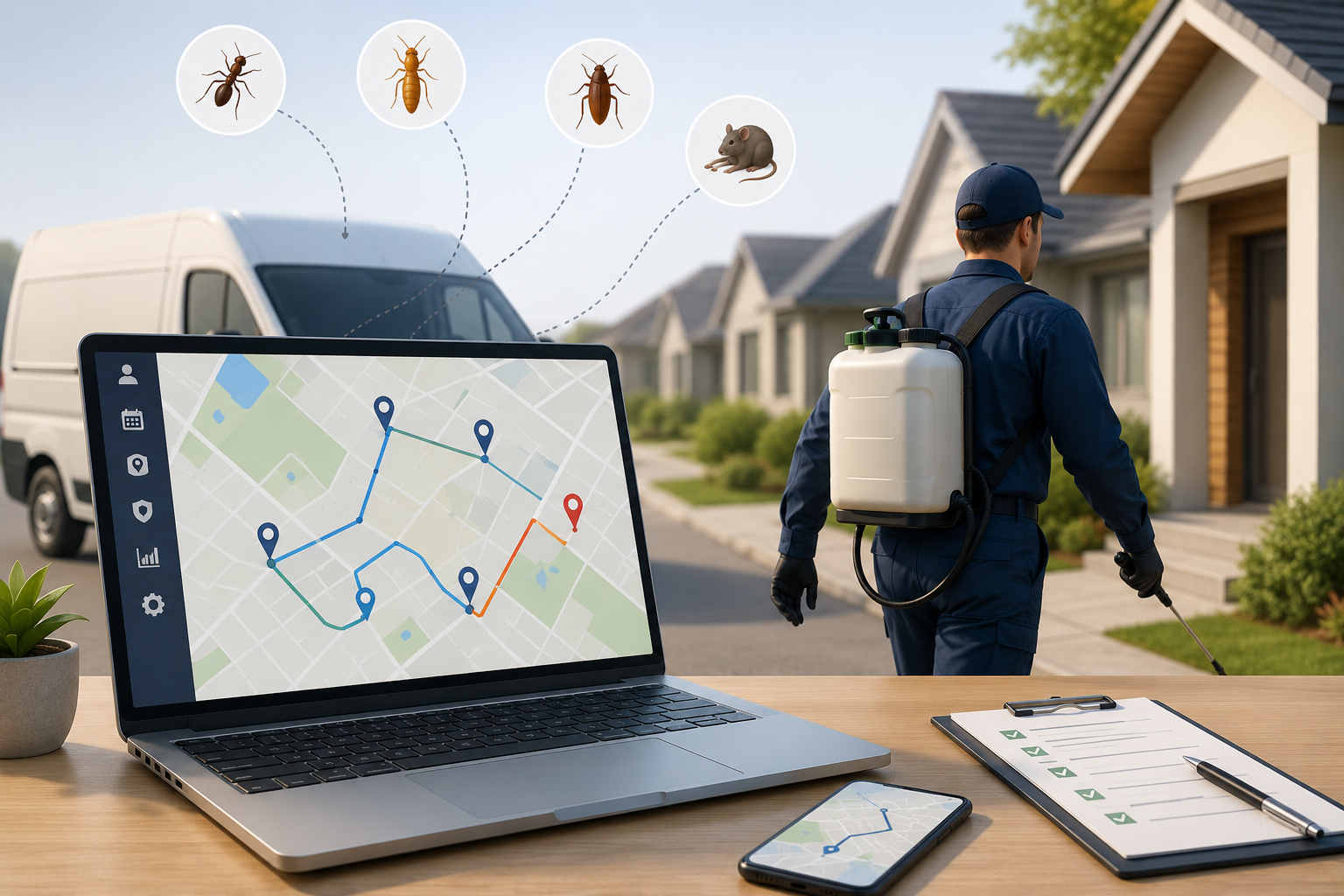
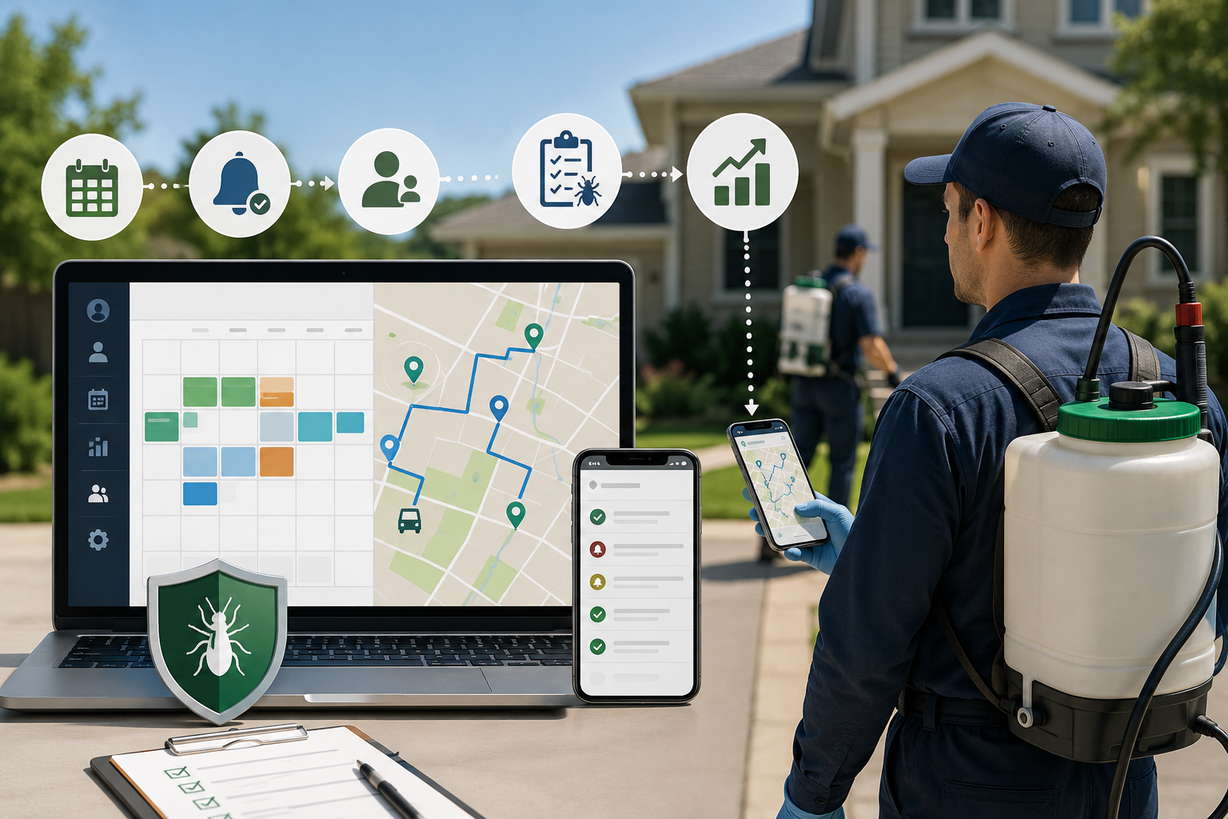
If you run a pest control company, you already know the routing rarely goes exactly to plan. That’s the problem pest control route planning software is built to solve. It sequences each technician’s stops around drive time and territory, keeps recurring treatments on cycle, and re-shuffles the day when an emergency call throws everything off. This guide covers what the software does, how it works day to day, what to look for when you’re choosing one, and how it holds up against the spreadsheet or Google Maps you might be running now.
Why Pest Control Routing Is Harder Than It Looks
On paper, pest control routing looks easy. Same neighborhoods, same customers, a predictable weekly rhythm. Then you actually run a day.
A technician covers somewhere between eight and fourteen stops, most of them recurring: quarterly treatments, monthly commercial accounts, the bimonthly residential plans that pay the bills. Then a homeowner spots termites at 10 a.m. and needs someone out today. The route you built at 7 is already out of date.
Now picture five or ten trucks, each with its own list and territory, and a dispatcher trying to hold the whole board together across a wall of sticky notes. Miss one recurring account and it silently rolls to next week. Send two techs into the same subdivision and you’ve paid twice for the same drive. Forget a gate code and a tech burns fifteen minutes on a porch, calling the office.
That’s the part generic tools can’t handle. A spreadsheet or a plain GPS app will line up a handful of stops, but it has no idea which accounts are due this week, it can’t slot an emergency in without rebuilding your whole afternoon, and it doesn’t care that two trucks are about to cover the same street. Pest control route planning software is built for exactly that mess: recurring cycles, mid-day curveballs, and keeping technicians out of each other’s territory.
What Pest Control Route Planning Software Does
Underneath the feature list, a solid pest control route planning software really handles five jobs:
- Sequences the day. It orders each technician’s stops around location, drive time, and service windows, so the route makes sense on the road, not just on a map.
- Tracks recurring cycles. Quarterly, monthly, or custom, it keeps every account in rotation so nobody quietly falls off the schedule.
- Re-optimizes on the fly. When an emergency stop goes in mid-route, it rebuilds the rest of the day around it in seconds.
- Clusters by territory. It groups work geographically so crews stop poaching each other’s streets.
- Keeps clients in the loop. It sends updates with a live tracking link before the tech pulls up, cutting the “when are you coming” calls.
Get those five right and most of the daily scramble disappears. Miss one, usually recurring tracking, and you’re back to running the day by memory.
How Pest Control Route Planning Software Works, Step by Step
If you’ve never used pest control route planning software, here’s what a normal morning looks like once one is in place.
Everything loads onto a map. Accounts, recurring cadences, and customer details live in one place. Every stop is a pin, and the ones due today are already flagged.
You build routes by area, not by hand. Instead of dragging stops one at a time, you select a cluster of pins for each technician and let the software work out the order. A good pest control route planner sequences them for the shortest practical drive while respecting time windows.
You dispatch to phones with one tap. Each technician gets their route on a mobile app with turn-by-turn navigation, access notes, gate codes, and service history for every stop.
The day adjusts itself. When a customer calls in a swarm at 11, you drop the stop onto the map and the rest of that route re-optimizes around it, while dispatch watches everyone’s progress in real time.
Load, cluster, dispatch, adjust. What used to be an hour of morning planning becomes a few minutes, and the plan survives contact with the real world.
Cutting Windshield Time and Fuel Costs
Windshield time is the quiet killer in pest control. Every half hour a technician spends driving between badly ordered stops is a half hour they’re not treating a property, and it’s fuel out the tailpipe for nothing.
With eight to fourteen stops a day, small inefficiencies stack up fast. Trim a bit of drive time off each tech, multiply it across five or ten trucks and a full year, and you’ve got real recoverable capacity: more treatments finished without adding a truck. Operations that move off manual planning onto real route optimization routinely find they fit more stops into the same day. That compounding gain is the core case for pest control route planning software.
There’s a second saving that’s easy to miss: the dispatcher’s morning. When route building drops from an hour to a few minutes, that’s an hour a day handed back to someone who can spend it on customers instead of a task the software does better anyway.
Technician Route Optimization: Balancing Work Across the Crew
Here’s an angle most routing guides skip. It isn’t only about one technician’s route, it’s about how the work splits across the whole crew. Technician route optimization means balancing stops so one tech isn’t buried under twenty jobs while another coasts through eight, and nobody’s driving across town to a stop that sat two blocks from a teammate.
Good software assigns work by location and workload, not by whoever’s name was on the account last time. It clusters stops into tight territories, keeps each tech mostly inside their zone, and evens out the day so everyone finishes on time. On a five or ten truck operation, that balancing act is where a lot of the hidden savings live.
It matters for your people too. Lopsided routes are how good techs burn out and start eyeing the competition, so technician route optimization is a retention lever as much as a cost one.
Territory Management and Route Density
Ask an established pest control operator where the real money is and many say the same thing: route density. It’s not just how efficiently you drive a route, it’s how tightly your customers are packed into the neighborhoods you already serve.
A technician with fifteen accounts in one subdivision is far more profitable than one with fifteen scattered across the county, even if both routes are perfectly optimized. The drive time between dense stops is minutes. The drive time between sparse ones is your margin, evaporating.
Pest control route planning software helps on both sides. On execution, it sequences dense routes so techs spend time at the door, not behind the wheel. On growth, the map becomes a sales tool: you can see which neighborhoods have enough customers to justify a dedicated day, and where a few more accounts would fill a half-empty route.
That’s the strategic layer a spreadsheet never gives you. See your base as territories instead of a list of addresses and you start selling into streets you already cover, where every new account costs almost nothing extra to service.
Routing Commercial and Residential Accounts Differently
Most pest control companies run a mix of commercial and residential work, and the two don’t route the same way. Residential accounts tend to be dense and recurring: lots of stops packed into subdivisions, short visits, fairly flexible arrival windows. Commercial accounts are the opposite. There are fewer of them, they’re higher value, and they’re often tied to strict service windows, because a restaurant or a warehouse can only be treated before it opens or after it closes.
Good pest control route planning software lets you plan for both without forcing one to bend awkwardly around the other. Commercial jobs with hard time windows get locked into their slots first, then the software fills the rest of the day around them with residential stops that have more give. That way a technician isn’t racing across town to hit a 6 a.m. restaurant and then sitting idle for an hour. They’re working a tight residential cluster nearby until the next fixed appointment comes up.
Handling that mix by hand is exactly where manual planning falls apart. A dedicated pest control route planner treats time windows and account types as inputs, not afterthoughts, and builds a day that respects both.
Managing Recurring Treatment Schedules
Most pest control money is recurring, so the tool tracking those cycles matters as much as the routing brain behind it. A good pest control route planner holds each account’s cadence, quarterly, monthly, custom, and surfaces exactly who’s due today. Turning that list into an optimized route should take two clicks, not a morning with a spreadsheet.
The failure mode is subtle. A recurring account doesn’t announce when it’s been missed. It just slides a week late, then two, and by the time anyone notices, the customer already has a competitor’s flyer on the door. A clean due-today view that flags anything overdue closes that gap before it becomes a cancellation.
Scheduling and routing are related but separate jobs. The cadence side, reminders, recurring contracts, due-today lists, is its own subject, and it’s the focus of a companion guide on pest control scheduling software. Most operations need both working together.
Handling Emergency Calls Without Breaking the Day
A wasp nest over a front door doesn’t wait for the next scheduled visit. The operations that win that business can drop an emergency stop into an already-built route and have the rest of the day quietly re-sequence around it. No frantic rebuild, no calling three techs to rearrange their afternoon.
Think about what that call is worth: often a new customer, a premium same-day fee, and a five-star review if you show up fast. Fumble it and you either turn the job away or blow up a technician’s afternoon to squeeze it in.
This is the clearest line between real pest control routing software and a basic map app. Dedicated software treats a mid-day disruption as a normal input, you add the stop, it re-optimizes, done. A mapping app treats it as a reason to start the day over.
What to Look for in Pest Control Routing Software
Not every routing tool is built for field service, let alone pest work. When you’re comparing options, hold each against these:
- Recurring service management. Quarterly, monthly, and custom cadences with a clear due-today view. This is the feature that separates real pest control routing software from a generic delivery planner.
- Territory-based clustering. Stops grouped by zone so techs aren’t criss-crossing the same streets.
- Mid-day re-optimization. Add an emergency stop and let the route rebuild itself.
- Client communication. Automatic branded updates when a tech is booked, en route, and finished.
- Proof of service. Timestamped photos and notes at each stop, tied to the account.
- A driver app technicians will actually use. Turn-by-turn navigation, access notes, one-tap status updates. If the field experience is clunky, adoption dies.
If a tool can’t do the first three, it’s a delivery route planner wearing a pest control label, not the real thing.
Common Routing Mistakes Pest Control Companies Make
Even seasoned operations leave money on the table in the same predictable ways:
Assigning work by habit instead of geography. “That’s always been Dave’s account” is how a tech ends up crossing three zip codes while a stop two blocks from another tech goes to the wrong truck.
Treating recurring and emergency work as the same problem. Your recurring base needs a steady, protected cadence. Emergencies need flexible slots. Cram them into one list and both suffer.
Planning the whole week on Monday and never touching it. Routes age. Cancellations and new bookings pile up, and a plan optimized once is stale by Wednesday. Re-optimizing is cheap, so do it daily.
Skimping on the field experience. Owners buy for the dispatcher and forget the technician. If the driver app is painful, techs quietly revert to their own way and your data falls apart. Technician route optimization only works if technicians actually follow the routes.
Most of these trace to one root issue: managing routes as a static list instead of a living system. Pest control route planning software fixes the tooling; fixing the habits is on you.
Route Planning Software vs. All-in-One Pest Control Suites
Shop around and you’ll notice two kinds of product. On one side, dedicated routing tools that do route optimization and scheduling extremely well. On the other, big all-in-one pest control suites that bundle routing with invoicing, chemical tracking, compliance reporting, and a full CRM.
Neither is automatically right. The all-in-one suites are powerful but heavier and pricier, and you often pay for a lot of modules to get the routing you actually wanted. The focused route planners are lighter, cheaper, and usually sharper at getting technicians efficiently from stop to stop, but they won’t run your books or track pesticide usage.
The honest way to choose is to look at your bottleneck. If routing and recurring scheduling are costing you time and money, a dedicated pest control route planner fixes that faster and for less. If your real pain is compliance or billing, you may need the heavier suite, or you pair a focused router with the accounting tool you already use.
How to Get Started with Pest Control Route Planning Software
Switching over is less work than most owners expect:
Import your customers and schedules from a spreadsheet or your current CRM. A good tool geocodes addresses and flags duplicates as it goes.
Set recurring cadences, quarterly, monthly, or custom, so who’s-due-today builds itself.
Run the optimizer to sequence each technician’s day around territory and drive time.
Dispatch to phones with stop details, gate codes, and access notes attached.
Handle emergencies live, dropping in same-day calls and letting the software re-optimize what’s left.
Review weekly: completion and adherence reports to catch any slipping account, and route density to spot neighborhoods worth selling into.
Most teams run real routes within a day or two. The bigger adjustment is cultural, getting people to trust the tool over old habits, which the time savings usually settle within a week.
Why Pest Control Businesses Choose Bodha
Bodha puts route optimization, recurring scheduling, and a light client CRM in one place, so your dispatcher isn’t flipping between a routing tool and a separate scheduling spreadsheet. Recurring accounts land on a due-today calendar, technicians get access notes and service history on the mobile route sheet, and clients get automatic arrival updates that thin out the inbound calls.
There’s more on the Pest Control Route Planner page, and you can see how Real-Time Tracking keeps dispatch on top of every technician’s status.
One straight note: Bodha is a routing and scheduling platform, not a chemical-compliance or invoicing suite. If you need pesticide tracking or state regulatory reporting, you’ll run Bodha alongside a tool that specializes in that. What it does do, tighten routes and keep recurring treatments on cycle, it does well.
Bodha at a glance
Best for: Pest control operations that want technician routing and recurring schedules in one place, without a heavy all-in-one suite.
Standout stuff: Territory-based route optimization, recurring cadences on a due-today calendar, mid-day re-optimization for emergencies, access notes and service history in the driver app, automatic client updates, and proof of service.
Pros: Routing and scheduling under one roof, a light CRM that keeps account details with the stop, and it’s free to start.
Keep in mind: No built-in chemical compliance, pesticide tracking, or invoicing, so you’ll pair it with a tool that handles those.
Frequently asked questions