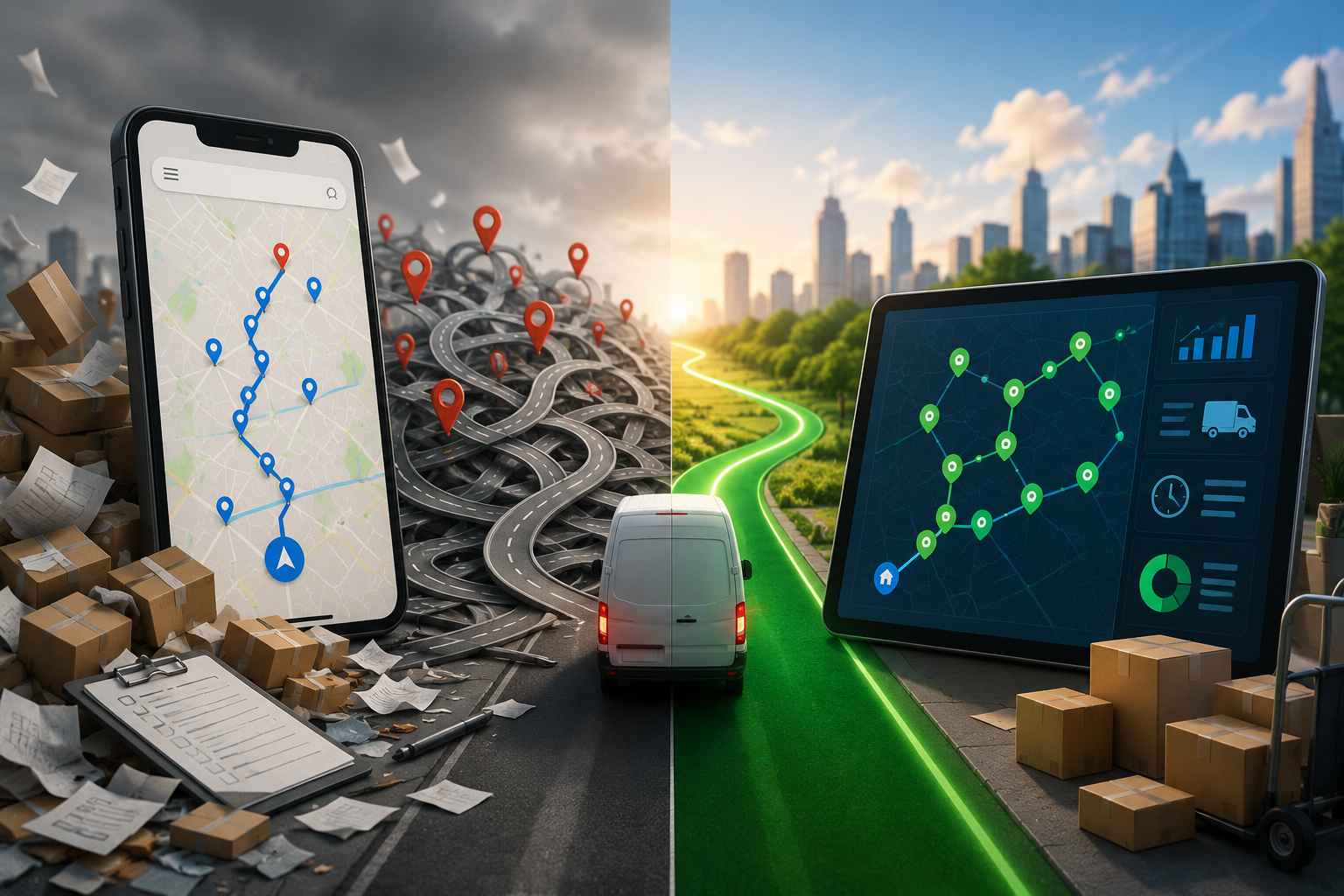
For years the courier morning has looked the same in thousands of depots. A spreadsheet of addresses on one screen, Google Maps open in another tab, and a driver squinting at both, trying to guess a sensible order before they set off. It works, right up until it doesn’t. Start typing stops into a Google Maps courier route and you hit the wall fast, because the app stops you at ten, and it will not put them in a smart order for you either. For a courier running 30, 50, sometimes 100 drops a day, ten stops is not a route. It is barely the first street.
Let me be clear before we go further: this is not a Google Maps takedown. It is a brilliant navigation app, and couriers should keep using it. The point is that navigation and route planning are two different jobs, and Google Maps only nails one of them. Here is exactly where the line sits, and the dead-simple setup that lets you keep the app you love while fixing the part it cannot do.
What Google Maps is genuinely great at
Credit where it is due, because plenty of couriers live in this app for good reason and I am not about to pretend otherwise.
For turn-by-turn driving, Google Maps is hard to beat. The real-time traffic and rerouting are excellent, the ETAs are accurate, and the map data is about as complete as it gets anywhere on earth. Drivers already know the interface inside out, so there is zero training and zero grumbling about a new tool. It handles the actual business of getting from one door to the next better than almost anything, and it costs nothing. None of that is in question. If your whole day is a handful of stops, Google Maps on its own is fine, which is exactly why so many couriers start there and never think twice.
Where Google Maps runs out of road
The trouble starts the moment the operation gets serious. A Google Maps courier route runs into a set of hard limits that a growing courier simply cannot design around. Let me go through them, because each one shows up as a real cost on a real day.
The ten-stop cap is the headline. Google Maps lets you add up to ten stops on a route, full stop. A proper courier round is several times that, so you end up chopping the day into chunks of ten and stitching them together by hand, which is its own little time sink every morning.
No route optimization is the quieter, bigger problem. Even inside those ten stops, Google Maps drives them in the order you typed them. It does not work out the best sequence. So you are still the one guessing the order, and every guess that is slightly off is a bit of backtracking and a bit of fuel you did not need to spend. People fixate on the stop cap and miss this one, and this one costs more.
No mid-route re-planning. Dispatch calls at 2pm with an urgent pickup, and Google Maps has no way to fold it into your existing round and re-sequence the rest. You rebuild the plan in your head at the kerb, which is exactly when you are least able to.
No proof of delivery. There is nowhere to snap a photo, grab a signature, or stamp a time. So when a customer insists the parcel never arrived, you have nothing but your word.
No live tracking or customer heads-up. You cannot see where your drivers are, and customers get no automatic “arriving soon” message, which means more “where is my parcel” calls landing on whoever answers the phone.
No multi-driver dispatch. Google Maps plans one route for one phone. It has no idea your team exists, so there is no way to balance the work across drivers or push routes out from an office.
And no manifest import. You type or paste stops one at a time. There is no clean way to drop in a spreadsheet or pull from your order system, which at volume is soul-destroying.
None of these are flaws, exactly. They are just jobs the app was never built to do. Google Maps is a navigation tool. Courier work needs a planning tool sitting behind it.
The maths: why ten is nowhere near enough
Put a number on it and the gap gets obvious. Couriers commonly run somewhere between 30 and 50 stops a day, and dense city rounds go higher. Optimized sequencing typically saves 20 to 40 percent of drive time versus handling stops in the order they came in. On a Google Maps courier route you get neither the capacity nor the optimization, so you are handing back that time, and the fuel that rides along with it, every single day. For a courier paid by the drop, that is lost income sitting on the table. For one paying for their own fuel, it is a straight cost you chose not to cut.
When Google Maps actually is enough
Let me be fair, because the honest answer is not “always upgrade.” If you are a hobby courier or just starting out with fewer than ten stops a day, Google Maps alone genuinely does the job, and paying for software would be silly. The trouble is that couriers grow out of that window fast, usually within weeks of landing a real contract, and the ten-stop wall shows up right as things get busy.
There is a middle path that a lot of couriers miss, though. You do not have to jump from “free Google Maps” straight to “paid platform.” A free planner that lifts the stop cap and adds optimization is the natural next step. The Bodha Drive app does exactly that: if you only need up to 20 stops per route, you can optimize unlimited routes for free, then open each leg in Google Maps or Waze to drive it. That covers the exact gap between “Google Maps is fine” and “I need a full dispatch platform,” at no cost. When you do outgrow it, meaning you want proof of delivery, live tracking, and multi-driver dispatch, paid plans start at $29 a month.
The best-of-both-worlds workflow
Here is the setup couriers actually like, because it does not ask you to give up the nav app you trust. Use each tool for the job it is best at.
Plan and optimize in a dedicated courier route planner. Import the whole day, let it sequence every stop in the best order around traffic and time windows, and split the work across drivers if you have a team. Then, for the driving, hand each leg off to Google Maps or Waze for turn-by-turn. The planner solves the ordering and the capacity. Google Maps solves the road. Your driver still sees the familiar blue line on the screen, and you stop losing an hour a day to a ten-stop wall and a guessed order.
That handoff is the whole trick, and it is worth saying plainly: a good route planner for courier delivery does not try to replace the navigation drivers already like. It does the heavy planning Google Maps cannot, then opens each stop in the maps app of their choice. Nobody has to learn a new way to drive.
Google Maps vs a courier route planner, side by side
The takeaway is not “stop using Google Maps.” It is “stop using Google Maps for the job it was never built to do.”
How Bodha fits with Google Maps
Bodha is built for exactly this workflow. As a solo courier, Bodha Drive takes your full list of stops, optimizes the order in seconds, and then opens each leg in Google Maps, Waze, or Apple Maps so you navigate with the app you already know. And as covered above, it is free for up to 20 stops per route on unlimited routes, so you can get off the ten-stop wall without spending a thing.
For teams, the full courier route planner adds multi-driver dispatch, a driver mobile app, proof of delivery, and real-time tracking, all while still handing navigation off to the maps apps drivers trust. Paid plans start at $29 a month, and the pricing page has the detail.
Hitting the same wall on other tools? Our MapQuest alternative guide covers that app’s version of the ceiling. For the day-to-day method, read how to plan a courier route with multiple stops, and if you are weighing your options, we compare the best route planner apps for couriers. To see how a better sequence cuts failed drops and fuel, our guide to parcel delivery route optimization has the numbers.
Get past the 10-stop wall
Keep Google Maps for navigation. Add a planner for everything it cannot do. Bodha optimizes your whole round in seconds, then hands off to the maps app your drivers already use, and you can start free for up to 20 stops per route.
Start free for 7 days (no card needed) or book a quick demo.
Frequently asked questions