Lawn Care Route Planning Software: How to Cut Windshield Time and Keep Every Mow on Schedule
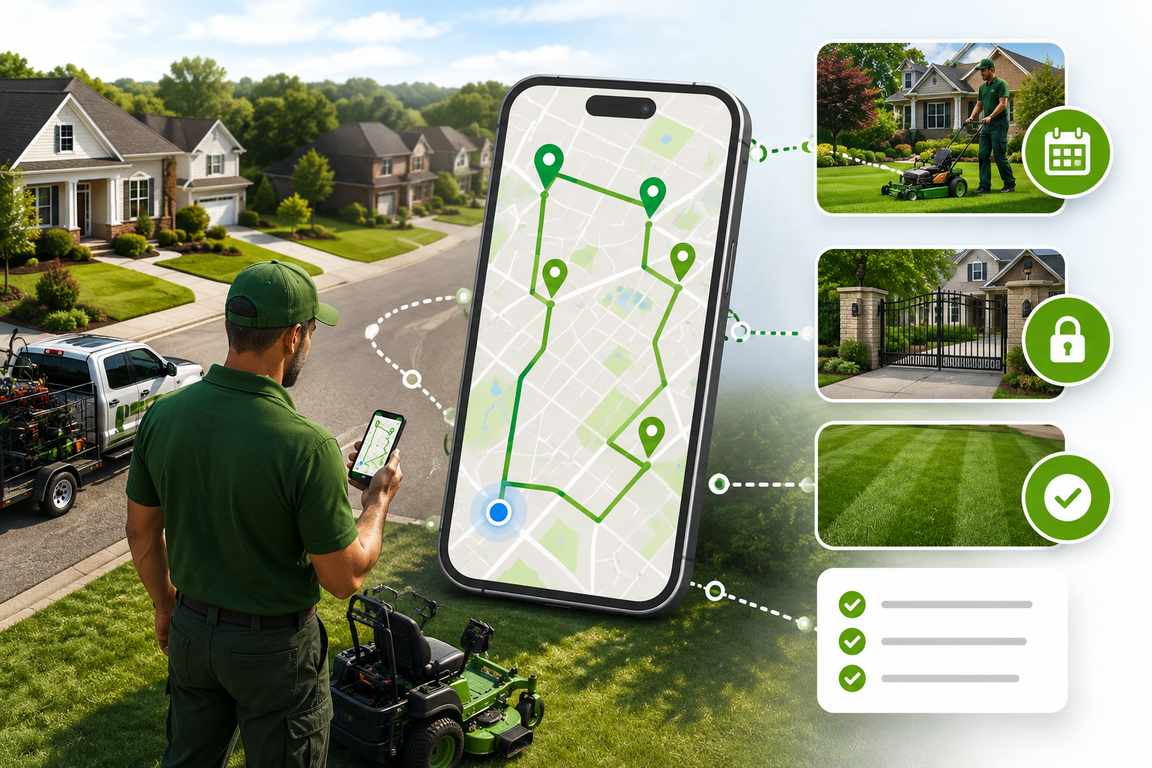
Quick answer: Lawn care route planning software takes your list of properties for the day and puts them in the shortest, most practical driving order. It factors in service windows, how long each job takes, and real drive times on real roads. Add recurring scheduling on top and it keeps every weekly and biweekly account on cycle, so your crews spend less time behind the wheel and more time actually mowing. This guide walks through what the software does, the features that separate a real tool from a plain map app, and how to pick the right one for your business.
Why Lawn Care Businesses Quietly Lose Money to Bad Routing
Lawn care is a repeat business. Same properties, same weekly or biweekly rhythm, spread out across a town or a whole service area. You’d think all that repetition would make routing easy. It usually doesn’t. Most crews still build the day from memory, a printed list, or a spreadsheet that has no clue about traffic, service windows, or which yards are even due today.
So the same problems keep showing up. Too many miles between stops. A mowing cycle that slowly drifts off schedule. A phone that won’t stop ringing because clients don’t know when you’re coming. Every one of those traces back to the same thing: the route was a guess instead of a plan.
That’s the job lawn care route planning software is built to do. It looks at every property on your list, weighs the drive time, how long each job runs, and how many hours your crew actually has, then hands back the order that cuts the most lawns with the least driving in between. Run five stops a day and it helps. Run ten or twenty and it adds up fast, week after week, in hours you get back and fuel you stop burning.
What Lawn Care Route Planning Software Actually Does
Strip it right down and lawn care routing software does one thing: it turns a list of addresses into an optimized order for the day. But the tools actually worth paying for go a lot further than drawing lines on a map. The good ones pull three jobs into a single place:
- Route optimization that groups nearby properties and works out the shortest realistic order for the day.
- Recurring scheduling that keeps track of who’s due on a weekly, biweekly, or custom cycle, so the route almost builds itself.
- Client and property records, think gate codes, yard notes, and service history, sitting right there for the crew in the field instead of lost in a text thread.
A regular map app can handle a few stops. What it can’t do is manage a mowing cadence, remember that a client swapped their gate code last month, or tell you which of your forty biweekly accounts came due this week. That’s the gap a proper landscaping route planner fills.
Dedicated lawn care route planning software vs. a generic GPS app
What to Look for in Lawn Care Routing Software
Plenty of tools claim they’ll optimize your routes. Not all of them are built for how a mowing operation actually runs. When you’re weighing your options, hold each one up against these six things.
1. Route optimization built around service windows
A good landscaping route planner does more than connect the dots between pins. It sequences the day around each property’s service window, your crew’s working hours, and real drive times on real roads, so the plan still holds up once the truck pulls out of the yard.
2. A true recurring mowing schedule
Recurring accounts are the whole game in lawn care. You want recurring mowing schedule software that lets you set a cadence once, whether that’s weekly, biweekly, monthly, or something custom, and then shows you exactly who’s due each day. Setting it once beats rebuilding the same route from scratch every single cycle.
3. Gate codes and yard notes in the field
Access details, pet warnings, the little client preferences, all of it should ride along with the route instead of living in someone’s head. When it shows up on the mobile route sheet at every stop, your crew stops guessing and just gets on with the work.
4. Automatic client updates
A quick branded text or email that tells a client when they’re scheduled, when the crew is on the way, and when the job’s done will kill off most of those “are you coming today?” calls that chew through your office hours.
5. Proof of service
Timestamped photos and notes at each property, even when there’s no signal, give you a clean record if a client ever questions whether you showed up. That’s worth a lot on bigger properties, or on accounts that get split between technicians.
6. Multi-crew planning that scales
Add trucks and you’ll need to balance the load and plan several routes off one client list in a single sitting, without a dispatcher rebuilding the whole thing by hand every morning.
How Route Optimization Saves Fuel and Adds Stops Per Day
Windshield time is the cost nobody puts on an invoice. When a crew bounces around between properties instead of working a tight cluster, they burn fuel, pile hours onto the truck, and get to fewer lawns before the day’s gone. Hand that clustering and sequencing over to the software and it does in seconds what used to eat a dispatcher’s whole morning.
The part that’s easy to miss is how it stacks up. Shave even a little off your daily drive time, then multiply that across five days a week and forty-odd weeks a year, and you’re suddenly looking at a serious pile of labor hours back per truck. Hours you can aim at new accounts instead of leaving them stuck in traffic between the ones you already have.
How big is the gain? It comes down to your setup, how spread out your accounts are, how many stops you run in a day, and how loose your routes were to begin with. But the pattern holds across service fleets: tighter sequencing means fewer miles, less fuel, and enough time clawed back to fit another property or two into the same shift. Even a small daily saving turns into a real number once you stretch it across a full mowing season.
Recurring Scheduling: The Real ROI for Lawn Care Teams
Route optimization sorts out the driving. Recurring scheduling sorts out the thing sitting underneath it, which is keeping every weekly and biweekly account on cycle without someone in the office tracking due dates by hand. This is exactly where recurring mowing schedule software earns its place. The better lawn care route planning software lets you drop in skip dates, holiday presets, and seasonal pauses, so the cadence bends around a holiday instead of falling apart the first time one lands mid-week.
This really earns its keep in the shoulder seasons. Spring startup and fall wind-down both shift the cadence for a big chunk of your client base all at once. A lawn care scheduling app that can handle bulk cadence changes without a fuss saves you a ton of admin time right when the office is already slammed.
Then plan-adherence reporting ties it all off by flagging any recurring account that’s starting to drift, before the client notices and picks up the phone. When your revenue is built on repeat work, that kind of early warning can be worth more than the fuel savings.
How to Get Started With a Lawn Care Route Planner
Import your client list from a spreadsheet or CSV. A good tool will geocode the addresses and flag duplicates for you.
Set recurring plans for every account that repeats weekly, biweekly, or monthly.
Run the optimizer and let it sequence the day’s properties around service windows and drive time.
Send the route to the crew’s phone, complete with gate codes and yard notes for every stop.
Turn on automatic client updates so the office stops fielding “where are you?” calls.
Check adherence and completion reports weekly to catch any account before it slips.
Why Bodha Works Well for Lawn Care and Landscaping Teams
Bodha pulls route optimization, a recurring mowing schedule, and a light client CRM into one place. That combination is pretty much what a lawn care operation needs when it’s juggling repeat accounts across a spread-out service area. Crews get gate codes and yard notes right in the mobile route sheet, clients get automatic arrival updates, and owners get plan-adherence reports that call out any account slipping its cycle.
Want to see how the optimizer actually builds a day’s sequence? Take a look at the route planning feature. And if you want the version aimed squarely at mowing operations, the Lawn Care & Landscaping Route Planner page breaks it down.
Bodha Route Planner at a glance
- Best for: Lawn care and landscaping teams running recurring residential and commercial accounts across a wide service area.
- Standout features: Service-window route optimization, recurring scheduling with skip dates and seasonal pauses, gate codes and yard notes in the driver app, automatic client notifications, and timestamped proof of service.
- Pros: Purpose-built for recurring, route-based service. The light CRM keeps property details tied to the route, you can plan multiple crews from a single client list, and it’s free to start.
- Keep in mind: Bodha is a dedicated route planning and scheduling platform rather than a full accounting and invoicing suite, so teams that need built-in payments usually pair it with the billing tool they already use.
Frequently asked questions