Lawn Care Scheduling Software: How to Manage Recurring Clients Without Missing a Mow
Quick answer: Lawn care scheduling software tracks every client’s service cadence, weekly, biweekly, monthly, whatever you run, and tells you who’s due for a visit today. Wire that up to route optimization, automatic reminders, and half-decent client records, and your recurring accounts stay on cycle without anyone in the office squinting at a spreadsheet every morning. Below: what this software should actually do, how to set up recurring plans that don’t fall apart, and how to pick a tool that fits the way your crews really work.
Why Recurring Clients Are Where Lawn Care Businesses Actually Make Money
Most lawn care money isn’t in one-off jobs. It’s in the same client, same cadence, week after week, all season long. That repeat base is what makes the whole thing a business instead of a constant hustle for the next gig.
Trouble is, it’s only stable if the scheduling holds. Miss one mow on a weekly account and you’ve usually lost more than a visit. You’ve got a customer sitting there thinking maybe they’ll try the guy who left a flyer on the door last Tuesday.
So that’s the real job lawn care scheduling software is doing. It takes who’s-due-for-service out of your head, off the sticky notes, out of the group text, and drops it in one place that just tells you who needs a visit today.
The Hidden Cost of Scheduling by Memory or Spreadsheet
A spreadsheet is fine for holding a list of names. Ask it which of your forty biweekly accounts are due this week and not last, though, and you’re back to scrolling and counting on your fingers.
Past a handful of clients, that manual tracking turns into a liability without ever announcing itself. Visits get skipped. Days get double-booked. One holiday week bumps everything down and suddenly a whole month’s cadence is off, and nobody noticed until a customer did.
It costs you twice. Once in the revenue you lose when a skipped client walks, and again in the hours your office burns checking who’s due instead of getting the route out the door.
What Lawn Care Scheduling Software Should Do
Forget the feature lists for a second. A lawn care scheduling software really just has to get a few things right:
- Hold a recurring cadence for every client, weekly, biweekly, monthly, or some odd custom pattern.
- Give you a due-today view, so the office can build the day without a spreadsheet.
- Let you set skip dates, holiday presets, and seasonal pauses without wrecking the cadence underneath.
- Keep the client’s details, gate codes, yard notes, and service history in one profile instead of five different places.
- Fire off reminders and arrival updates on its own, so fewer people call to ask when you’re showing up.
Nail those and most of the daily chaos sorts itself out.
Where Scheduling Software Fits Among Your Lawn Care Tools
“Lawn care software” gets used to mean about six different things, so it helps to know which one you’re actually shopping for:
- Scheduling and dispatch. Where lawn care scheduling software and any decent lawn mowing schedule app live. Cadences, crew assignments, getting the work out the door.
- Routing. Lawn care routing software puts the day’s stops in an order that doesn’t waste fuel and daylight. Scheduling says who’s due, routing says what order to hit them.
- Client management. Lawn care client management software keeps history, notes, and the little quirks tied to each property.
- Invoicing and accounting. Billing, payments, the books. Almost always its own thing, and plenty of owners just wire a scheduling tool up to QuickBooks and leave it there.
Nobody needs all four crammed into one mega-app. What you buy first comes down to where it hurts. If the pain’s in the field, who’s due, what order, which truck, start with scheduling and routing. If it’s in the office, chasing quotes and payments, a CRM or invoicing suite matters more. Bodha sits in the scheduling-and-routing lane and gets along fine with whatever you bill through.
Setting Up Recurring Service Plans That Actually Stick
Here’s the test: you should set a client up once, not re-enter them every cycle. Good recurring lawn care scheduling lets you lock in the mowing cadence the day someone signs on, weekly, biweekly, custom, whatever they’re on, and from then on that account shows up on the due-today calendar by itself until something changes.
Skipping a week for the Fourth? That’s a checkbox. Not you deleting the client and hoping you remember to add them back next Tuesday.
The shoulder seasons are where this really earns back the money. Come spring startup and fall wind-down, half your client base shifts cadence at once, and a tool that pushes those bulk changes through in one go saves you a mountain of admin right when you’ve got the least time for it.
The payoff doesn’t show up on any single Tuesday. It shows up at the end of the season, when you notice you didn’t lose an account to a missed cadence, and your crews never burned a morning on a schedule somebody had to rebuild by hand. That’s the real return on recurring lawn care scheduling. A little admin saved every week, a handful of skipped mows that just never happened, and a client base that renews because the service kept showing up like clockwork.
Keeping Clients Informed Without More Phone Calls
Be honest about how many calls to your office are just “hey, are you coming today?” It’s a lot. Automatic notifications knock most of them out: one text when the visit’s booked, one when the crew’s rolling, one when it’s done. That’s the whole point of service reminder software for lawn care.
Branded messages with a live tracking link also beat a bare text every time, because the client can see it’s you and not some random number they’ll swipe away.
Client Profiles: The Details That Save a Visit
Long-term clients collect little details. The gate code that changed back in March. The dog that has to be inside before anyone starts. The one patch by the fence they want left alone. Lose track of any of it and a crew rolls up, gets stuck at the gate, and calls the office. Or worse, does the job wrong and you hear about it.
Lawn care client management software fixes that by keeping every one of those notes right on the client’s profile, where whoever’s running the account this week can see it before they even pull up.
Reports That Catch a Missed Mow Before the Client Does
This is the report nobody gets excited about and everybody should have. Plan-adherence, due-versus-served, whatever your tool calls it. Instead of finding out an account got skipped when the client calls hot, you see the gap the same day, while there’s still time to swing back or get ahead of it with a quick call. On a business built out of repeat accounts, it might be the most useful screen you’ve got.
How to Choose Lawn Care Scheduling Software
When you’re comparing tools, hold each one up against this:
- Does it actually handle the cadences you run, weekly, biweekly, monthly, and the custom ones?
- Can it push seasonal changes in bulk, spring on, fall off, without you re-entering everyone?
- Do client details and gate codes follow the job to whoever’s servicing it?
- Are client notifications built in, or is it one more app to babysit?
- Is there adherence or due-versus-served reporting, or just a map?
- Does scheduling feed straight into routing, so a due-today list becomes a real route in a couple of clicks?
And one bit of hard-won advice: buy for the business you’ve got today, not the one on your vision board. A solo operator with fifty lawns needs cadences and reminders that just work, not a fifteen-seat platform they’ll supposedly grow into.
Scheduling-first tool vs. all-in-one suite vs. spreadsheet
Why Bodha Works as a Lawn Care Scheduling Tool
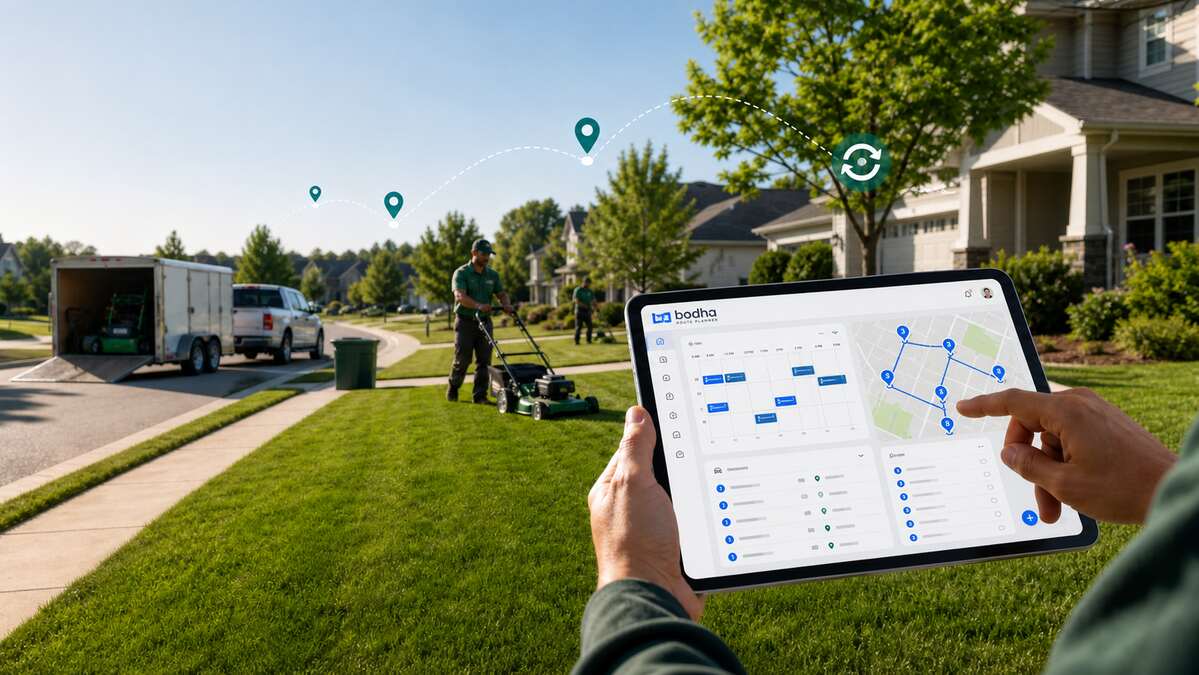
Bodha puts recurring scheduling, route optimization, and a light CRM in one place, so your due-today list and an optimized route are basically the same two clicks instead of two separate logins. Gate codes and yard notes ride out to the field on the client’s profile, the automatic updates soak up the “are you coming” calls, and the adherence report catches a slipping account before the customer does.
The full feature rundown lives on the Lawn Care & Landscaping Route Planner page. And if you want the routing half of the story, our companion piece on lawn care route planning software walks through how the optimizer builds a day.
Straight talk, though: Bodha isn’t a full invoicing-and-accounting suite, and it’s not pretending to be one. Most teams run it right next to whatever they already bill through, and that combo tends to beat one bloated app trying to do everything at seventy percent.
Bodha at a glance
- Best for: Lawn care and landscaping crews that live on recurring accounts and want scheduling wired straight to route efficiency.
- Standout stuff: Recurring scheduling with skip dates and seasonal pauses, a due-today calendar, built-in routing, gate codes and yard notes in the driver app, automatic client reminders, and adherence reporting.
- Pros: Scheduling and routing under one roof, a light CRM that keeps property notes with the account, client updates built in, and it’s free to start.
- Keep in mind: No built-in invoicing or payments, so you’ll run it alongside your billing tool.
Frequently asked questions