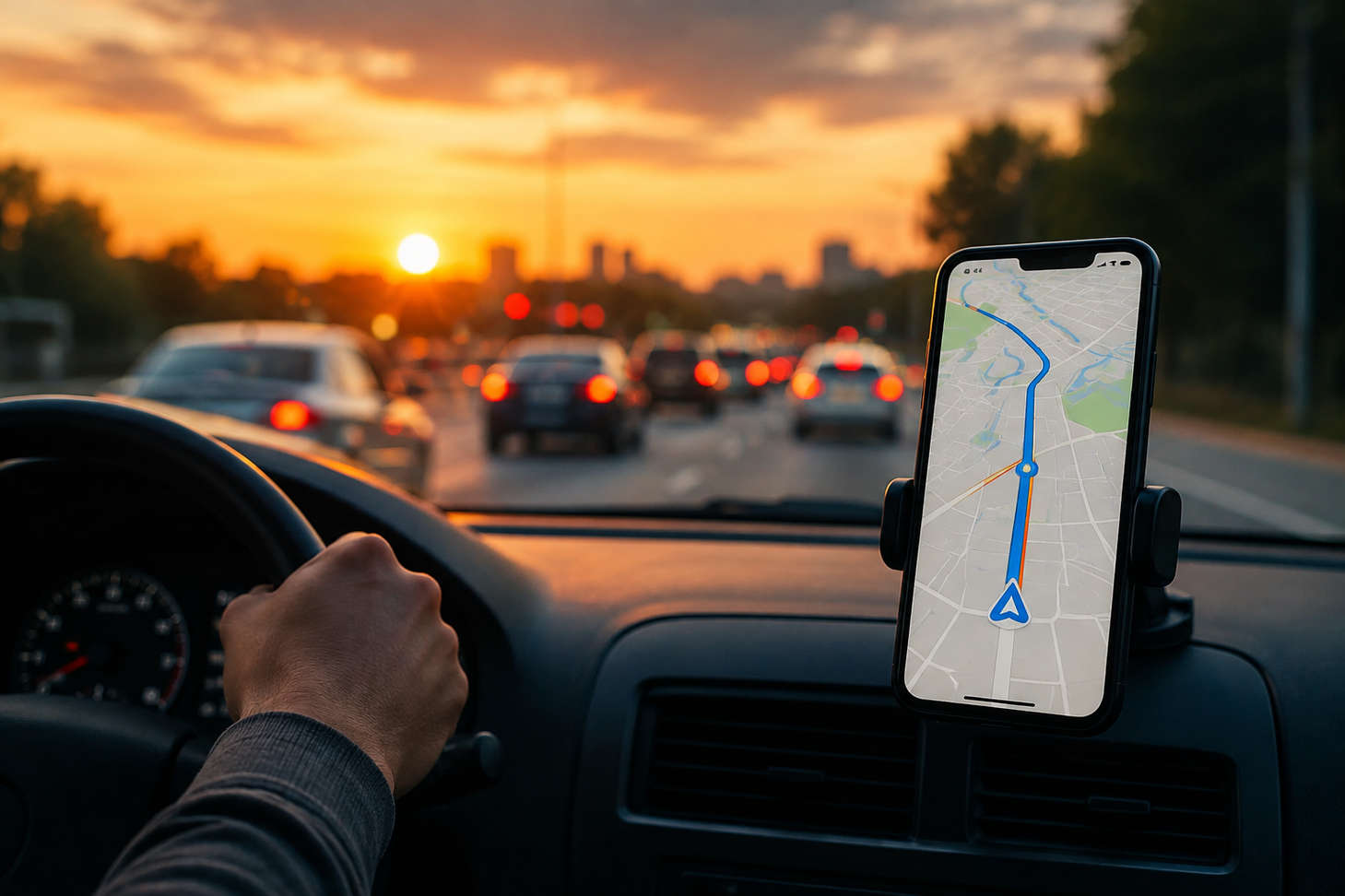
It is 5:47 PM. You are sitting in the car, tired, hungry, and just want to get home. You pull up your phone, type “home,” and your maps app gives you a route. Simple enough.
But is it actually the fastest one?
Here is something most people do not think about. The route your maps app picks is not always the fastest. Sometimes it is the shortest by distance. Sometimes it is the one with the fewest turns. Sometimes, if you are using Google Maps, it might even be the most fuel efficient one, which sounds nice until you realize that “fuel efficient” and “fastest” are not the same thing at all.
I have spent more time than I probably should testing routes home from different starting points, at different times, on different days of the week. And the single biggest thing I have learned is this: the fastest route home changes. It is not the same on Monday as it is on Thursday. It is not the same at 5 PM as it is at 6:15 PM. And it is definitely not the same when there is a fender bender sitting right at the junction you usually breeze through.
This guide breaks down how to actually find the fastest route home, which apps do the best job, and why the answer gets a lot more interesting when you have multiple stops between where you are and where you want to end up.
Fastest Route Home vs Shortest Route Home: They Are Not the Same Thing
This trips people up constantly, so let me clear it up.
The shortest route is the one that covers the fewest miles between where you are and your front door. It cares about distance, nothing else.
The fastest route is the one that gets you home in the least amount of time. It cares about drive time, and that means it is thinking about traffic, speed limits, road types, intersections, and sometimes even traffic light timing.
Picture this. Route A is 8 miles and runs straight through downtown. Route B is 12 miles but swings around the bypass. At 2 PM on a Sunday, Route A is faster. At 5:30 PM on a Wednesday, Route A is a parking lot, and Route B gets you home 20 minutes sooner even though it is 4 miles longer.
Your maps app knows this. Well, it knows it sometimes. The problem is that most people never check. They see the blue line, they follow it, and they never tap the grey alternative route sitting right there that might save them real time.
So rule number one for finding the fastest route home from your location: always check the alternatives. Every major navigation app shows you at least two or three options. Take two seconds to compare the estimated arrival times. You will be surprised how often the second option beats the first.
How to Navigate Home the Fastest Route Using Google Maps
Google Maps is what most people use, so let me walk through how to get the absolute most out of it for your drive home.
Open Google Maps on your phone. If you have already saved your home address, just tap the search bar and type “Home” or say “navigate home.” Google Maps will immediately generate a route from your current location.
Now here is the part most people skip. Before you tap “Start,” look at the screen. Google Maps usually shows one primary route in blue and one or two alternatives in grey. Each one has an estimated arrival time. Tap on a grey route to see its details. If it says you will arrive three minutes earlier, take it. Those three minutes might not sound like much, but over a month of commuting that adds up to more than an hour.
There are also settings worth checking. Tap the three dot menu and look at “Route options.” You can toggle things like “Avoid tolls,” “Avoid highways,” and “Avoid ferries.” If you are on a toll road and it is not saving you time, turn tolls off. If the highway is jammed but the back roads are clear, turn highways off temporarily. These toggles change the routes Google Maps considers, and sometimes the “avoid highways” route is genuinely faster during rush hour.
One more thing. Google Maps updated its routing to sometimes prefer fuel efficient routes over the absolute fastest ones. This is a default setting in some regions. If you want pure speed, go into Settings, then Navigation, and check your route preference. Make sure “Prefer fuel efficient routes” is turned off if getting home quickly is your priority.
Finding the Fastest Route to Home With Waze
Waze deserves its own section because it handles the “fastest route home” question differently than Google Maps, even though Google owns both apps.
Waze is built around one idea: crowdsourced traffic data. Every Waze user on the road is feeding real time speed data back into the system. So when someone hits a traffic jam, Waze knows about it almost instantly, often before Google Maps catches on.
What makes Waze especially good for finding the fastest route home is its willingness to reroute you aggressively. Google Maps tends to keep you on the main roads even when side streets might be quicker. Waze will happily send you down a residential street to skip a backed up intersection. Some people love this. Some people hate it. But if your only goal is getting home in the least time possible, Waze is usually the more aggressive optimizer.
To set up your home in Waze, tap “My Waze” then “Favorites” and save your home address. After that, you can tap the home icon and get a route in one tap. Waze will show you the time for multiple routes and automatically pick the fastest one.
A small but useful Waze feature: it learns your commute patterns. If you drive the same route home every weekday, Waze will start sending you notifications before you leave, like “Traffic is heavy on your usual route. Leave now to arrive by 6:15 PM.” That heads up before you even start driving is genuinely valuable, because sometimes the smartest way to get home faster is to leave five minutes later and miss the worst of the rush.
Using Apple Maps to Get the Fastest Route Home From Your Location
If you are on an iPhone, Apple Maps has gotten significantly better in the last couple of years, and for finding the fastest route home, it holds its own.
Siri makes this dead simple. Just say “Hey Siri, navigate home” and Apple Maps launches with the fastest route already loaded. If you have your home address saved in your contacts card, it works every time with no typing at all.
Apple Maps shows multiple route options with estimated times, and it factors in real time traffic conditions. It also integrates with CarPlay more smoothly than Google Maps on most vehicles, which matters if you are driving and do not want to fumble with your phone.
One feature Apple Maps has that the others do not: it shows you your ETA and route conditions on the lock screen without opening the full app. Glance at your phone before you leave the office and you can see whether your usual route is clear or backed up, without unlocking anything.
Why Your Maps App Does Not Always Give You the Fastest Route Home
Smart Habits That Actually Get You Home FasterHere is something that bugs me, and once you know about it, it will bug you too.
Your navigation app is not always optimizing for the fastest arrival time. It is balancing multiple things at once, and speed is only one of them.
Google Maps, for example, now factors in fuel efficiency. It might send you on a route that burns less gas even if it takes two or three minutes longer. For most people, that tradeoff is fine. But if you are sitting in traffic at 6 PM and you just want to get home to your kids, those two minutes feel like twenty.
Waze leans harder toward speed but it also considers road safety and complexity. It will not always send you down that sketchy unlit alley at night even if it shaves 90 seconds off the trip.
Apple Maps takes a middle ground. It generally picks the fastest route but it also tries to keep the directions simple. Fewer weird turns, fewer “in 200 feet take a slight right onto the unnamed road” moments.
The point is: no app is purely optimizing for speed 100% of the time. They are all making judgment calls on your behalf. That is why checking the alternative routes manually is always worth the two seconds it takes.
There are also things no navigation app can predict perfectly. A traffic light that just turned red for a 90 second cycle. A school zone that kicks in at 3:15 PM. A train crossing that holds you for four minutes. These micro delays add up, and they are different every day. That is why the fastest route home from your location yesterday might not be the fastest one today.
Smart Habits That Actually Get You Home Faster
Beyond which app you use, there are a few habits that consistently save time on the way home. These are not fancy tricks. They are things that work every single day once you start doing them.
Check traffic before you walk to the car.
This sounds obvious, but almost nobody does it. Pull up your maps app while you are still at your desk or in the store. If your usual route is red, you already know to take the alternative. If the whole city is jammed, maybe wait ten minutes and let the worst pass. The fastest route home sometimes starts with not leaving yet.
Save your home address in every navigation app you use.
One tap to start navigating beats typing your address every time, and it means you are more likely to actually check routes instead of just driving on autopilot.
Learn two or three routes home by heart.
Apps are great, but knowing your alternatives without looking at a screen means you can react the moment you see brake lights ahead. If you know that the road past the hospital connects to your neighborhood from the south, you can bail off the main road before the app even notices the slowdown.
Leave at off peak times when you can.
Fifteen minutes can make a massive difference. Leaving at 5:45 instead of 5:30, or at 6:15 instead of 6:00, can cut your commute time by a third on some roads. Not everyone has this flexibility, but if you do, it is the single easiest way to get home faster.
Keep your app updated.
Map apps push updates that improve traffic detection, road data, and routing algorithms. An outdated version might be using last year’s road network, missing new shortcuts or recently opened roads.
The Fastest Route Home Gets Complicated When You Have Stops on the Way
Here is where most “fastest route home” guides stop. They assume you are going from Point A to home, done, simple.
But real life is rarely that clean. Most of us are stopping somewhere on the way. Picking up groceries. Grabbing the kids from practice. Dropping off a package. Swinging by the pharmacy.
The moment you add even one stop, the question changes. It is no longer “what is the fastest route home?” It is “what is the fastest route through my stop and then home?”
And your maps app handles this badly.
Google Maps, Waze, and Apple Maps all let you add stops. But they drive you to those stops in whatever order you enter them. None of them look at the map and say “actually, you should hit the pharmacy first because it is on the way, and then double back for groceries, because that order saves you 12 minutes.” You have to figure that out yourself by dragging stops around and guessing.
With two stops, you can probably eyeball it. With three or four, it gets harder. And if you are a delivery driver with 25 stops between your first pickup and getting home at the end of the day? Forget it. No amount of manual dragging will find the best order. There are too many possible combinations for a human brain to sort through.
This is exactly the problem that route optimization was built to solve.
When the Fastest Route Home Means Optimizing Your Entire Day
For anyone who drives professionally, whether that is deliveries, service calls, sales visits, or field work, the fastest route home is not really about the last stretch of driving. It is about the entire day that came before it.
Think about it. If your first 20 stops were planned in a smart order, your last stop lands close to home. You finish earlier. You drive fewer total miles. And that final leg home is short and easy because the optimization already accounted for it.
But if those same 20 stops were planned poorly, your last stop might dump you on the opposite side of the city from where you live, and now your “fastest route home” is a 45 minute slog through rush hour traffic on top of an already long day.
The real answer to “what’s the fastest route home” for a professional driver is: plan the whole day so the day ends close to home.
That is what Bodha’s last mile delivery software is designed to do. When you load your stops for the day, whether that is by uploading a spreadsheet, pasting a list, or pulling them in through the API, you set both your starting point and your end point. If home is where you want to finish, you tell the system that. Bodha’s AI then sequences every stop in between so you cover the least distance, respect any time windows your customers have set, and end the day exactly where you told it to.
You are not just getting the fastest route from your last stop to home. You are getting a full day where home was part of the plan from the start.
And there is more to it than just routing. Bodha tracks your drivers in real time so dispatch can see exactly where everyone is. Customers get automatic ETA updates without anyone picking up a phone. Proof of delivery gets captured at every stop with photos, signatures, and GPS timestamps. And if something goes wrong mid day, a sick driver, a last minute rush order, a canceled appointment, the system re-optimizes the remaining stops in seconds so the day still ends on time and close to home.
That is the difference between a maps app and a delivery platform. A maps app shows you one route to one place. A platform like Bodha plans your entire operation, from the first stop of the morning to the moment you pull into your driveway.
See How Bodha Plans Your Fastest Day, Start to Finish
How Delivery Drivers Actually Get Home Faster Every Day
Let me paint the picture of what this looks like in practice, because it is not abstract.
A courier starts the morning at the depot. They have 35 deliveries loaded in the van. Without optimization, they are guessing the order based on what feels right, zigzagging across town, burning extra fuel, and finishing the day exhausted at 7 PM with their last stop nowhere near home.
With Bodha, those 35 stops get sequenced in about five seconds. The AI knows the driver starts at the depot and wants to end at home. It threads the route so the deliveries flow geographically, no backtracking, no zigzags. Time windows are respected so the commercial drop that closes at 4 PM gets hit before the residential ones in the evening. The driver finishes by 5:30 PM. The last stop is ten minutes from their front door.
That is an hour and a half back, every single day. It is less fuel. Less wear on the vehicle. Less stress. And yes, a much faster route home.
The driver is not thinking about which navigation app to use for the last mile of the day. They are already home, because the whole day was planned to make that happen.
Start Your 7 Day Free Trial With Bodha
No credit card. Full access to routing, tracking, proof of delivery, and customer notifications.
Frequently Asked Questions