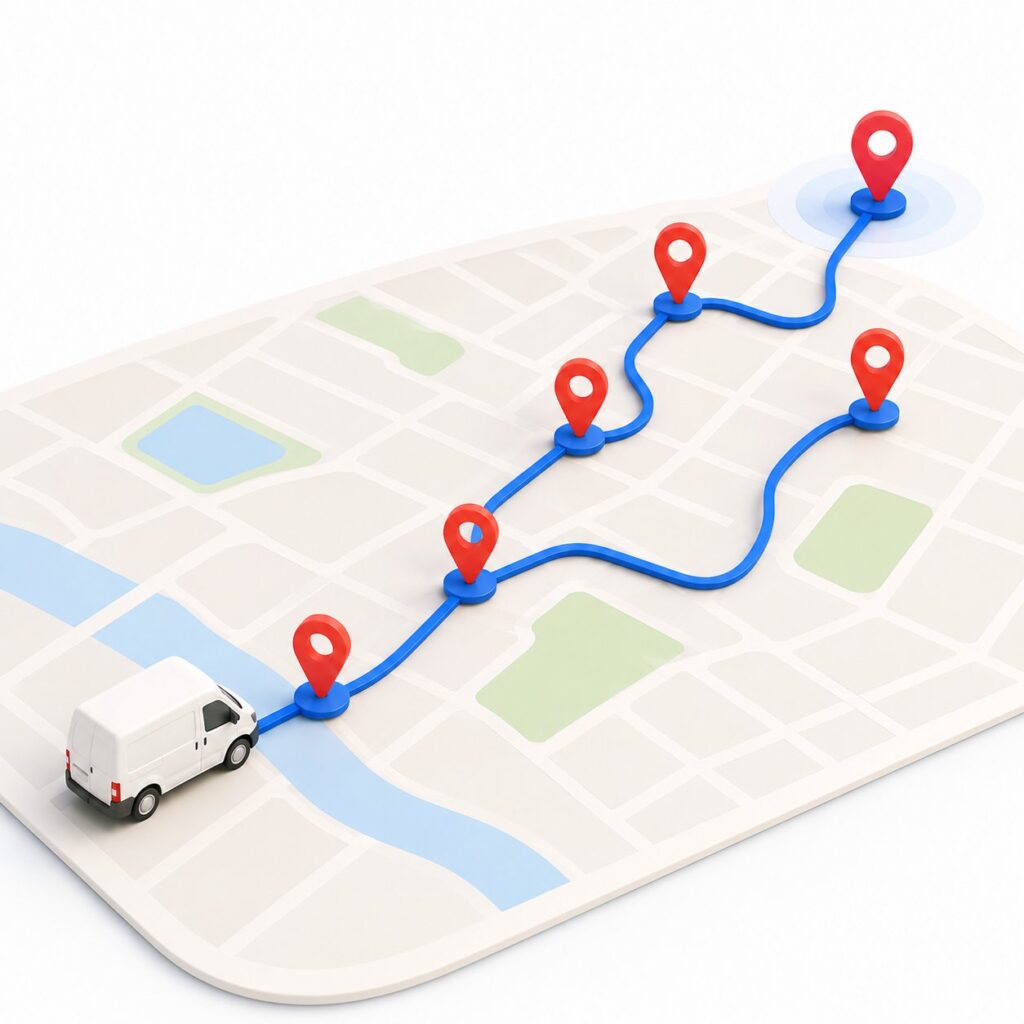
Most people think planning a multi-stop route is simple. Drop your addresses in, hit go, drive. And for three or four stops, sure, that is about all there is to it.
The trouble starts when the list gets long. Fifteen, twenty, thirty addresses, and suddenly the order you visit them in matters more than anything else on the screen. Pick the wrong order and you will criss-cross the same neighborhood three times, miss a delivery window, and finish an hour later than you needed to. Pick the right one and the whole day flows.
A free multi stop route planner is built to solve exactly that, the ordering problem, in seconds. But here is the part nobody tells you: the tool is only half the job. How you set up your free multi stop route planner decides whether the route it hands back is genuinely good or just technically valid. This guide is about the other half. We will walk through what makes multi-stop planning its own beast, where these routes quietly go wrong, and how to plan one properly with a free multi stop route planner, no credit card, no guesswork. A multi stop route planner free of cost can absolutely do professional-grade work, as long as you drive it well.
One quick note on scope. This is the practical, tool-first guide for a driver or small business planning a multi-stop route for free. If you run a fleet and want the dispatcher’s side of things, with driver assignment, vehicle capacity, and the full morning dispatch workflow, that is a different job, and our operator’s guide to planning delivery routes covers it in depth.
What Makes Multi-Stop Planning Different from Plain Navigation
Open Google Maps, type one address, and you get a clean answer in a second. That is point-to-point navigation, and it is a solved problem. Multi-stop is a completely different animal, and it is the whole reason a free multi stop route planner exists in the first place.
The reason is the sheer number of ways to order the stops. With ten stops, there are over three million possible sequences. With fifteen, the count runs into the trillions. Your phone can find the fastest road between two points instantly, but choosing the best order to drive twenty stops is the kind of problem a person simply cannot brute-force in their head. This is the gap a multi stop route planner free of charge is meant to fill, and it is also why plain map apps fall over once you pass a handful of stops. They were never built to answer “what order should I drive these in,” only “how do I get from here to there.”
So when you plan a multi-stop route, you are really making two decisions at once: the road between each pair of stops, which the map handles, and the order of all the stops, which is the hard part. A good free multi stop route planner nails that second decision for you. Get it right and the first one barely matters.
Where Multi-Stop Routes Quietly Go Wrong
Most bad routes are not the tool’s fault. They come from how the route was set up. These are the slip-ups we see most often, and every one of them is avoidable, no matter which free route planner for multiple stops you use.
- No real start or finish. If you do not tell the planner where you actually begin and end the day, it will guess, and its guess is rarely your depot or your home. A route that is perfectly optimized from the wrong starting point still sends you the long way round first thing in the morning.
- Ignoring time windows. Plenty of stops have a “must arrive by” attached, a shop that opens at nine, a customer who leaves at noon. Optimize purely for distance and the planner will happily schedule that nine o’clock drop for half past eleven because it was geographically convenient. Tidy on the map, useless in practice.
- Feeding it a messy address list. Half-typed streets, missing postcodes, two columns where there should be one. Garbage in, garbage out. A good planner flags the bad rows, but only if you give it a fighting chance.
- Splitting long routes by hand. When a map app caps you at ten stops, the instinct is to break the day into chunks and plan each one separately. That throws away the whole point, because the planner can no longer see the full picture and balance the stops across the day.
- Optimizing for the wrong thing. Shortest distance and shortest time are not the same once traffic, one-way streets, and speed limits enter the picture. The shortest route on paper can be the slowest one to actually drive.
Notice that none of these are about which tool you picked. They are about the inputs. Fix the inputs and almost any decent free multi stop route planner will give you a route worth driving.
How to Plan a Free Multi-Stop Route, Step by Step
Here is the workflow we would walk a new driver through in any free multi stop route planner worth using. It takes a couple of minutes once you have done it once, and it sidesteps every mistake above.
- Set a real start and end first. Before you add a single stop, tell the planner where the day begins and where it should finish. Same place for a round trip, different places if you end somewhere else. Every estimate flows from this, so it is worth thirty seconds.
- Add your stops, or bring them in at once. A handful you can type, with address suggestions catching typos as you go. For a longer list, paste them in or import the whole thing from a file rather than entering them one by one.
- Mark the stops that have rules. Anything with a time window or a priority gets flagged now. A delivery due before ten, a VIP that has to come first. This is the step most people skip, and it is the one that saves the most grief.
- Pick your vehicle and what to optimize for. Car, bike, scooter, or truck changes the realistic route. Then choose whether you care most about time or distance. For deliveries with traffic and windows, time usually wins.
- Optimize, then read the route like a driver. Let it sequence everything, then look at the result the way you would actually drive it. Does it keep you in one area before moving on? Does it double back anywhere odd? Drag a stop if your local knowledge beats the algorithm on a particular street.
- Send it to the road. Print a run sheet for the dash, or push each stop into Google Maps, Waze, or Apple Maps for turn-by-turn. Plans change mid-shift, so re-optimize whenever a stop drops off or a new one lands.
That is the entire thing. The free multi stop route planner does the heavy sequencing in about five seconds. Your job is just to give it good inputs and a sanity check at the end.
Before You Drive: A 60-Second Route Sanity Check
Once the planner hands back an optimized route, give it a quick once-over before you set off. A free multi stop route planner gets it right the vast majority of the time, but a ten-second look catches the rare odd call and saves you a wasted leg. Run down this short list:
- Does it start where you actually are? If the first stop is across town, your start point is probably set wrong.
- Does it clear one area before jumping to the next, rather than bouncing back and forth across the map?
- Are the time-sensitive stops near the front? Find your before-ten drops and check they are early in the order.
- Does the finish point make sense for where you want to end the day?
- Is any stop sitting on its own, miles from the rest? That is usually a bad address that geocoded to the wrong place, not a routing mistake.
If something looks off, drag the stop or fix the address and re-optimize. This one habit turns a free multi stop route planner from “probably fine” into “definitely right,” and it takes less than a minute.
Get Your Address List Import-Ready
The single biggest time-saver for a long route is bringing all your stops in at once instead of typing them. It is also where most imports go sideways, so a couple of minutes of prep pays off. Most of the friction people blame on a free multi stop route planner is really a messy spreadsheet. If you can import a spreadsheet, here is how to make sure every stop lands:
- Put the full address in one column. Number, street, city, postcode, all together. Splitting it across several columns is the most common reason an import comes back half-empty.
- Spell out anything ambiguous. “12 High St” exists in a hundred towns. Add the city and postcode so the planner geocodes the right one.
- Strip the clutter. Apartment notes, gate codes, and “leave at side door” belong in a notes column, not jammed into the address. They confuse the lookup.
- Check the flagged rows before you optimize. A good planner will tell you which addresses it could not place. Fix those few rather than discovering a missed stop at the end of the street.
Clean list in, clean route out. This one habit removes about half the friction people blame on the tool, and it is what turns a free multi stop route planner into a genuine time-saver rather than a fiddle.
Plan at a Desk or on Your Phone?
Because the tool runs in a browser, you can plan a multi-stop route wherever suits the moment, and each spot has its strengths.
- At a desk. Best for building the day from a spreadsheet. A bigger screen makes importing a list, fixing flagged addresses, and reading the map far easier, especially once you pass twenty stops. If you plan a full day in one go, this is where to do it.
- On your phone. Best for quick edits and changes on the road. A stop comes in late, another one cancels, so you add or drop it and re-optimize without heading back to the office.
Plenty of drivers do both. They build the route at a desk first thing with a free route planner for multiple stops, then nudge it from the phone as the day shifts around them. Either way, the same optimized route is one tap from turn-by-turn in Google Maps, Waze, or Apple Maps, so a multi stop route planner free of charge still keeps you moving without a second navigation tool.
A Real Run: A Coffee Roaster's Wholesale Morning
Here is a concrete picture of a free multi stop route planner at work, kept illustrative rather than a specific customer. A small coffee roaster delivers fresh beans to 24 cafes across the city every Wednesday morning. Some cafes only take deliveries before they open at eight. Others cannot receive anything during the lunch rush.
Done by hand, the roaster groups the cafes roughly by area, guesses an order, and sets off. A couple of the early-only cafes get reached too late and have to be redone Thursday. The van covers more ground than it needs to, and the driver is still out past noon.
Run through a free multi stop route planner, the same 24 stops get sequenced so the before-eight cafes come first, the lunch-rush ones are slotted around their windows, and the geography stays tight in between. The driver leaves with a single ordered list, finishes mid-morning, and nobody needs a do-over. The numbers vary by city and by how spread out the stops are, so treat this as the shape of the win rather than a fixed promise. The honest way to see your own version is to run a real Wednesday through the planner and compare.
Free Route Planner Multiple Stops: What You Can Do for Nothing
Not every multi-stop day looks the same, and a free route planner for multiple stops should bend to the shape of yours.
- Round trips. Start and end at the same depot, and the planner closes the loop, so you are never stranded across town at the end of the run.
- One-way runs. Finishing somewhere other than where you started, like a driver heading home after the last drop, just means a different end point, and the order adjusts to suit.
- Routes you repeat. Plenty of multi-stop work comes back around, the same wholesale accounts every Wednesday, the same pickups every afternoon. Keep the address list handy and re-optimize each time, since traffic and any new stops shift the best order anyway.
This is where a multi stop route planner free of the usual catches earns its place: unlimited routes mean you never ration how many days you plan, and a clean import refreshes a recurring run in seconds. The free multi stop route planner covers up to 30 stops per route, which handles most single-driver days comfortably.
Two situations call for more. If one route regularly runs past 30 stops, or you are splitting the day across several drivers and want one person assigning and tracking it all, that is the point to step up. Bodha Drive handles bigger solo routes, and Bodha Fleet adds multi-driver dispatch, live tracking, and proof of delivery, both on a 7-day free trial. Same planner, more room.
Free Multi Stop Route Planner FAQs