





Import Spreadsheet

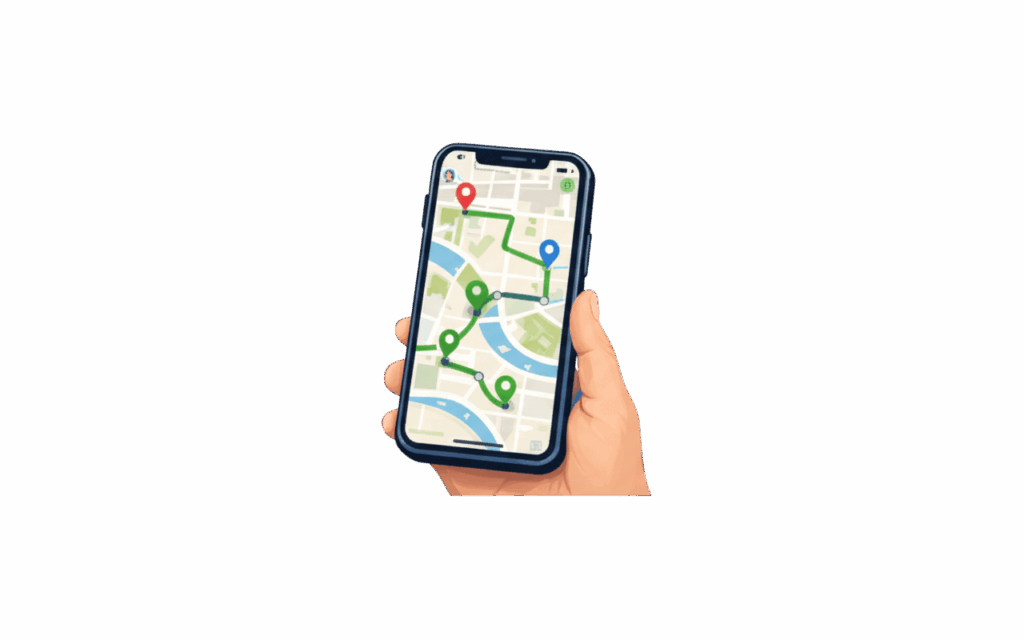
Your Excel list. Optimized routes in seconds.

Upload up to 500 stops at once. No reformatting needed.

Avg. cost reduction
0 %
Faster route planning
0 X
On-time delivery rate
0 %

Trusted by 1,000+ businesses

How Is Bodha’s Spreadsheet Import Different From Copying Addresses Into a Map App One by One?

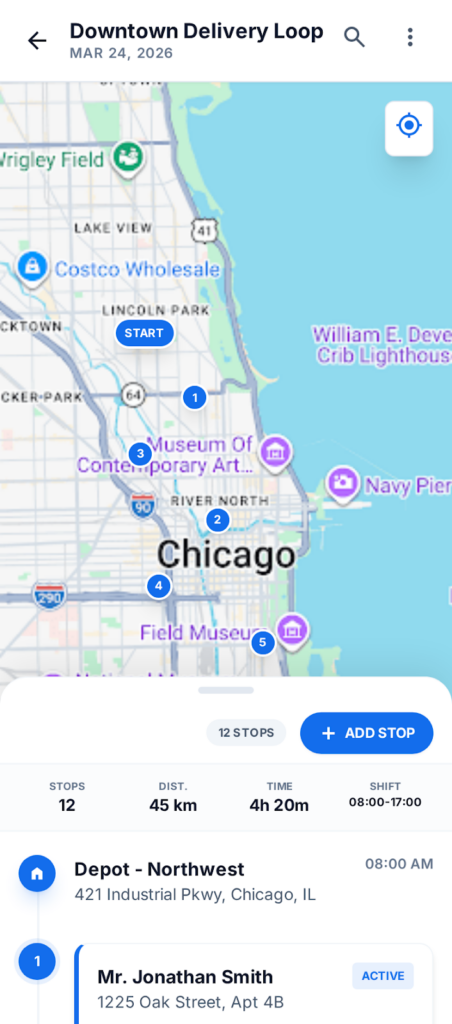
Bodha reads your Excel or CSV file directly. Upload it, and we geocode every address, check for errors, and generate an optimized route in seconds. Your spreadsheet stays exactly as it is. You just don’t have to retype it anymore.

Without Route Planner
With Route Planner
Fuel image

20 -30 %

average fuel savings
calendar

$400 +

Saved monthly

map image

20 +

More stops per day

clock image

1 Hour

Less driving time

No credit card required. Start optimizing routes in seconds.

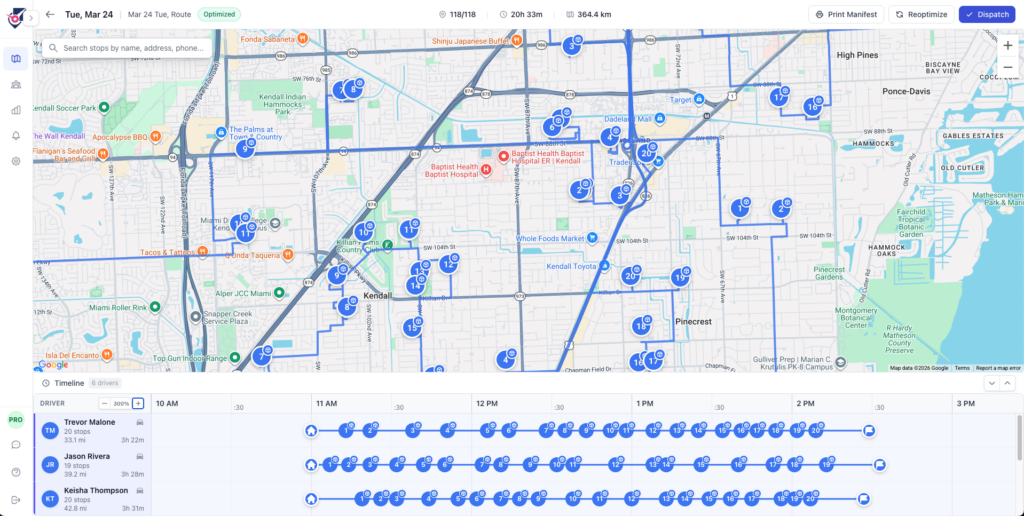
Imported stops become optimized routes instantly.

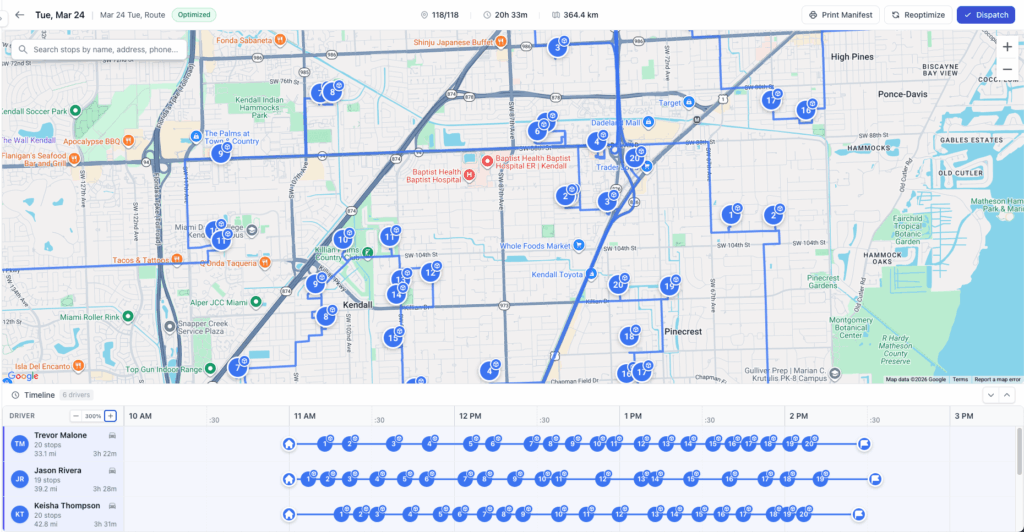
Once your addresses are in Bodha, the route planning engine takes over. It works out the most efficient stop order for each driver, accounts for time windows you included in your spreadsheet, and generates routes in seconds. No manual sorting required after upload.

  • Up to 500 stops per route
  • Time windows built in automatically
  • Saves 20 to 30% on mileage

Scan packages as you load the van.

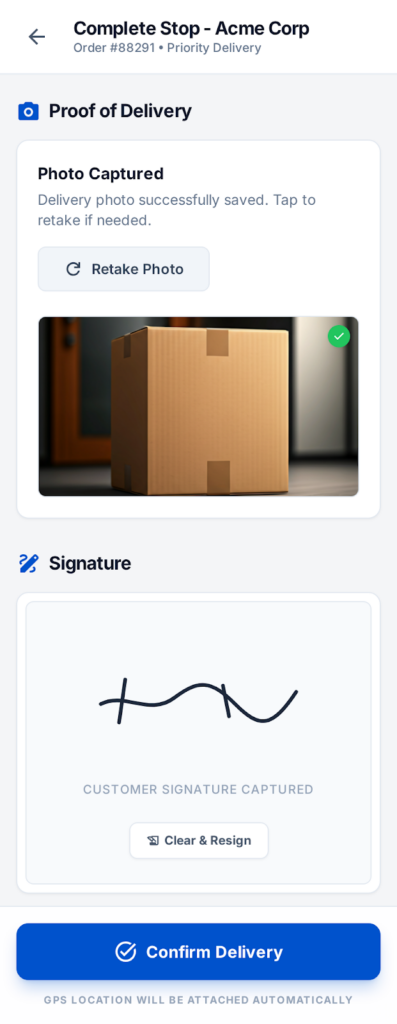
Your spreadsheet tells Bodha what needs to be delivered. The package scanner matches each parcel to the right stop as you load up. Scan the barcode, Bodha confirms it’s on your route, and you know before you leave the depot that everything’s accounted for.

  • Barcode scan at loading
  • Package matched to stop
  • No wrong deliveries at door

Watch your imported routes run live.

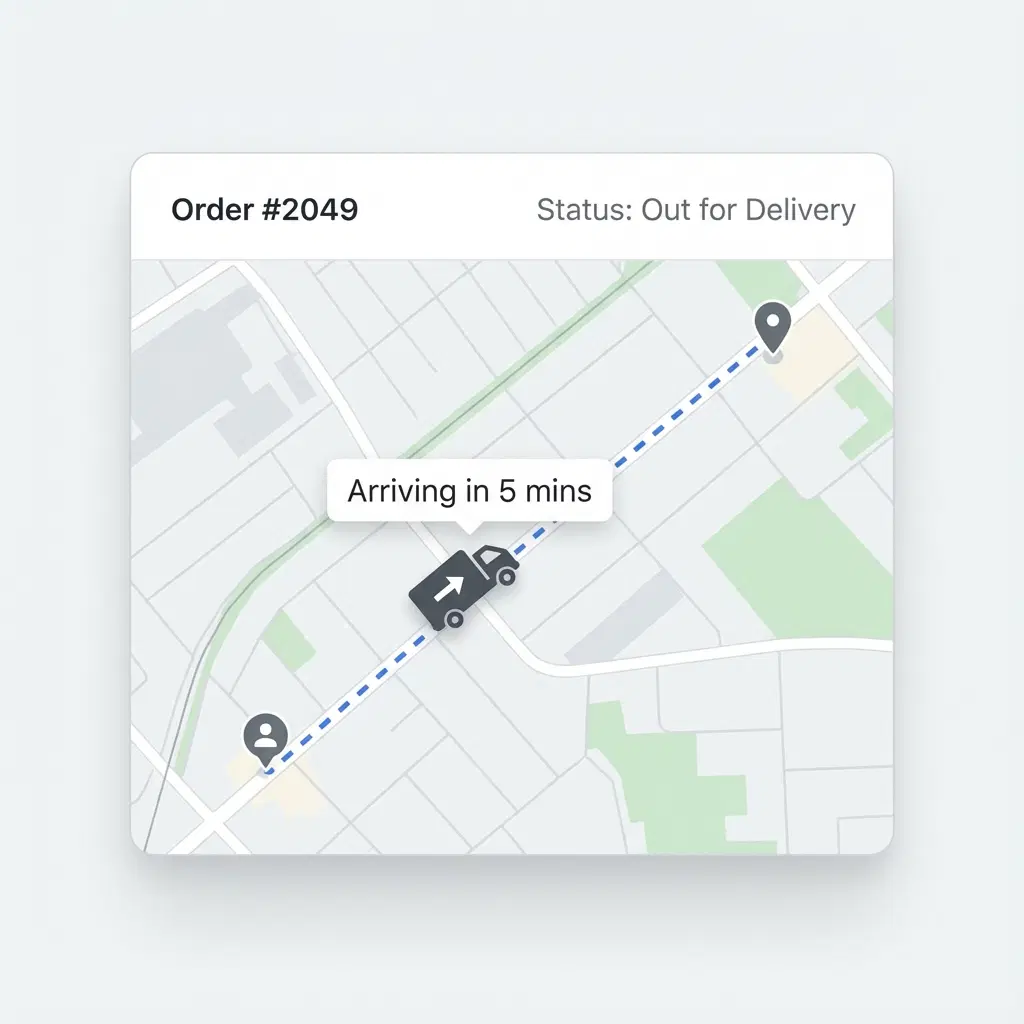
After your spreadsheet becomes a route and drivers head out, Bodha tracks every stop in real time on a live dispatcher map. You see which stops are done, which are in progress, and whether anything’s running late, all from the same platform where you uploaded the file.

  • Live map for every driver
  • Stop-by-stop progress updates
  • Alerts before delays escalate

Loved by delivery teams

Join thousands of businesses growing with Bodha.

The route adjusts on its own when things change. If a big order comes in late or the kitchen is running behind, Bodha reshuffles everything automatically. I don't have to ring the driver or manually move deliveries around. Customer notifications go out without anyone doing anything extra. Planning time has dropped a lot and each driver is getting through twice the drops they used to.


Johnathan D FreshBite Catering

The automated texts are what made the biggest difference for us. Customers get a message in the morning telling them roughly when the truck is coming, and the second the driver marks the pickup done they get a confirmation with a photo and timestamp. Before this we had no way to prove a pickup happened if a customer disputed it. Now it's all right there. Our support calls dropped massively and the drivers don't have to explain themselves to dispatch anymore either.

Marcus V Grubswift Waste Collection

Our lads were carrying two devices to every single drop, 1st phone for the route and a separate scanner for the parcels. I asked Bodha if they could build the scanning straight into the app. Thought they'd say it's on a waiting list. Instead they had it done in a few weeks for us. Drivers just use the phone camera now, scan the parcel, done. We got rid of the old scanner hardware altogether which saved us a fair bit on its own.

Brett C PrimeHVAC Solutions

10M+

App Downloads

4.8

App Store Rating

150K+

Active Drivers Daily

#1

Route Planner App

Frequently Asked Questions

Everything you need to know about Bodha. Can’t find what you’re looking for? Contact our support team.

Bodha accepts Excel files in XLS and XLSX format, and CSV files. If you manage your delivery list in Google Sheets, just export it as a CSV or Excel file and upload that. Most teams don't need to change their spreadsheet at all before importing. The format you already use will work.

You can import up to 500 delivery stops in a single upload. For most delivery operations that's more than enough for a full day's work across multiple drivers. If you regularly plan routes with more than 500 stops, reach out to the Bodha team to discuss how we can support your volume.

Yes. When you upload a spreadsheet, Bodha geocodes every address automatically, which means it looks each one up on a map to confirm it's a real, deliverable location. If any address can't be matched, Bodha flags it so you can fix it before generating the route. You won't end up with a driver heading to a non-existent address.

Yes. If your spreadsheet includes columns for delivery time windows, customer names, phone numbers, or notes, Bodha reads those alongside the addresses. Time windows get factored into the route automatically. Notes and customer details appear in the driver app at each stop, so drivers have the context they need without you having to retype anything.

Usually not. Bodha is built to read standard address column layouts, so if your spreadsheet has a column for address, city, and postcode, it'll map those correctly on import. If your columns have unusual names or a non-standard layout, Bodha will ask you to confirm which column is which before finalising the upload. It takes about a minute.

Still have questions?

Our team is here to help you find the right solution for your delivery needs.

Ready to optimize your delivery routes?

Join 1000+ businesses already using Bodha’s delivery route planning software to save time and reduce operational costs.

No credit card required · Cancel anytime